Kelvin Platform Overview
This overview is intended for new users and prospective clients.
By the end, you will understand what Kelvin is, how it works, and where you fit in.
Video Tutorial
You can choose to watch the video walkthrough of this tutorial, or continue below to follow the step-by-step written guide.
What is Kelvin?
Kelvin is an intelligent automation platform for industrial operations.
Your PLCs, DCS, and RTUs already handle raw control at the asset level. Kelvin sits above them as the intelligence layer, turning the data they generate into smarter, higher-level decisions and automated actions across your operation.
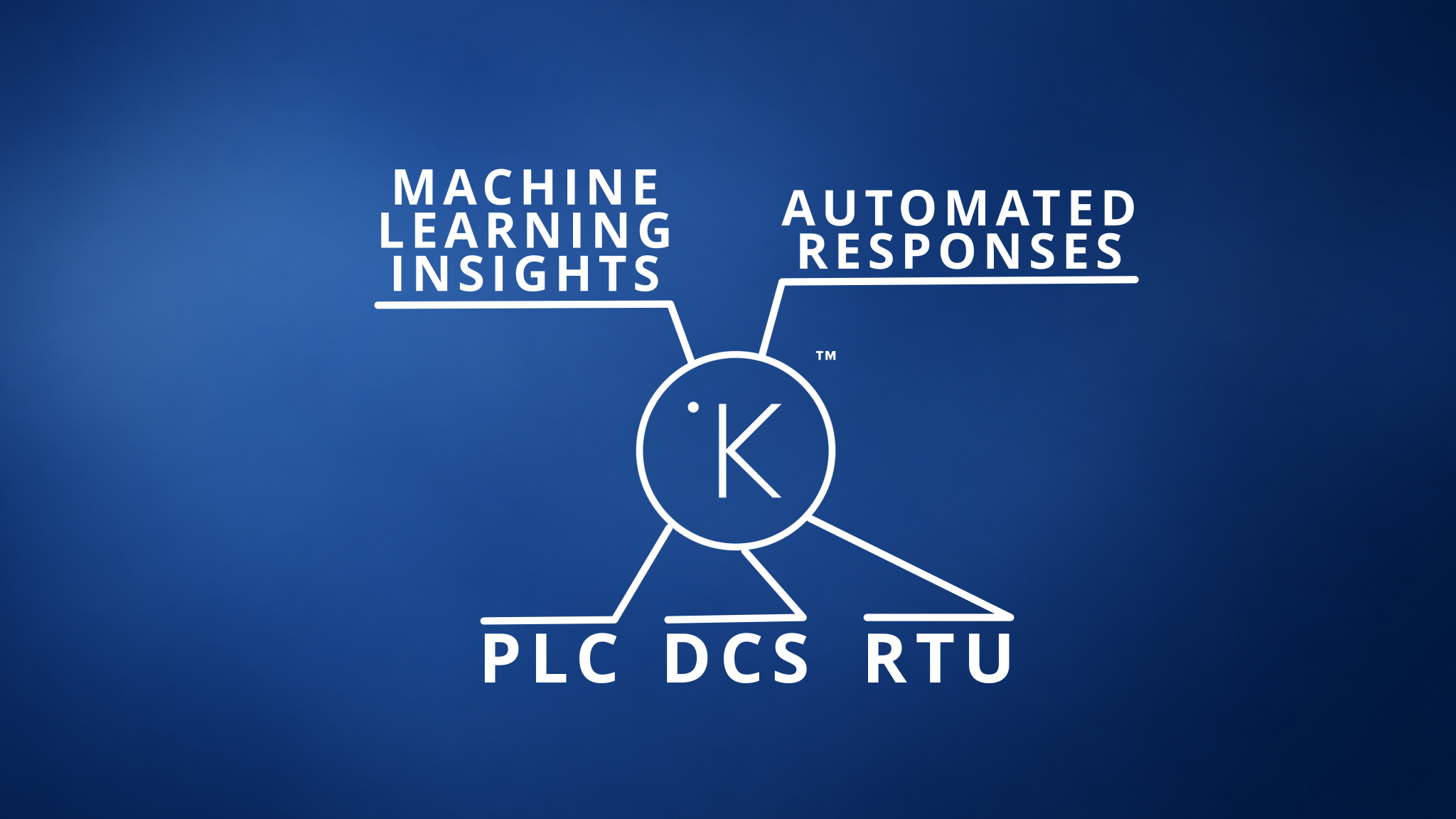
What Kelvin enables:
- ML-driven insights from real-time asset data
- Automated decisions across single or multiple assets
- Human-in-the-middle control where manual approval is needed
- Operations-built automation without programming knowledge
Infrastructure
Kelvin is made up of three layers.
Users
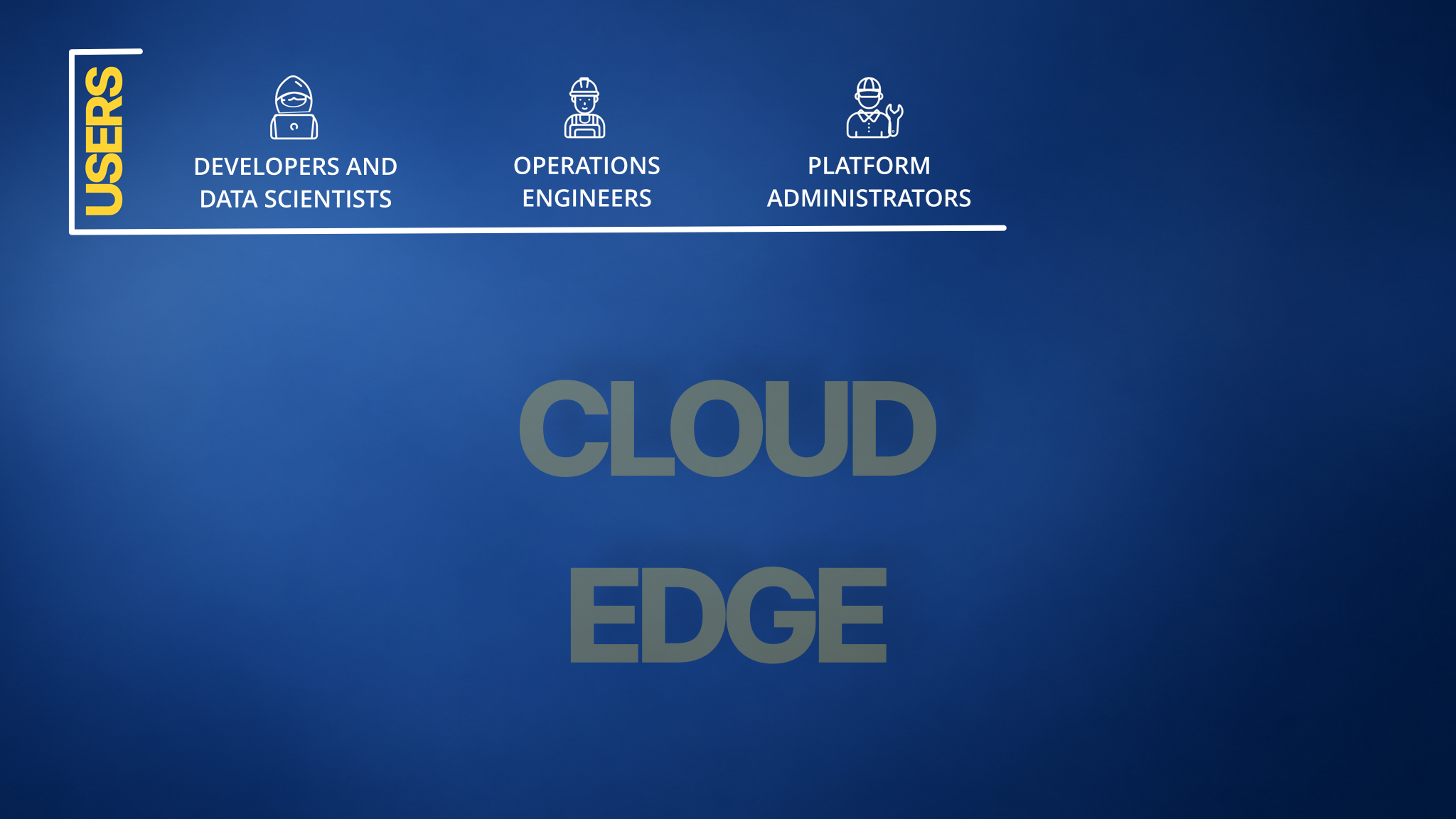
The people who interact with Kelvin fall into three roles:
- Developers and Data Scientists — build applications and machine learning models
- Operations Teams — manage assets and act on automation through the Kelvin UI
- Platform Administrators — configure and maintain the platform infrastructure
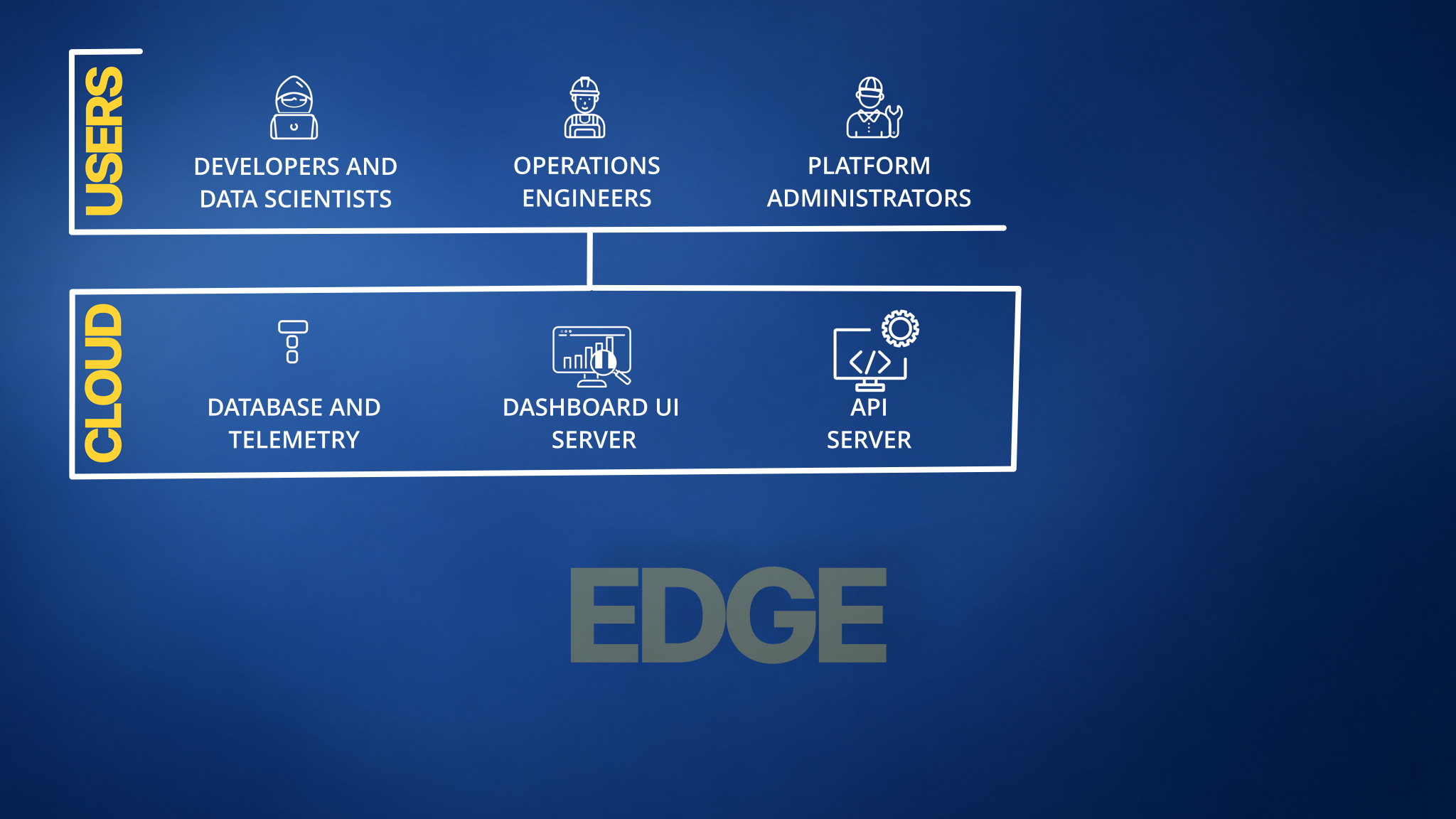
Cloud Services
The Kelvin cloud hosts the core platform. This includes:
- Databases for asset data, telemetry, logs, and platform data
- The Kelvin UI for operations teams
- APIs and SDKs for developers and data scientists
Edge Systems
The edge is the compute layer between your existing data sources and the Kelvin cloud.
An edge system can be any device capable of running Linux and a containerized environment:
- A virtual machine in your data center or cloud
- A physical machine in a control room
- A device located directly at the asset
- A low-power ARM-based computer
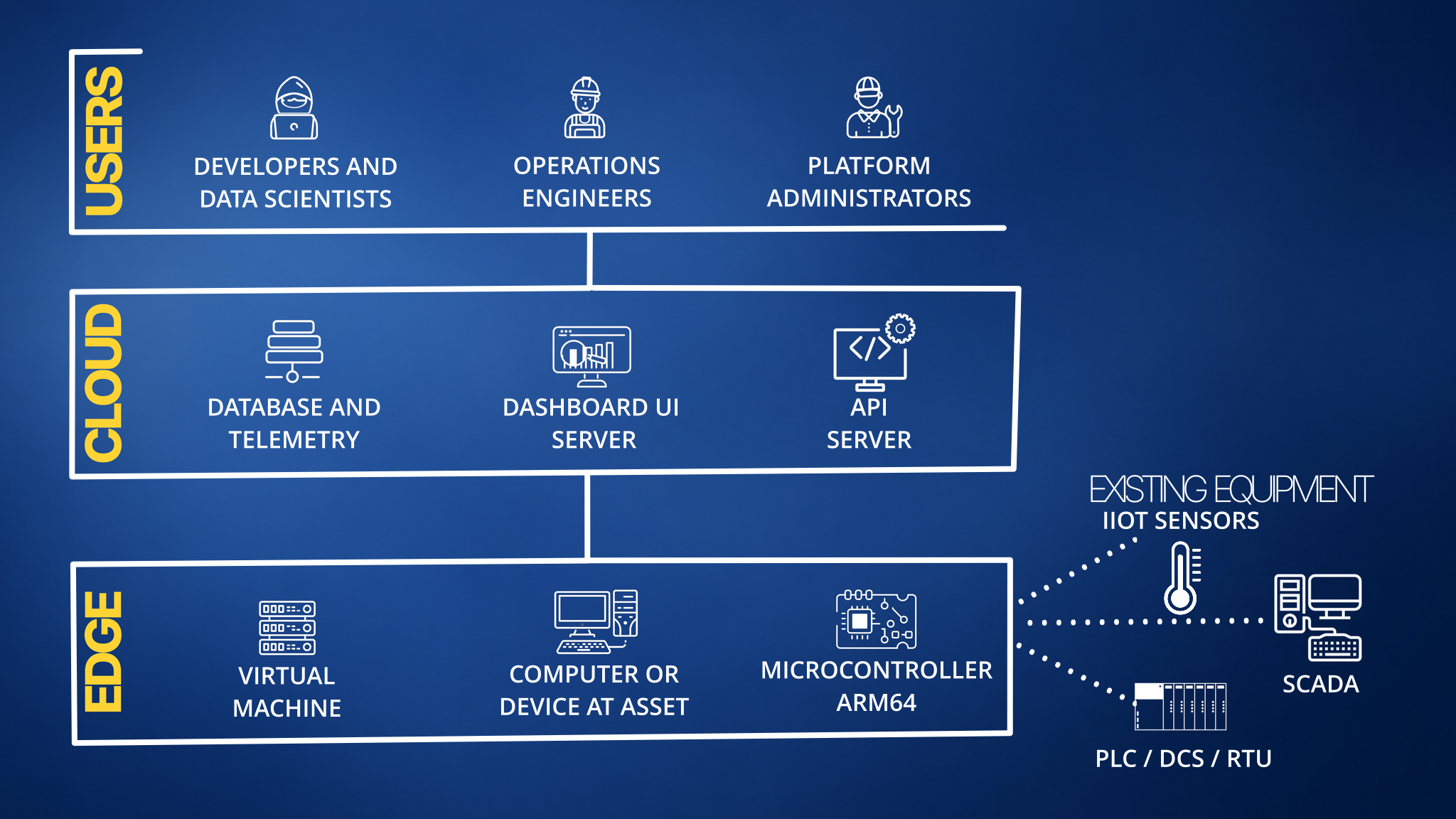
The edge connects to your existing data sources such as SCADA systems, process historians, and IIoT devices. It reads data from those systems and processes it in real time.
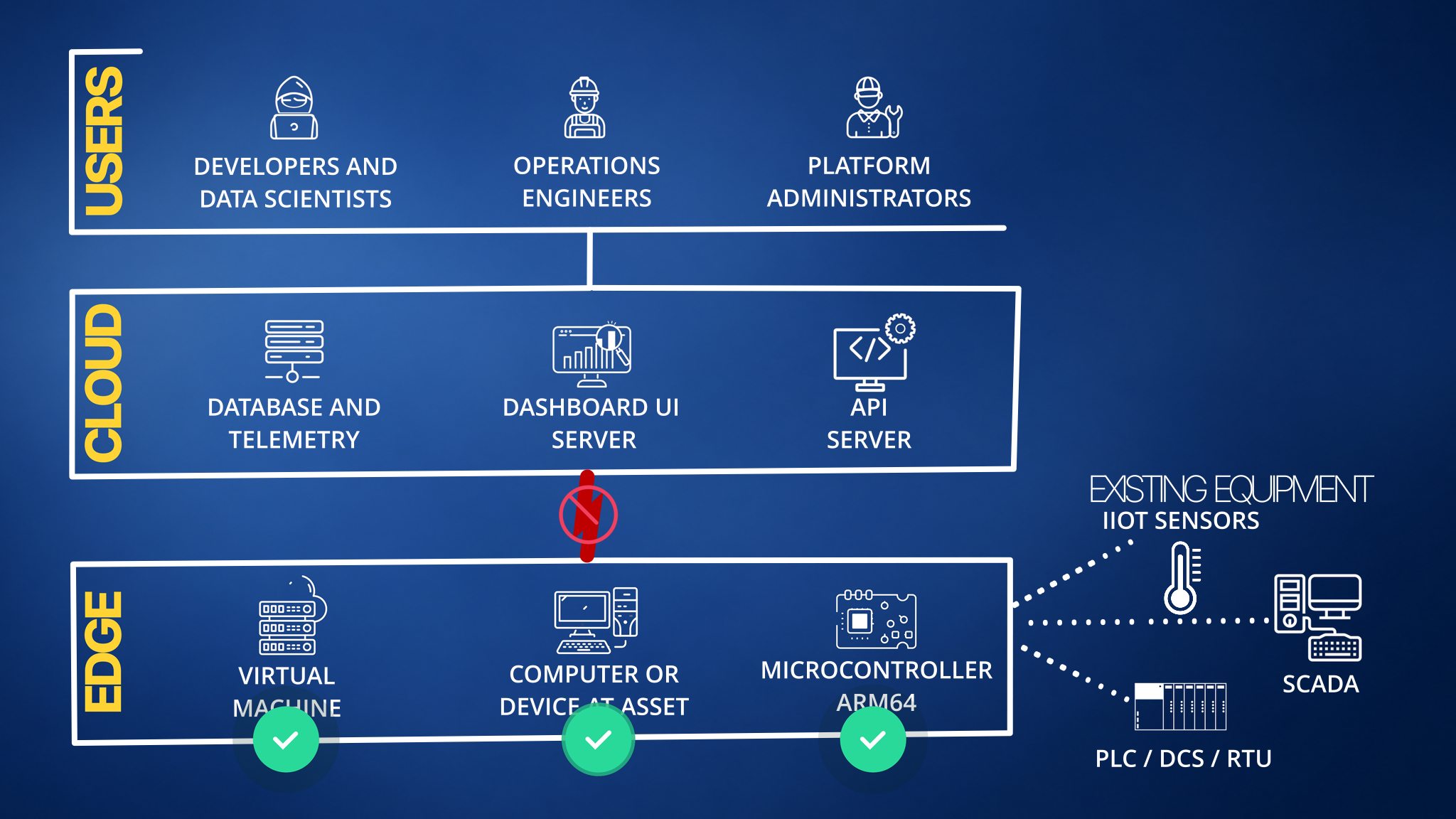
Offline Operation
Edge systems are fault tolerant. If cloud connectivity is lost, the edge continues operating independently and syncs automatically when connectivity is restored.
All applications also run on edge systems, so continued operations and decision-making do not rely on cloud connections and can operate independently for long periods of time.
Platform Components
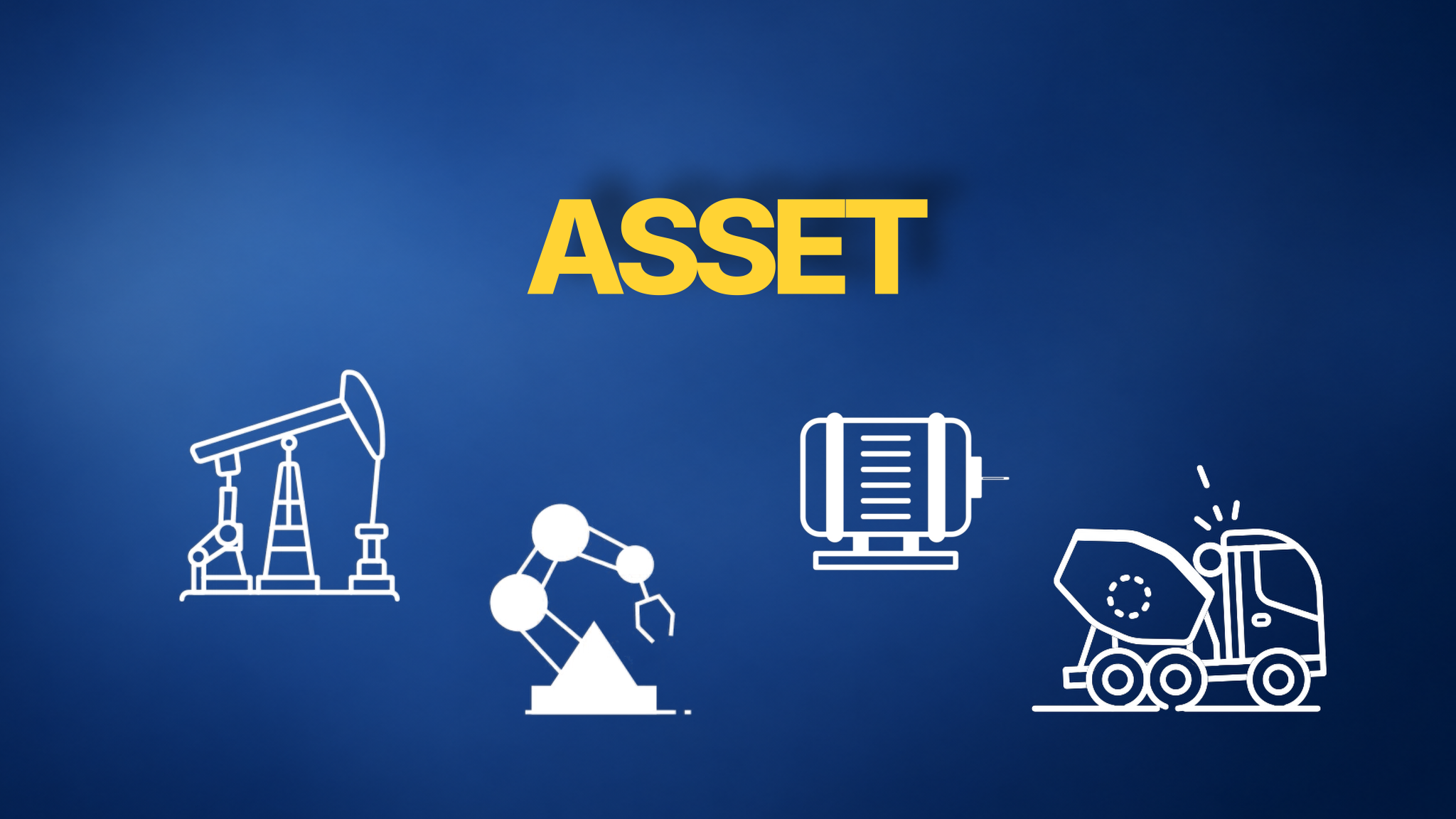
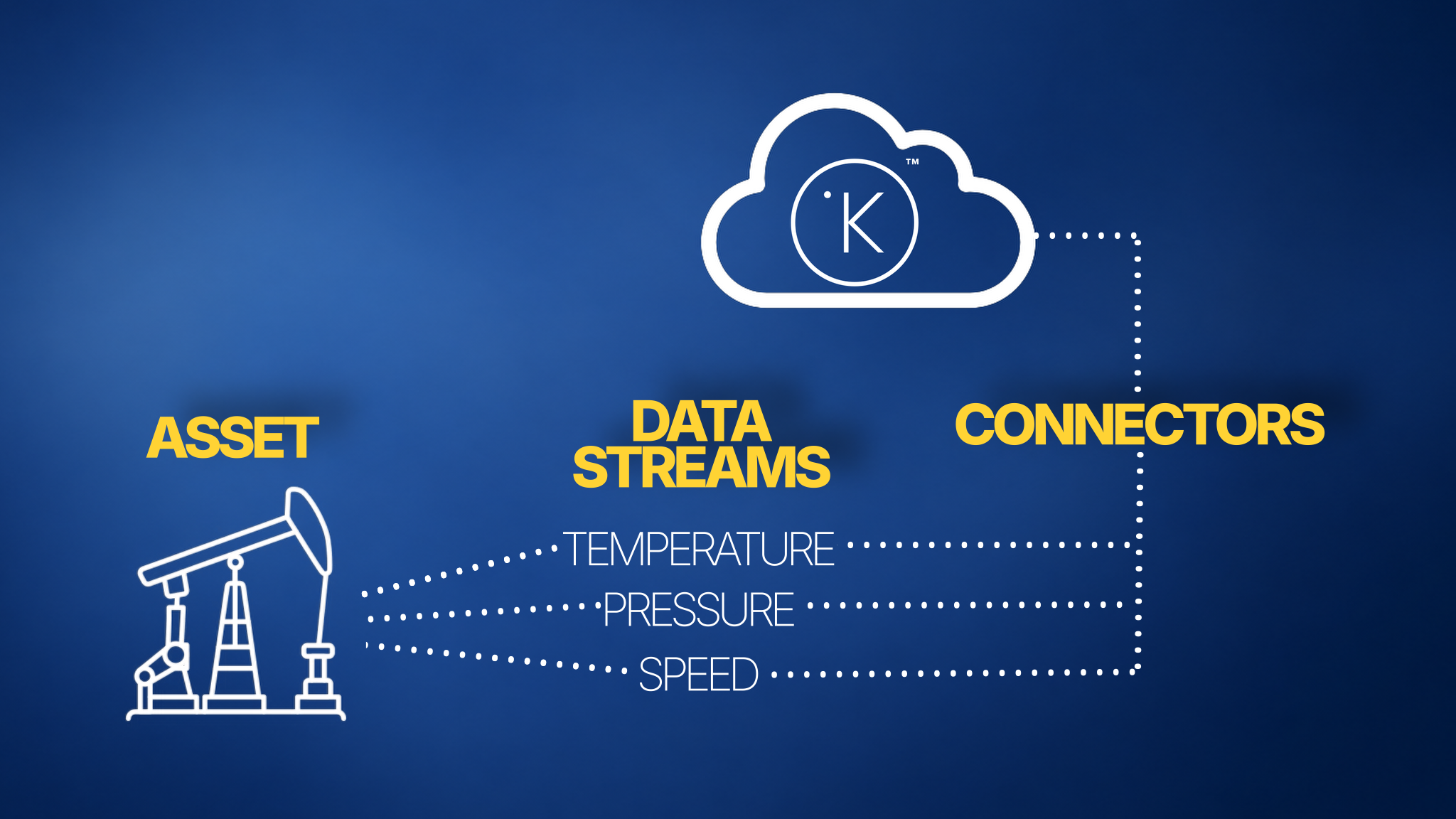
Assets
An asset is anything you define it to be.
A beam pump, a motor, a compressor, a truck — if it is relevant to your operations, it is an asset in Kelvin. Everything in the platform connects back to assets.
Data Streams
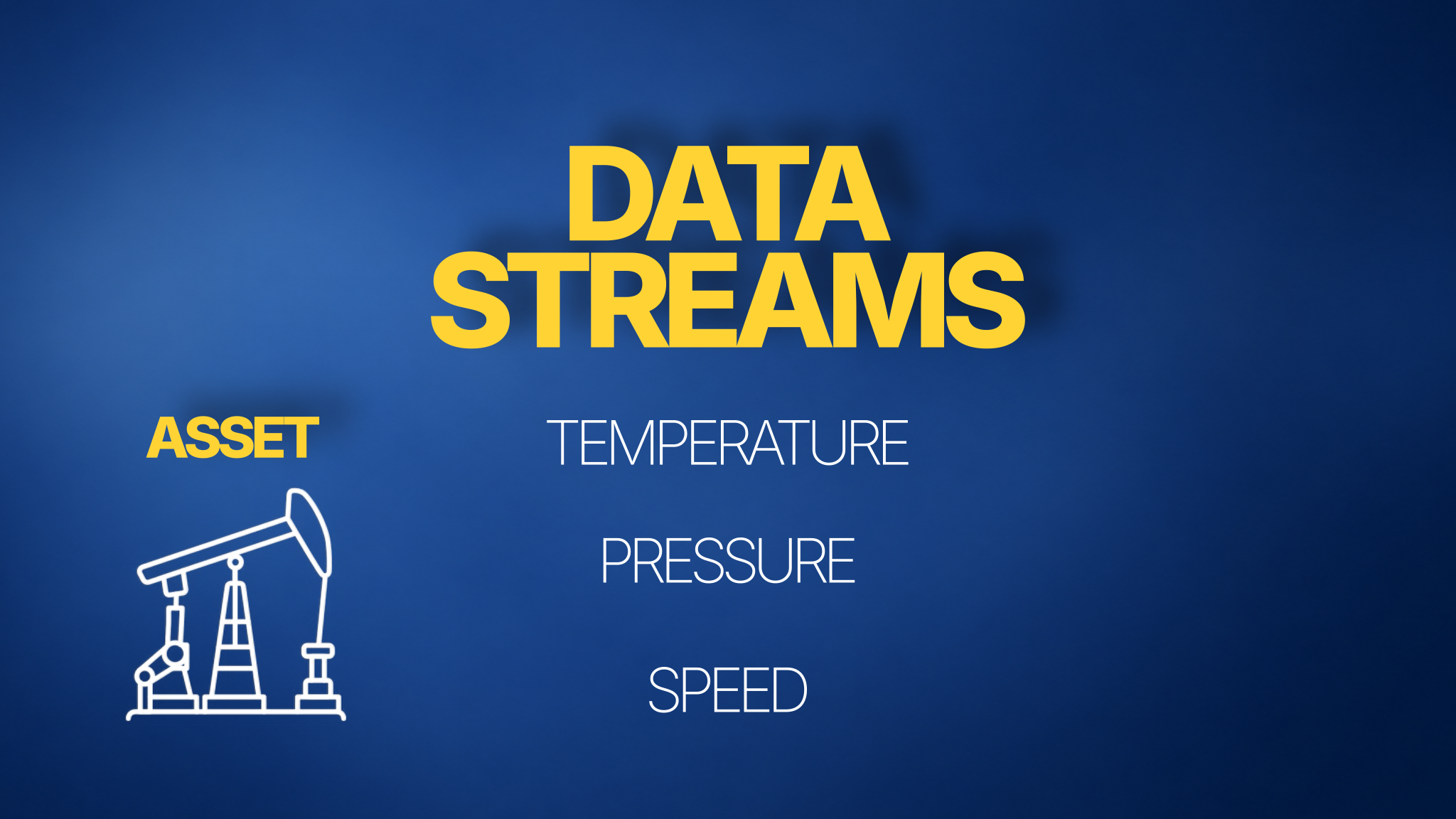
Each asset has data streams — the individual measurements and signals coming from that asset.
Examples include temperature, pressure, flow rate, and speed. You define which streams matter for each asset.
Connectors
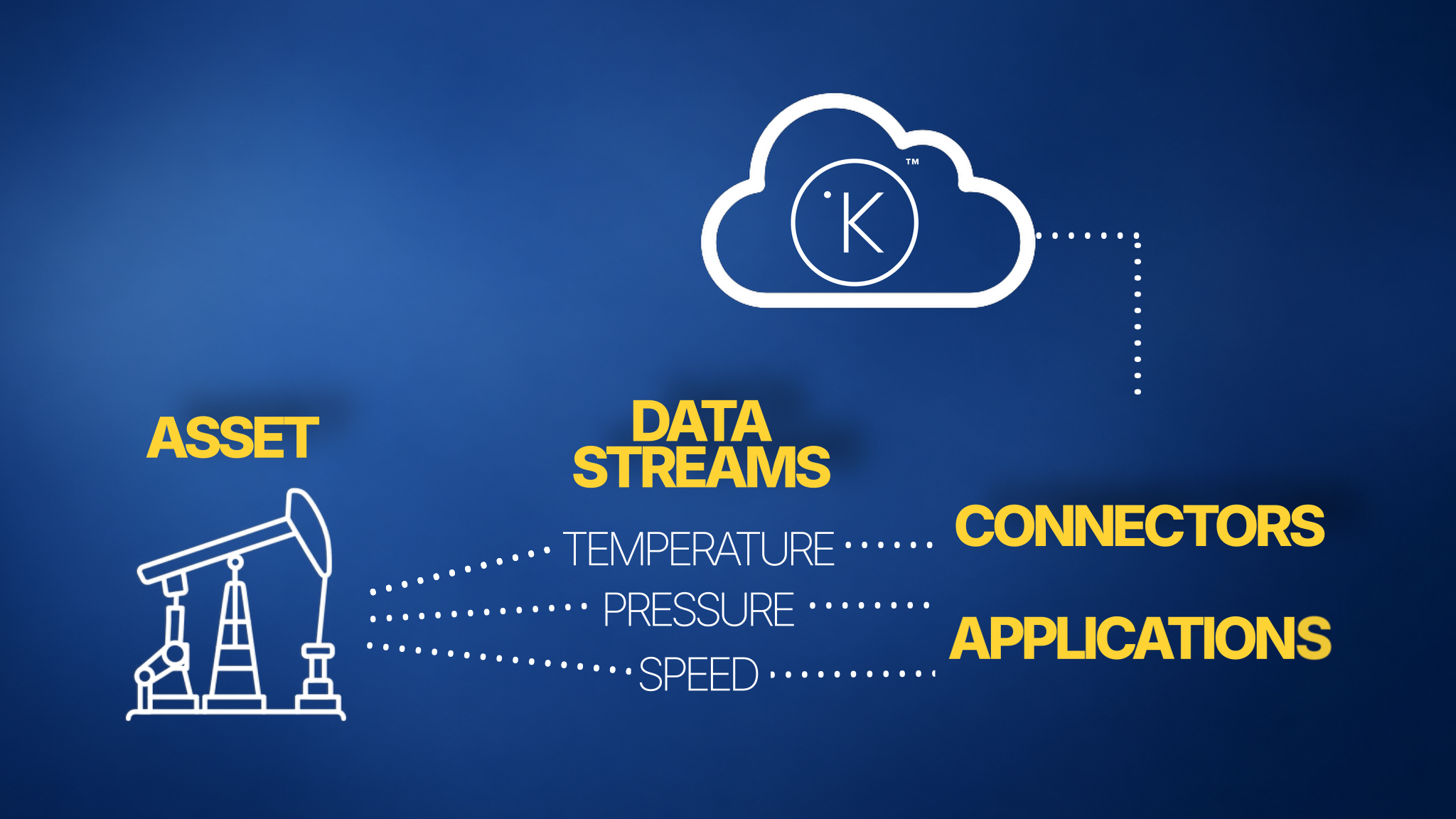
Connectors pull data from your existing sources into Kelvin.
Each connector links to a data source such as a SCADA system or process controller and feeds the relevant streams into the platform.
Applications
Applications, which are also known as Kelvin SmartApps™, is the intelligence that powers your automation.
It is not designed to replace your PLC's, DCS or RTU's. It runs on a layer above them that can provide either or together;
- Higher level intelligence to your automation, such as AI integration
- Bring better automation coordination between all your existing control systems
- Connect your systems and data to third party resources such as your ERP or MES enterprise systems or analytical resources such as Databricks, Amazon EMR, Google BigQuery, etc.
Applications mainly create actions for your team to review and approve.
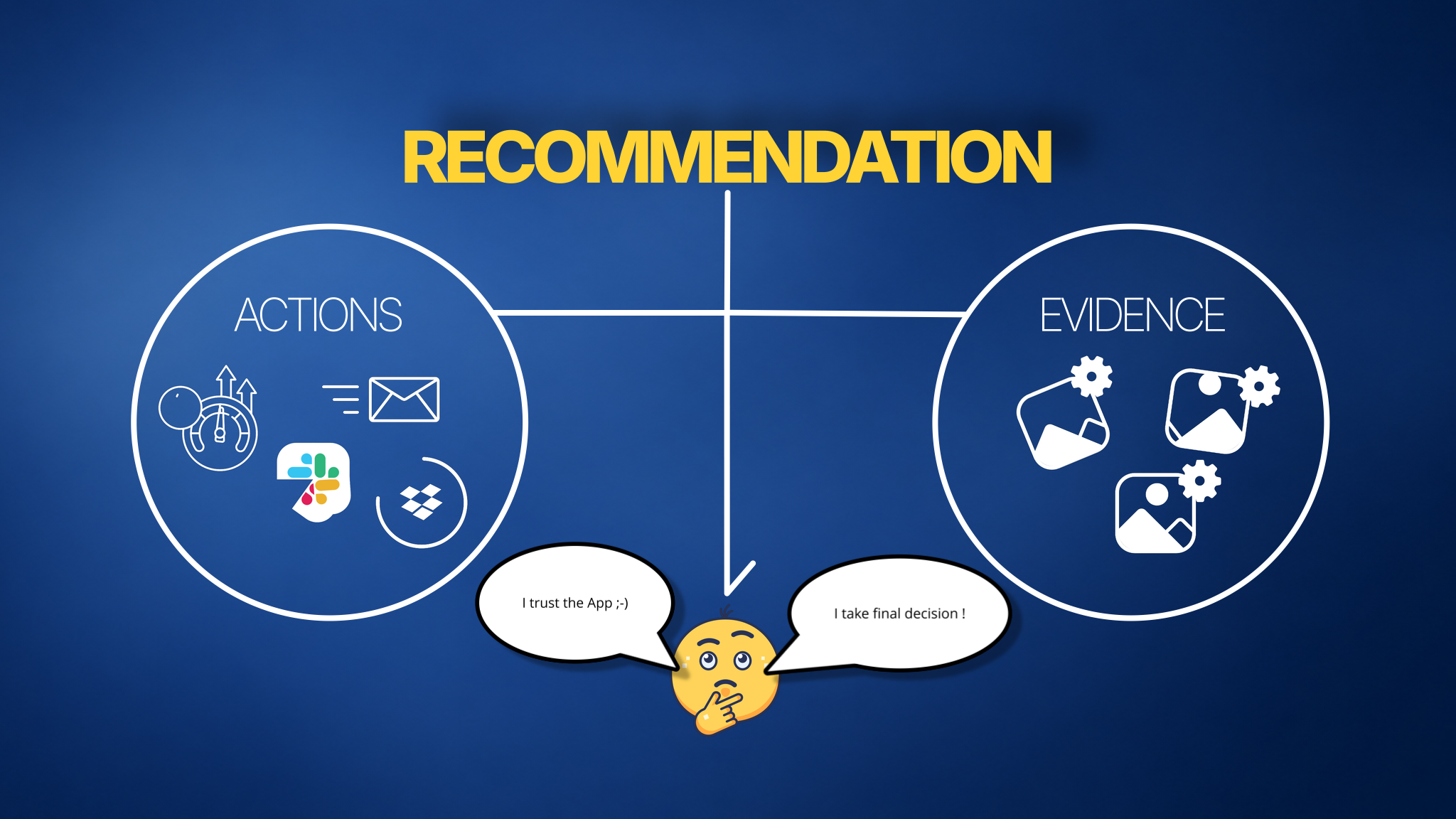
In Kelvin, this is called a recommendation. It includes the action to take and the supporting evidence, such as graphs, images, text, or third-party links.
You can set actions to wait for approval, or run automatically.
They can also do much more based on your operational needs.
For example, they can process and export data to third-party apps, send alerts and reports, and receive actions from tools such as Slack.
Basically anything you can program, you can do.
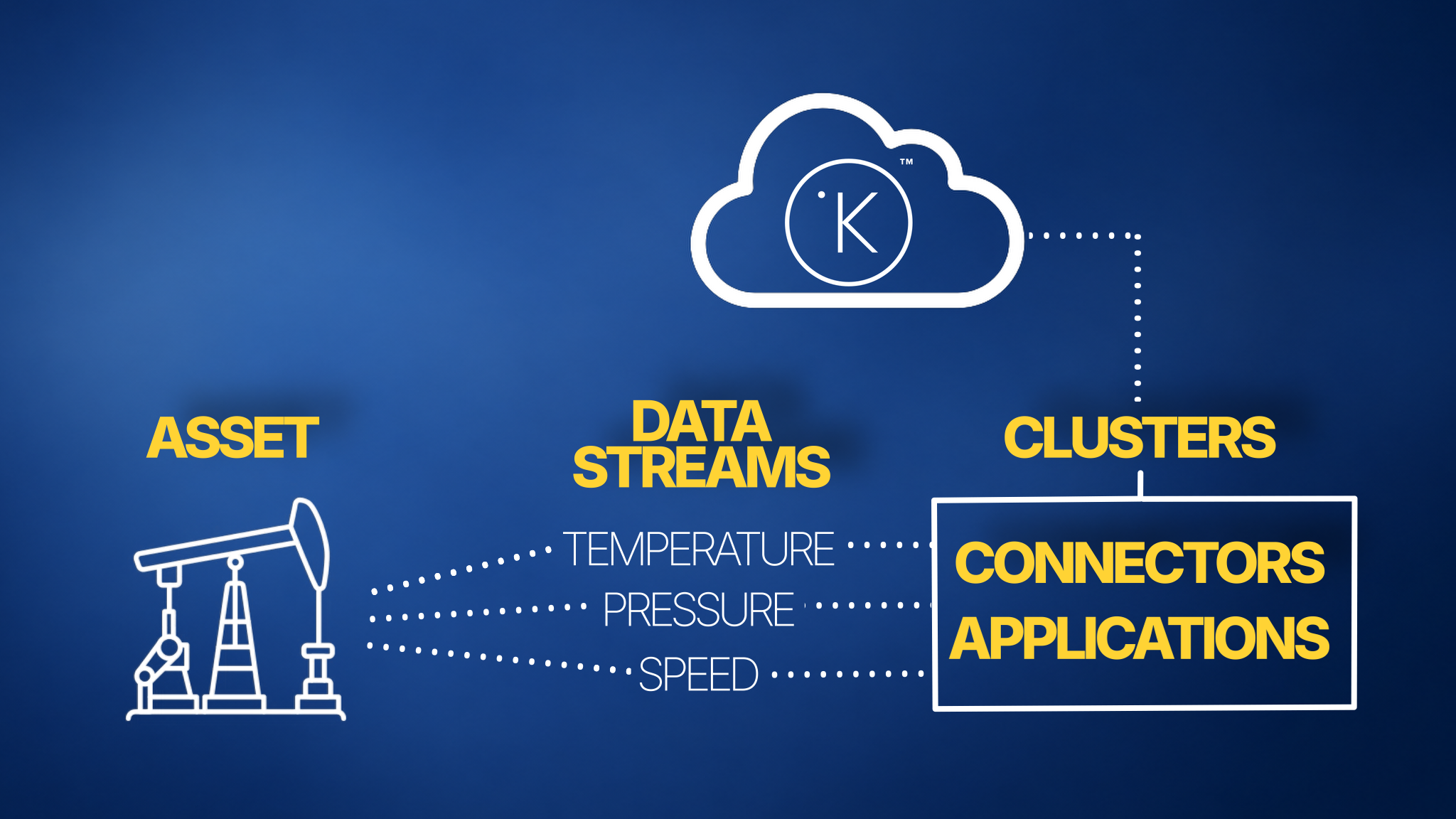
Clusters
Applications and connectors run on clusters.
A cluster is a managed group of computing resources running on your edge system. It automatically keeps your applications organised, resilient, and scalable.
Info
This connects to the earlier offline operation point.
If your cluster runs on an edge computer in the local LAN or directly connected with the asset, it can keep running independently for long periods when cloud connectivity is unavailable.
If needed, even the application updates can also be done manually while offline.
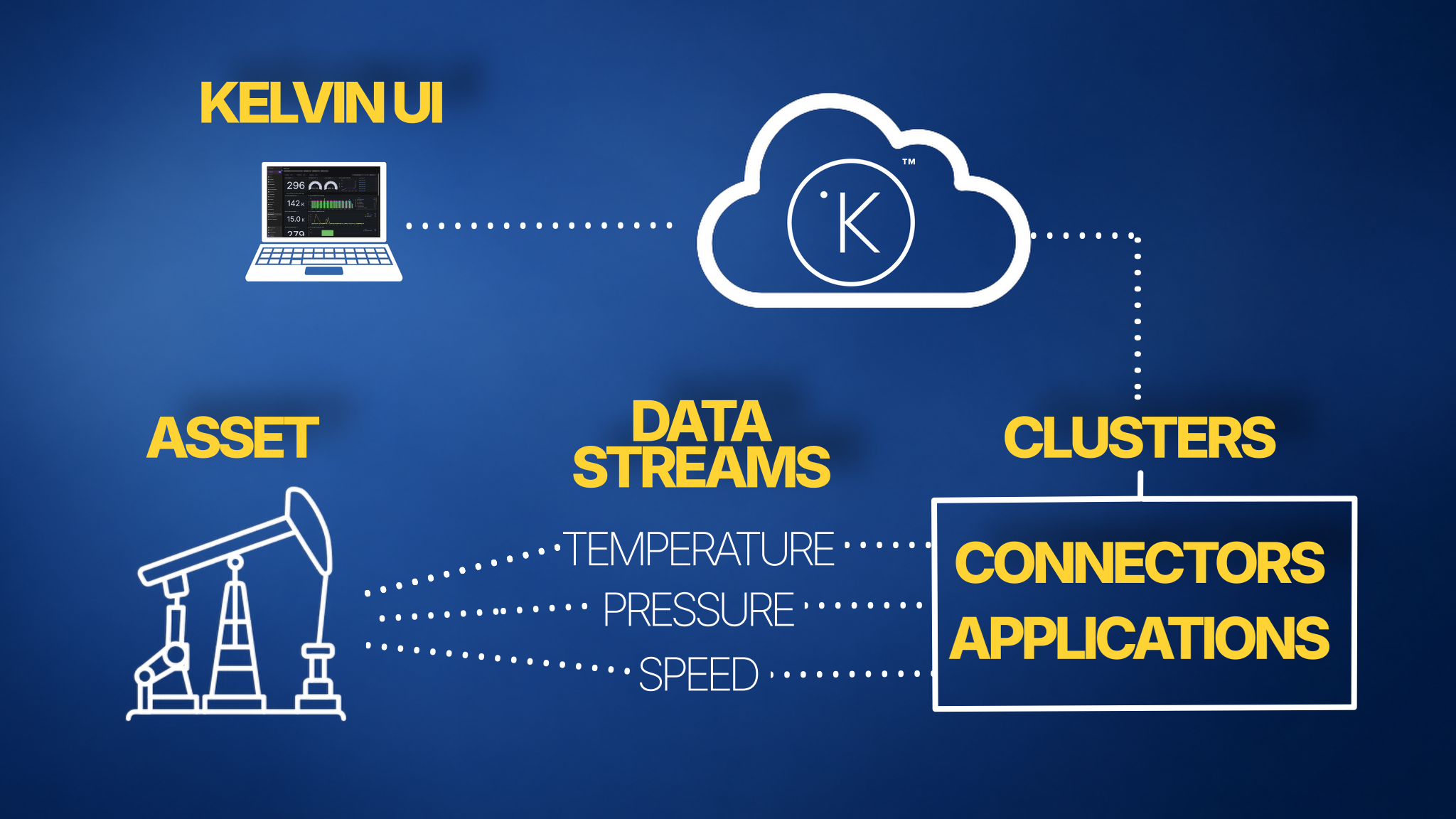
Kelvin UI
The Kelvin UI is the single interface for operations teams to manage everything — assets, data, applications, and actions.
Info
You can also build your own UI interfaces to run at the edge and access them locally.
This is useful when you need to monitor information without cloud connectivity.
Recommendations
In Kelvin, many workflows start as review-and-approve actions.
This core feature is called the Recommendations system.
When an application or task detects a condition, it creates a recommendation with:
- One or more actions to execute, such as changing setpoints, sending notifications, or sending data to third-party systems
- Evidence that explains why, such as graphs, images, text, or links
Teams can choose whether actions run automatically or wait for manual approval.
Actions
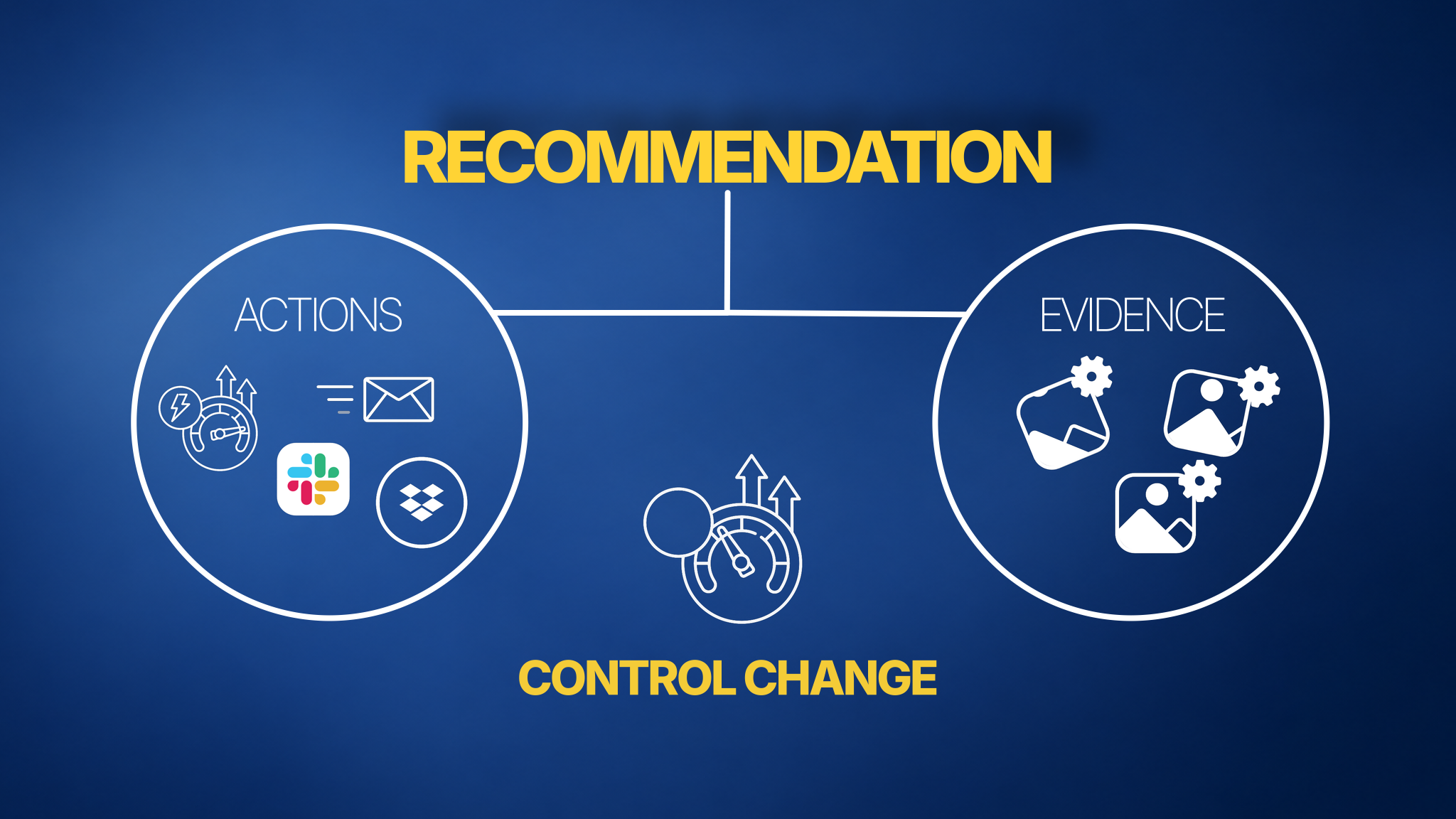
The most common action is a control change — updating a setpoint directly on an asset.
But actions can be anything:
- Notifications via email, Slack, or other channels
- Data pushed to ERP or manufacturing systems
- Any custom routine you define
Guardrails and Data Quality
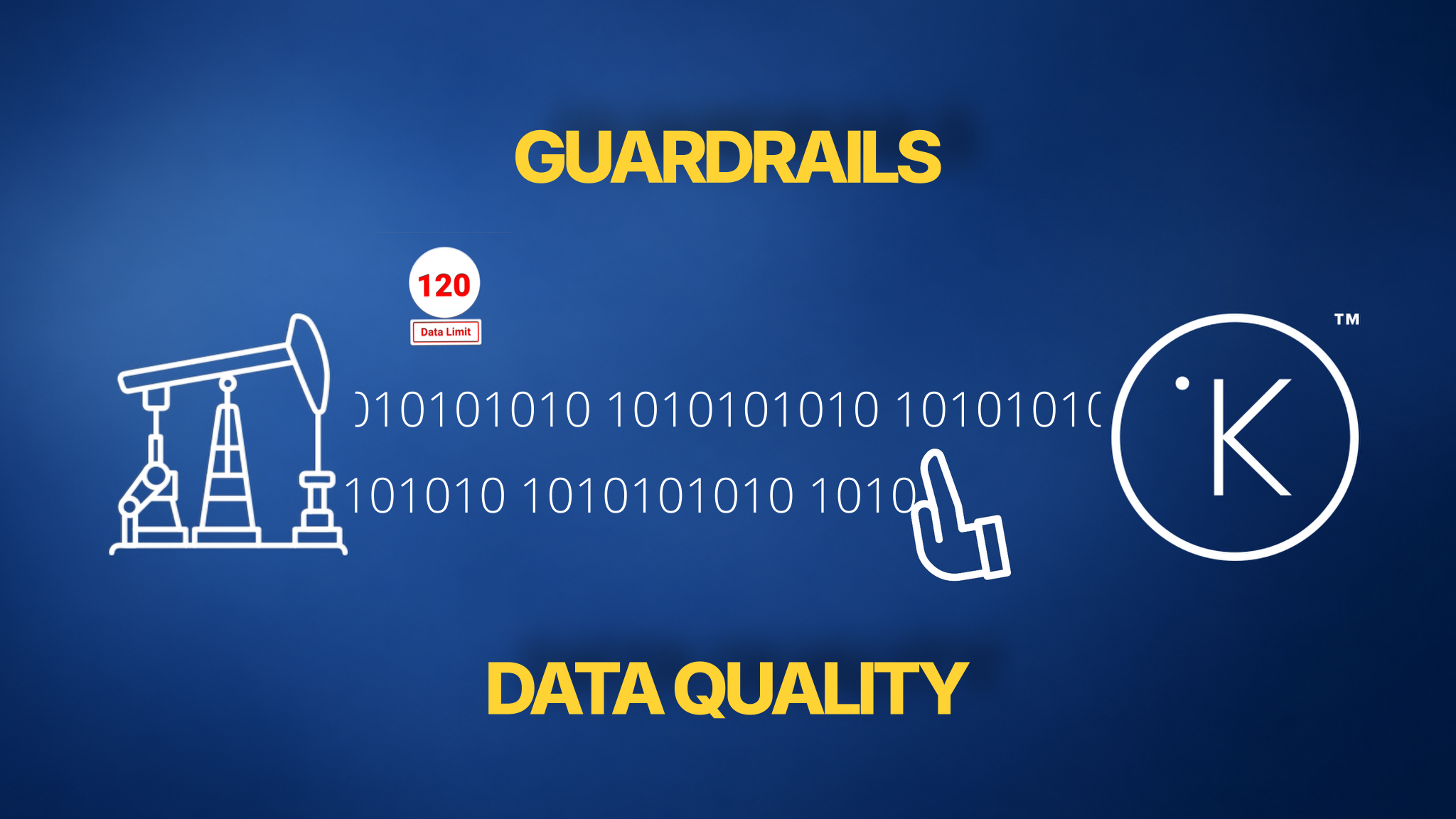
Kelvin has two built-in safety layers: data quality and guardrails.
- Data quality checks make sure incoming data is reliable before it is used for decisions.
- Guardrails prevent obviously wrong values from being written back to assets, helping avoid significant asset malfunction caused by clearly incorrect write-back actions.
Who Uses Kelvin
Developers and Data Scientists
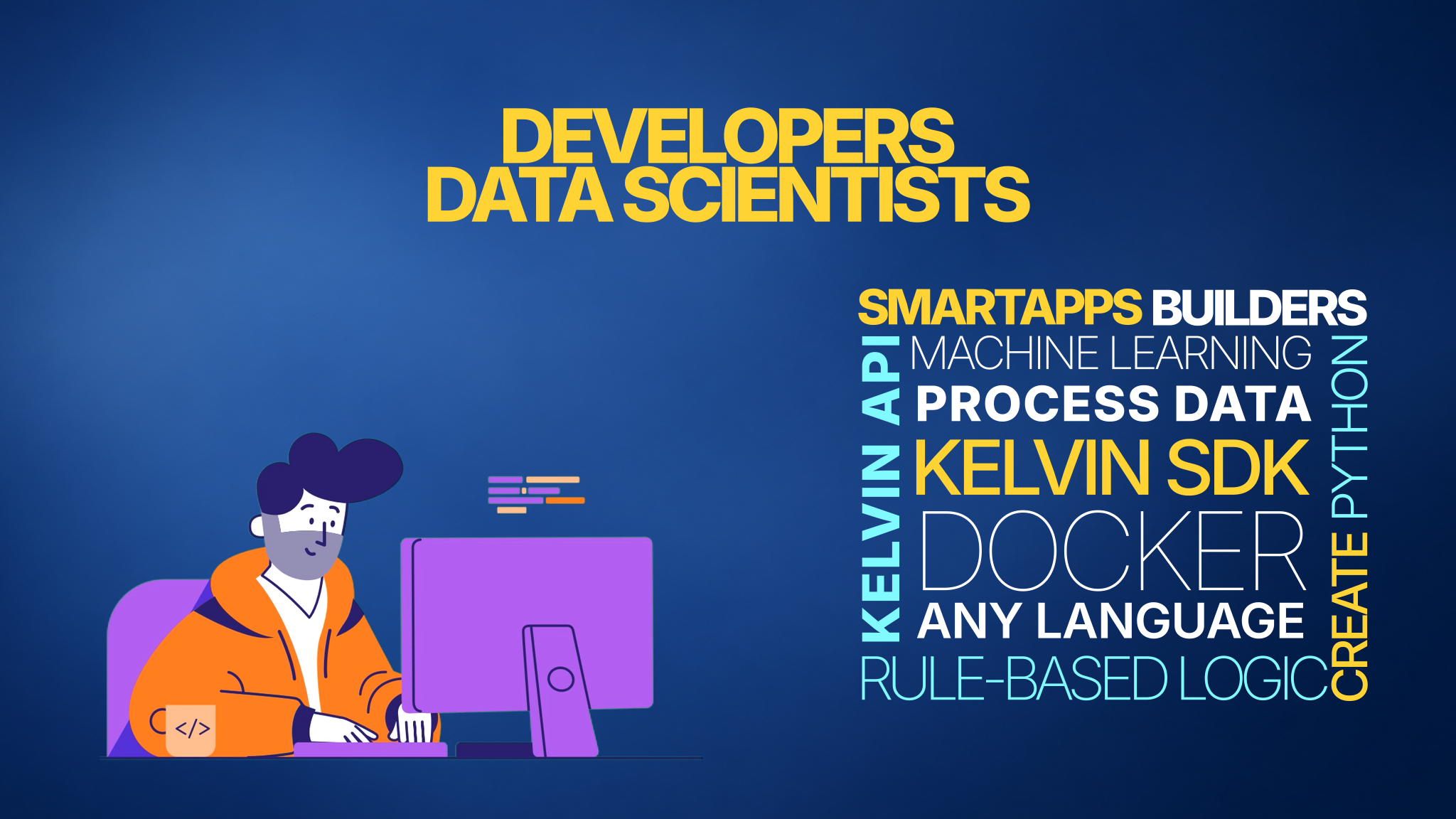
Developers build automation programs called Kelvin SmartApps™.
SmartApps are Python-based applications built with the Kelvin SDK. The SDK handles all connectivity to the platform, so developers can focus on the logic.
SmartApps can range from simple rule-based programs to full machine learning pipelines processing real-time data.
For advanced use cases, Kelvin also supports Docker — allowing developers to work in any programming language and connect through the Kelvin API.
Operations Teams
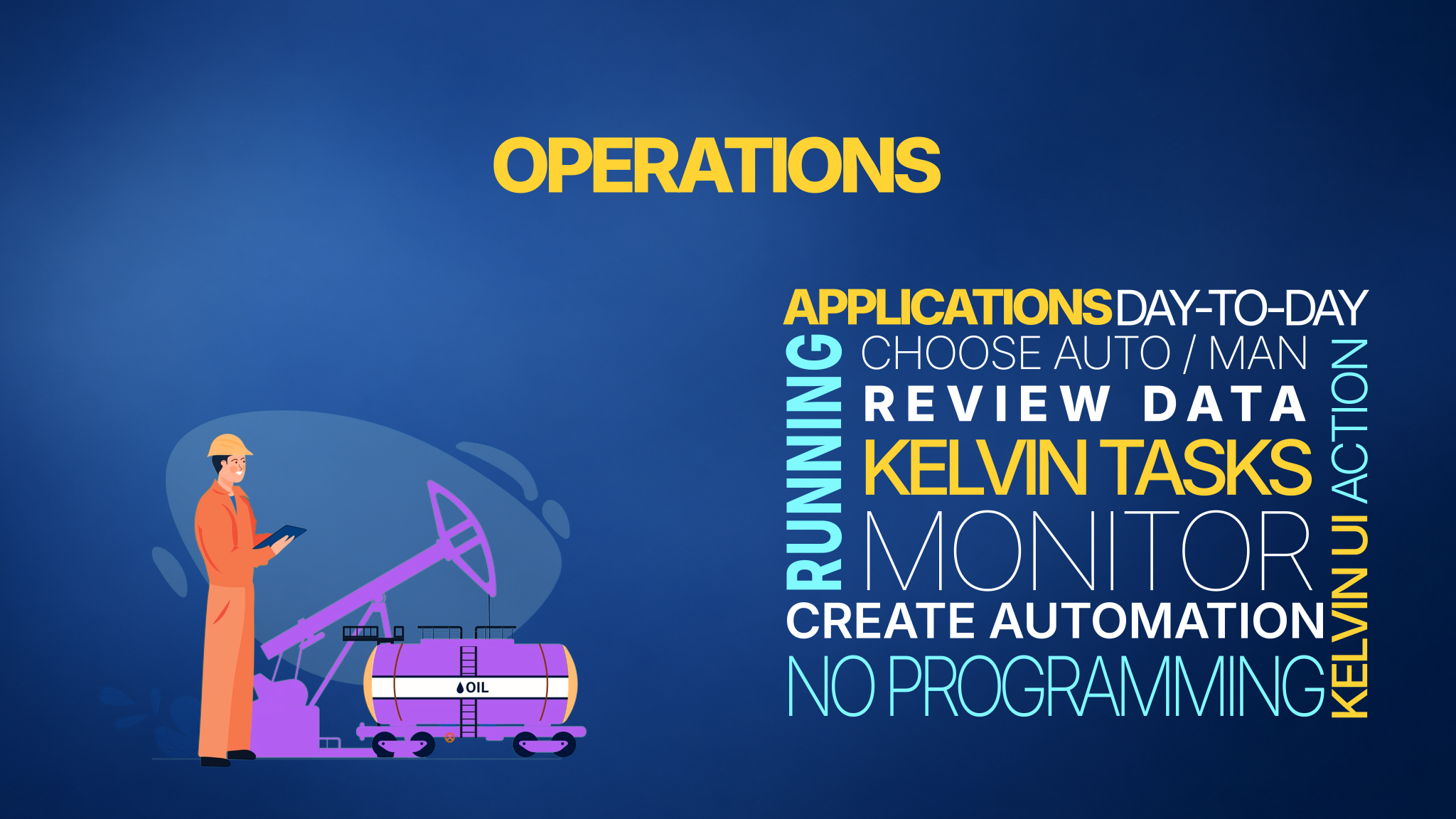
Operations teams use the Kelvin UI to:
- Monitor assets and review its data
- Manage and deploy applications to monitor and control their assets
- Act on recommendations — choosing automatic or manual approval per workflow
- Query the platform in natural language using Kelvin AI
- Create and manage AI Engineer Agents that monitor assets and act on their behalf
- Act on anomaly events to created known data patterns and take action when these patterns appear
Operations teams can also build their own automation without any programming knowledge using Tasks. Tasks are AI-powered and allow operations to define, deploy, and run new automated routines directly in the UI in minutes.
Platform Administrators
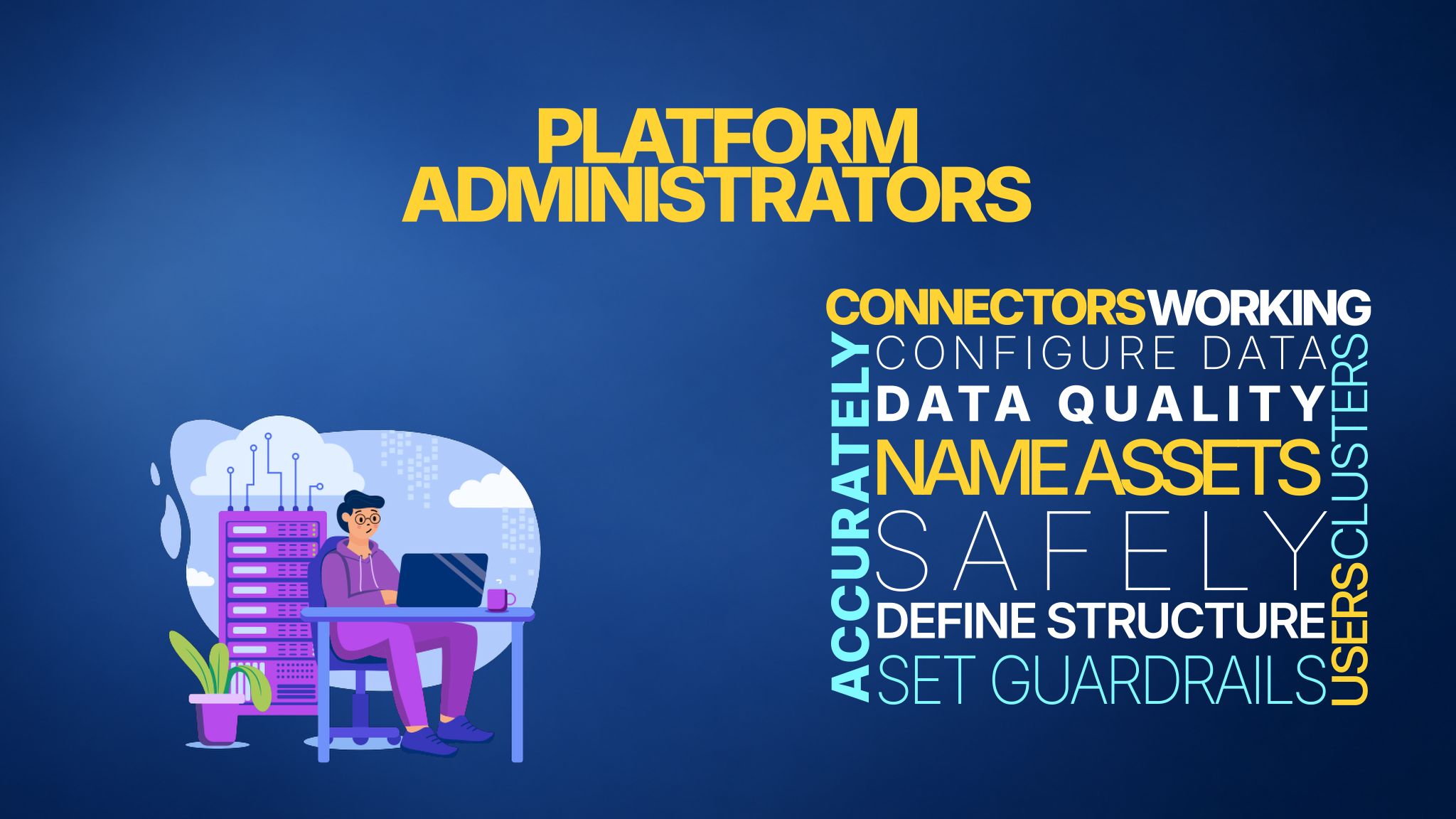
Platform administrators set up and maintain everything behind the scenes.
Platform setup:
- Define asset names and types
- Configure data streams and connectors
- Set up and scale clusters
Ongoing management:
- Monitor infrastructure health
- Manage users and access
Data quality configuration:
Administrators define what good data looks like for the platform. This includes monitors for:
- Missing data
- Duplicate data
- Outliers and out-of-range values
- Availability gaps
- Any custom quality checks relevant to your operations
Combined with guardrails on what can be written back to assets, administrators are the last line of defense for safe and accurate platform operation.
Summary
By this stage you should have a good idea of what Kelvin offers and the types of Users that can benefit from Kelvin.
Where do you fit in ?
From here you can move to the relevant areas of the Kelvin Academy to learn more about what interest you directly.
Good luck and Happy Learning !
Test Your Knowledge
1. What is Kelvin?
Answer: Kelvin is an intelligent automation platform for industrial operations. It sits above existing control systems (PLCs, DCS, RTUs) as an intelligence layer, turning asset data into smarter decisions and automated actions.
2. What are the three layers that make up the Kelvin infrastructure?
Answer:
- Users — Developers, Operations Teams, and Platform Administrators
- Cloud Services — Databases, the Kelvin UI, APIs and SDKs
- Edge Systems — Compute devices at or near the asset that connect to data sources and run applications
3. What is an Asset in Kelvin?
Answer: An asset is anything relevant to your operations — a beam pump, motor, compressor, truck. You define it. Everything in the platform connects back to assets.
4. What are Data Streams?
Answer: Data Streams are the individual measurements and signals coming from an asset — such as temperature, pressure, flow rate, or speed. Each asset can have many data streams.
5. What is a Connector?
Answer: A Connector pulls data from existing sources (SCADA systems, process historians, IIoT devices) into Kelvin and feeds the relevant streams into the platform.
6. What is a Kelvin SmartApp™?
Answer: A SmartApp is an application that runs on the Kelvin platform and provides intelligence above your existing control systems. It can generate recommendations, automate decisions, send alerts, push data to third-party systems, and more.
7. What is a Cluster?
Answer: A Cluster is a managed group of computing resources running on an edge system. It runs applications and connectors, and keeps them organised, resilient, and scalable. If it runs on local edge infrastructure, it can continue operating even when cloud connectivity is unavailable.
8. What is a Recommendation in Kelvin?
Answer: In Kelvin, this is the review-and-approve workflow. The technical term is a recommendation: a package of one or more actions plus evidence that explains why the action is suggested. Teams can set actions to run automatically or wait for manual approval.
9. What are Guardrails and Data Quality?
Answer: Kelvin has two safety layers. Data quality makes sure incoming data is reliable before it is used for decisions. Guardrails prevent obviously wrong values from being written back to assets, helping avoid significant malfunction from incorrect write-back actions.
10. What are the three user roles in Kelvin?
Answer:
- Developers and Data Scientists — build SmartApps and ML models using the Kelvin SDK
- Operations Teams — manage assets and act on automation through the Kelvin UI
- Platform Administrators — configure and maintain the platform infrastructure
How Did You Do?
| Score | Level |
|---|---|
| 10/10 | Ready to move to the next course |
| 7–9 | Good foundation — review the sections you missed |
| Below 7 | Read through the course again before moving on |
Next Steps
Move on to 102 — What Can I Do with Kelvin? to see concrete examples of Kelvin in action.