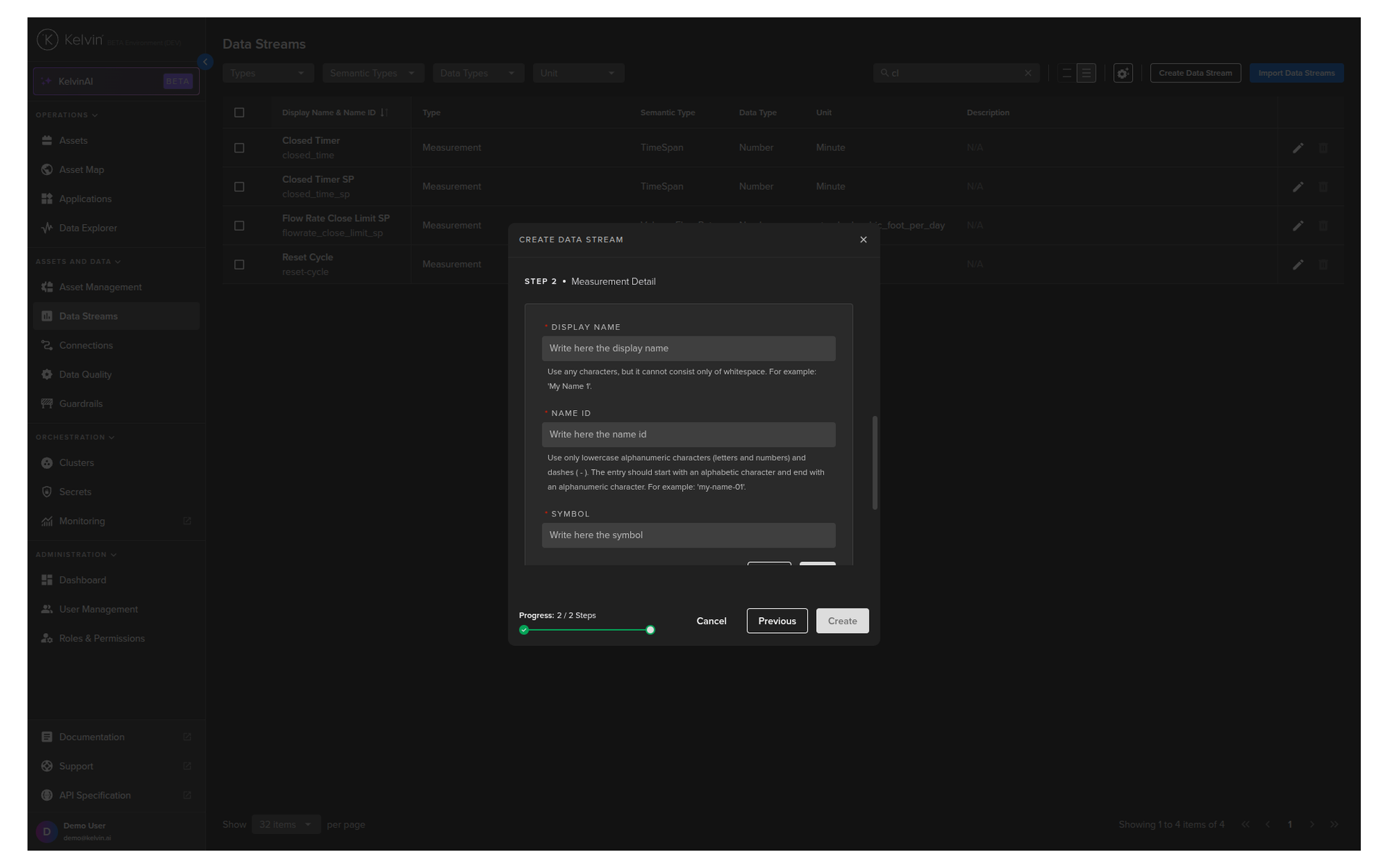
Create data stream
Reference:
| Field | Mandatory | Description |
|---|---|---|
| Name | Yes | Unique name identifier. It must contain only lowercase alphanumeric characters. The characters ., _ and - are allowed to separate words instead of a space BUT can not be at the beginning or end of the name. |
| Title | Yes | The display name to show on the Kelvin UI. It can contain any characters, including spaces. |
| Description | No | Optional description for the data stream, up to 200 characters. |
| Type | Yes | Determines the type of data, see overview explanations for more details. Allowed values for SDK/API: measurement, computed, data_quality, set_point. |
| Semantic Type | No | Provides context or deeper meaning behind the data, beyond just its format or structure. Check Kelvin API for the full list of available semantic types. |
| Data Type | Yes | Specifies the kind of data in the stream. Allowed values for SDK/API: boolean, number, object, string. |
| Unit | No | Defines the measurement unit for data. Check Kelvin API for the full list of available units. |
Note
You can see a full list of the default Semantic Type and Units available here.
See your Platform Administrator for any custom Semantic Types and Units created for your Kelvin Platform.
Create Data Stream
In this example we will create a Data Stream with the Semantic Type Pressure and with the name tubing_pressure.
You can watch this short demo video or read the full step-by-step written tutorial below.
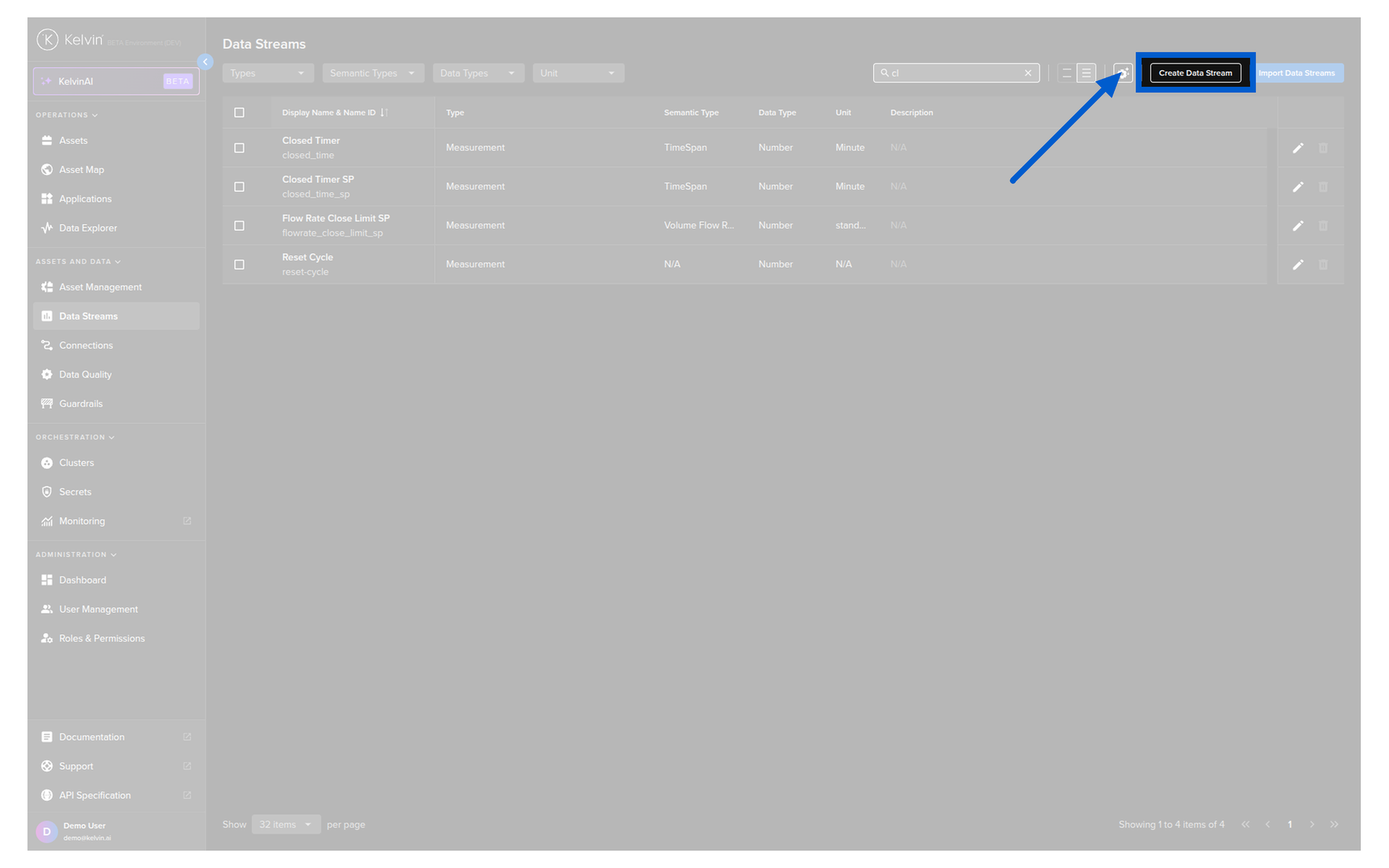
Go to the Data Streams page and click on the Create Data Stream button.
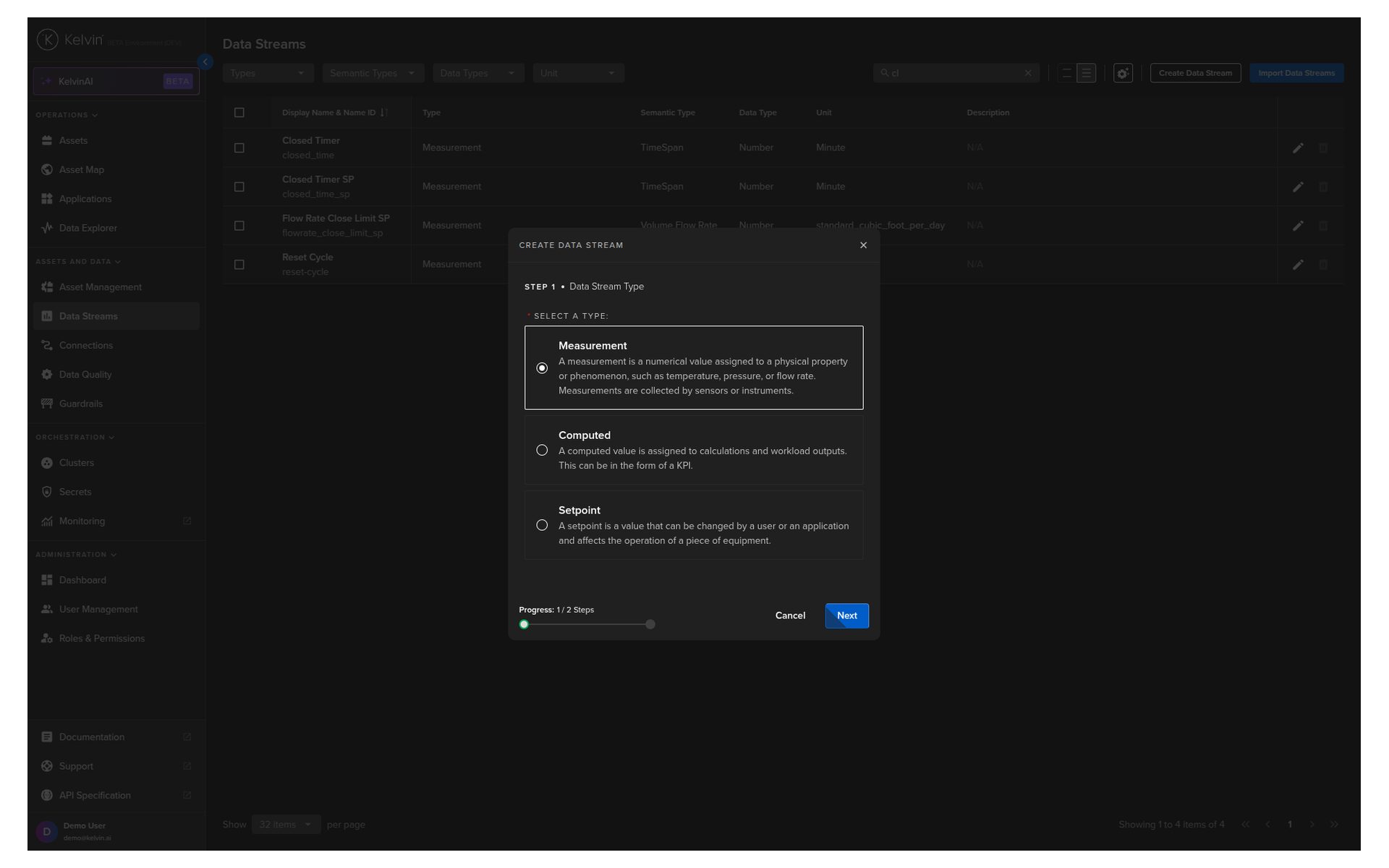
You then have four choices. Select Measurement, Computed, Setpoint or Data Quality and click next.
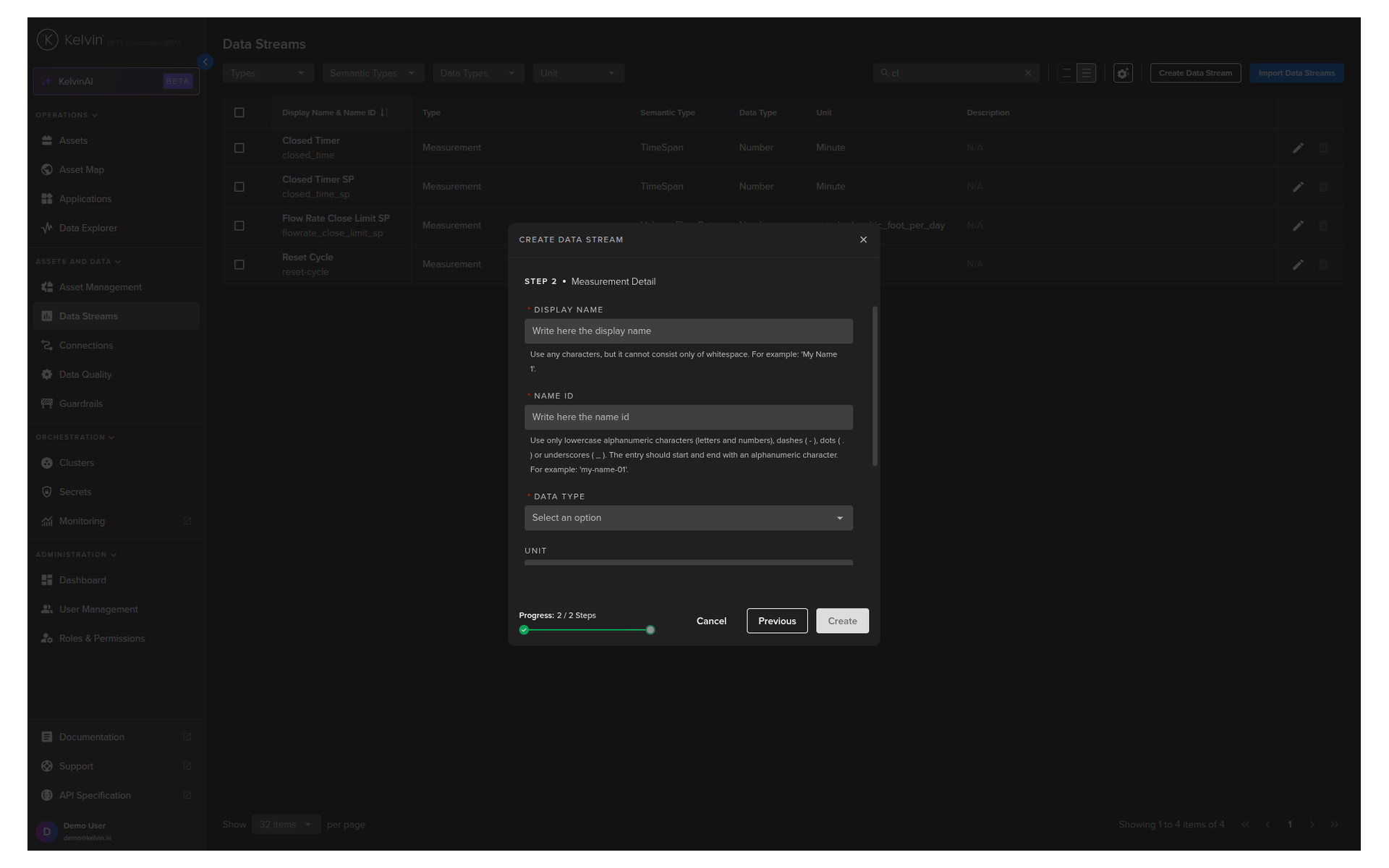
Mandatory fields are the Display Name and Data Type. After filling this information you can click Create.
The Name ID is automatically created when you type in your Display Name.
Optionally you can also fill in a Unit and Semantic Type.
For the Unit, you can also create new Units on-the-fly by clicking on the Add Unit button.
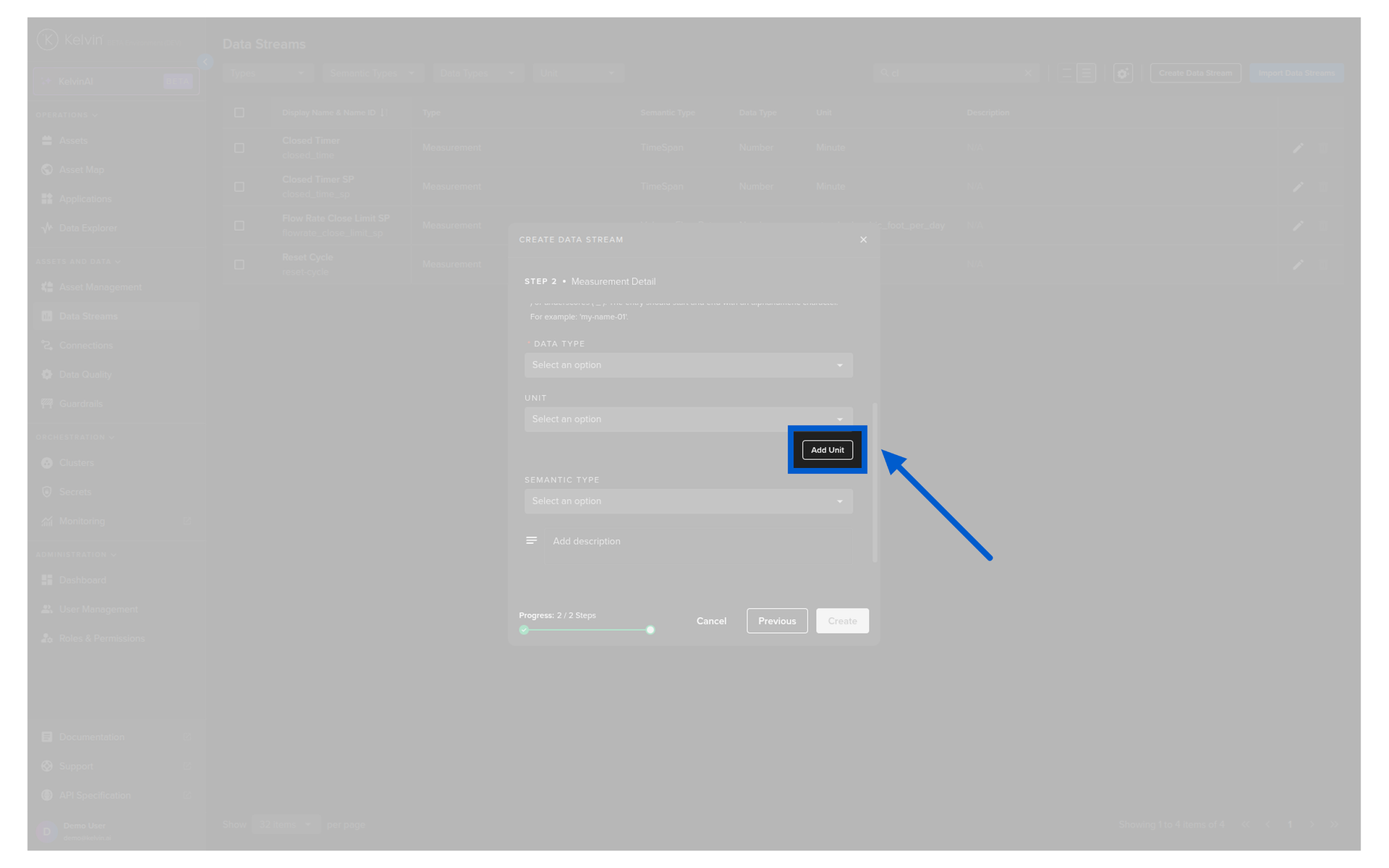
A popup will appear where you can create the new unit. Once created, you can then select it and click Create to create the new Data Stream.