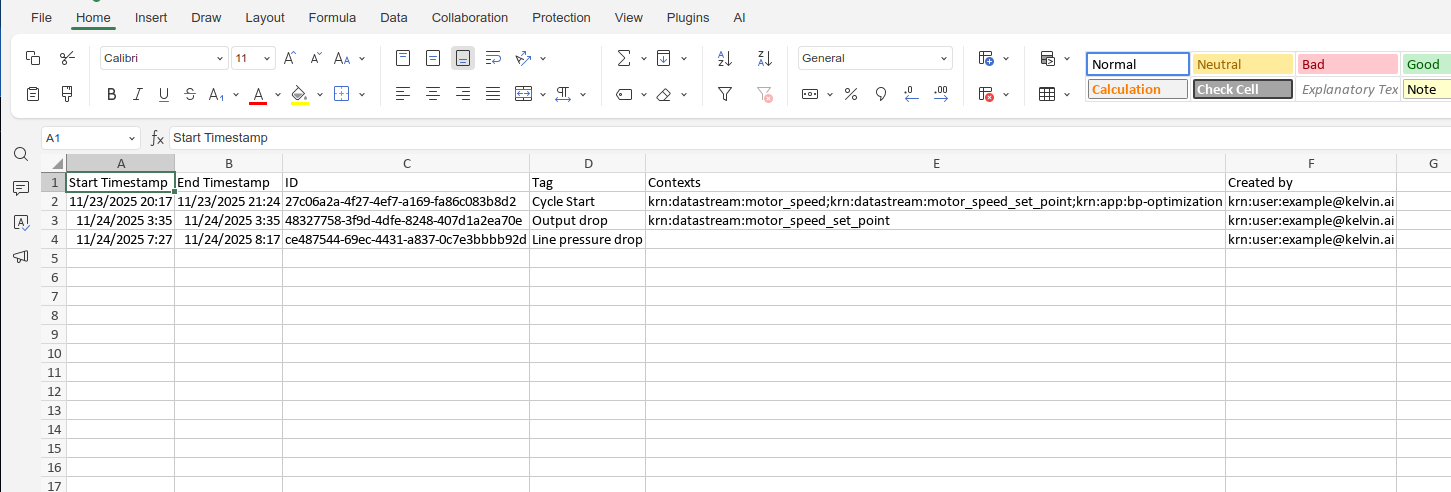
Download Data

You can download the data according to the time range you currently are viewing.
Note
This is be downloaded in a csv file format which can be opened by Google Sheets or Microsoft Excel.
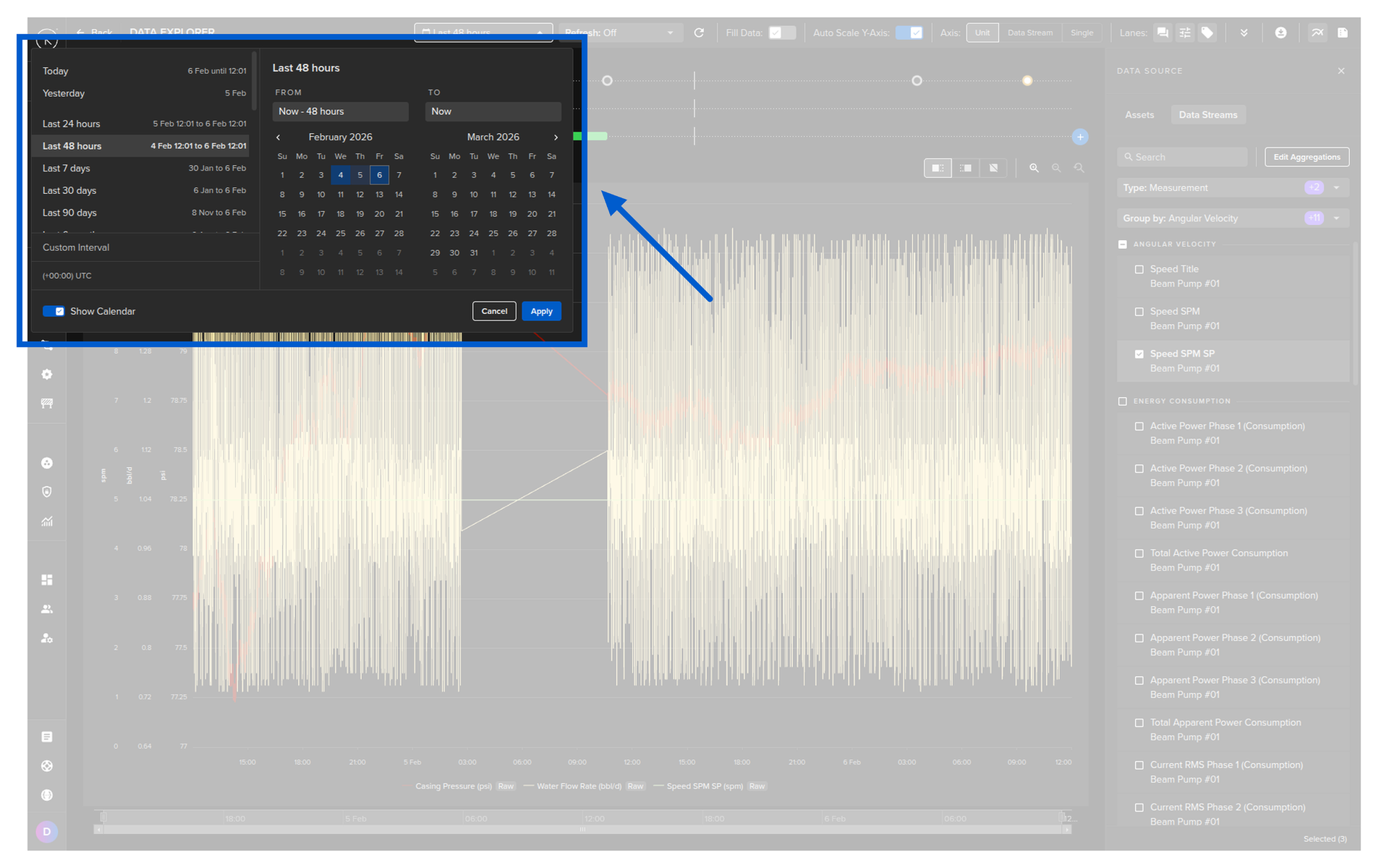
To start, setup the time range of your Data Explorer viewer.
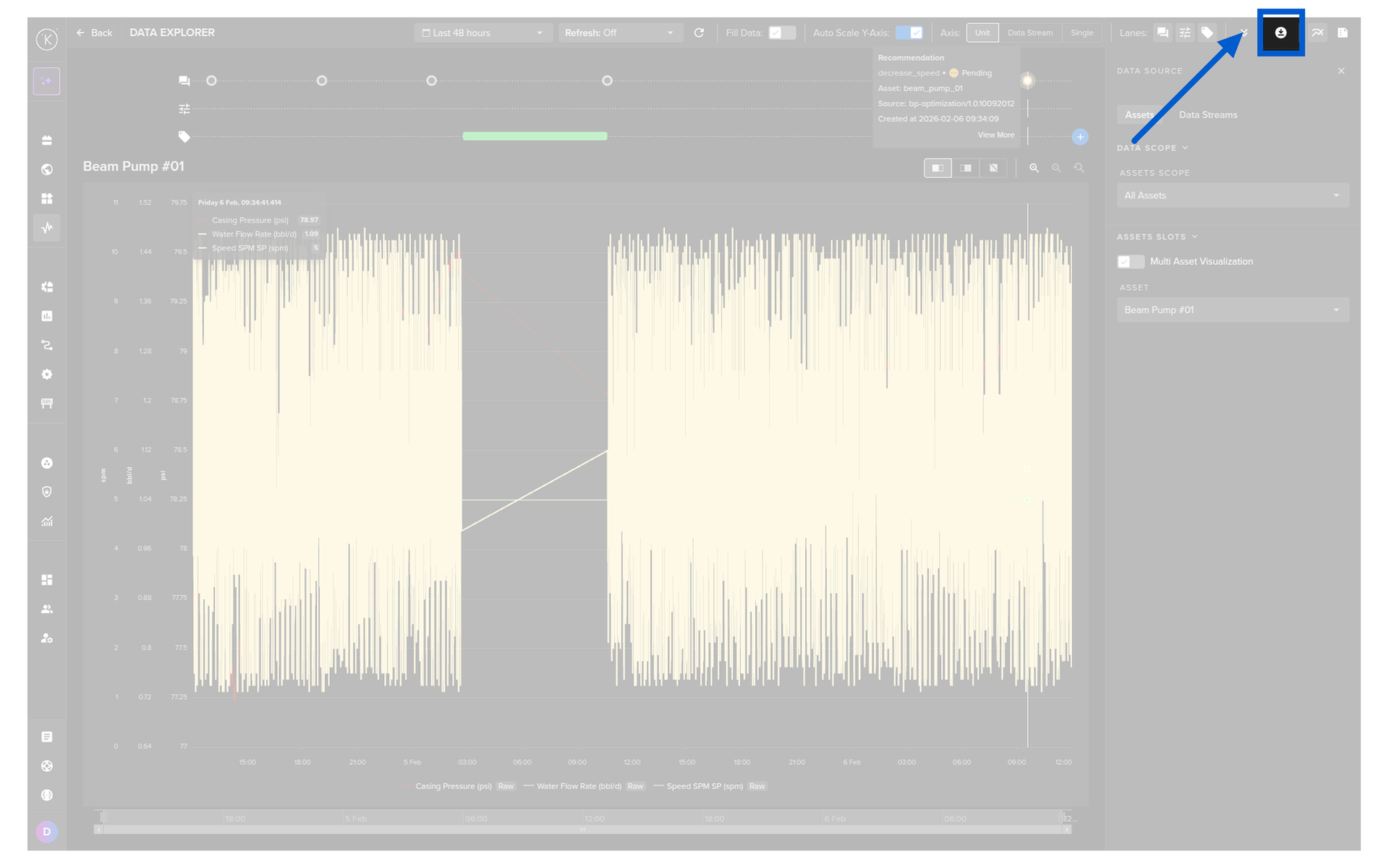
Then click on the download icon  .
.
You have four options.
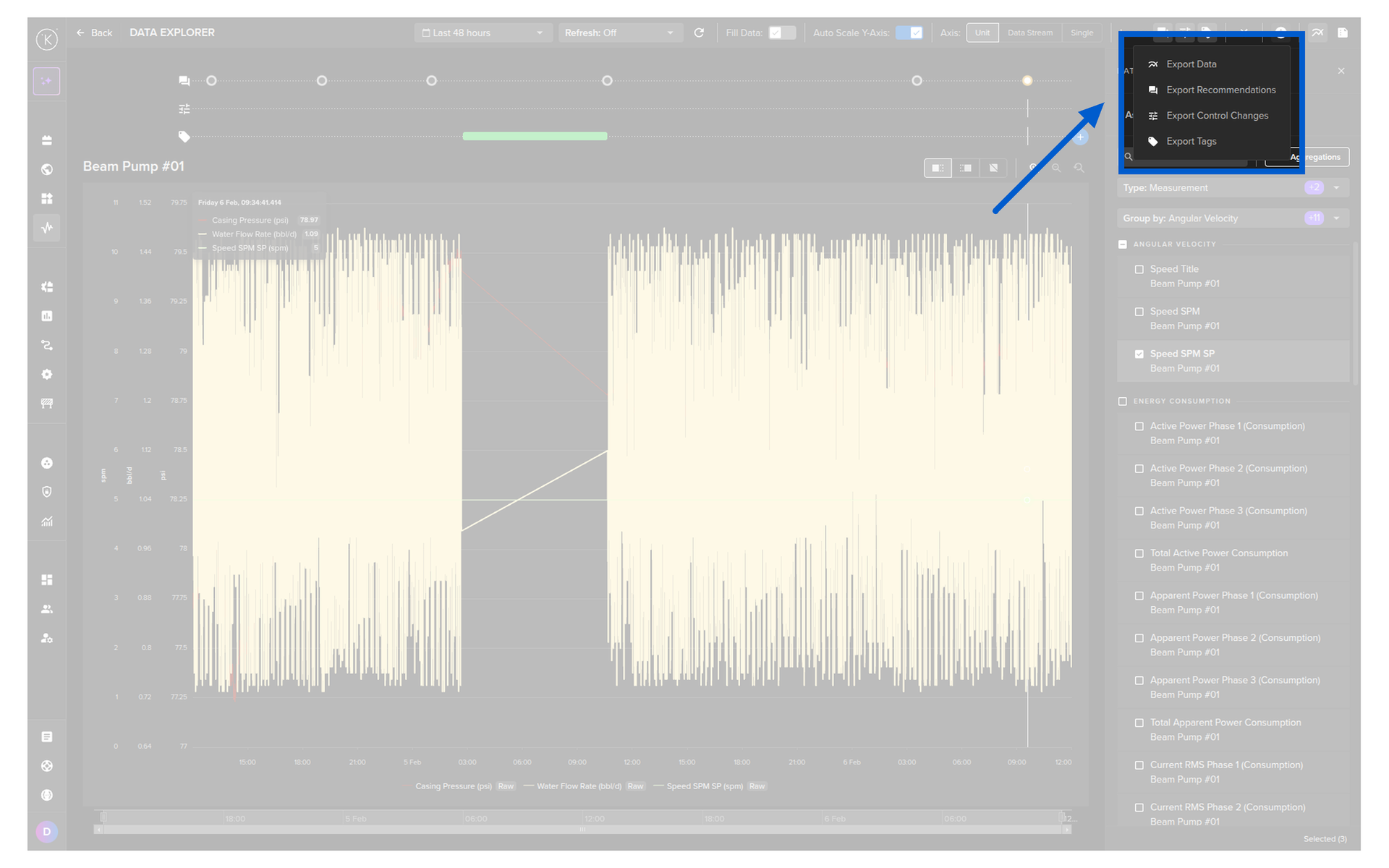
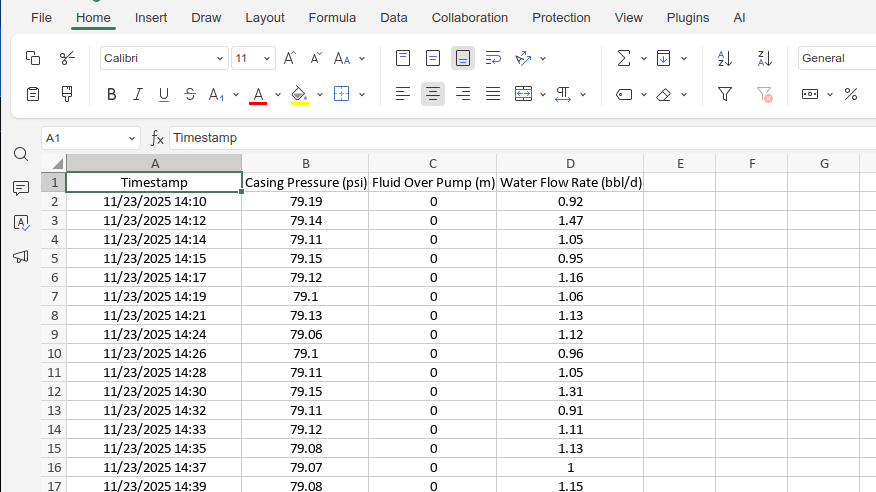
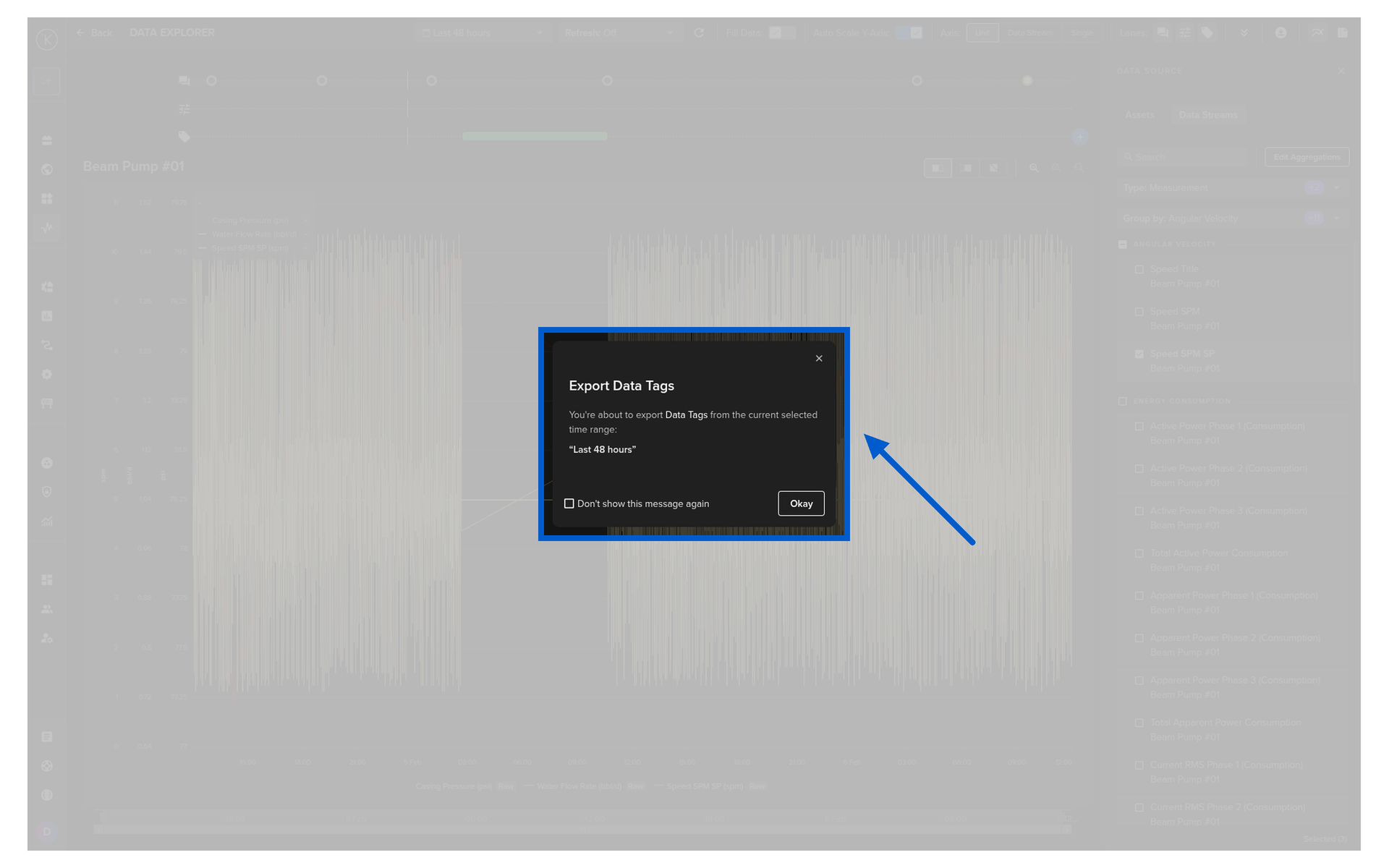
Export Data
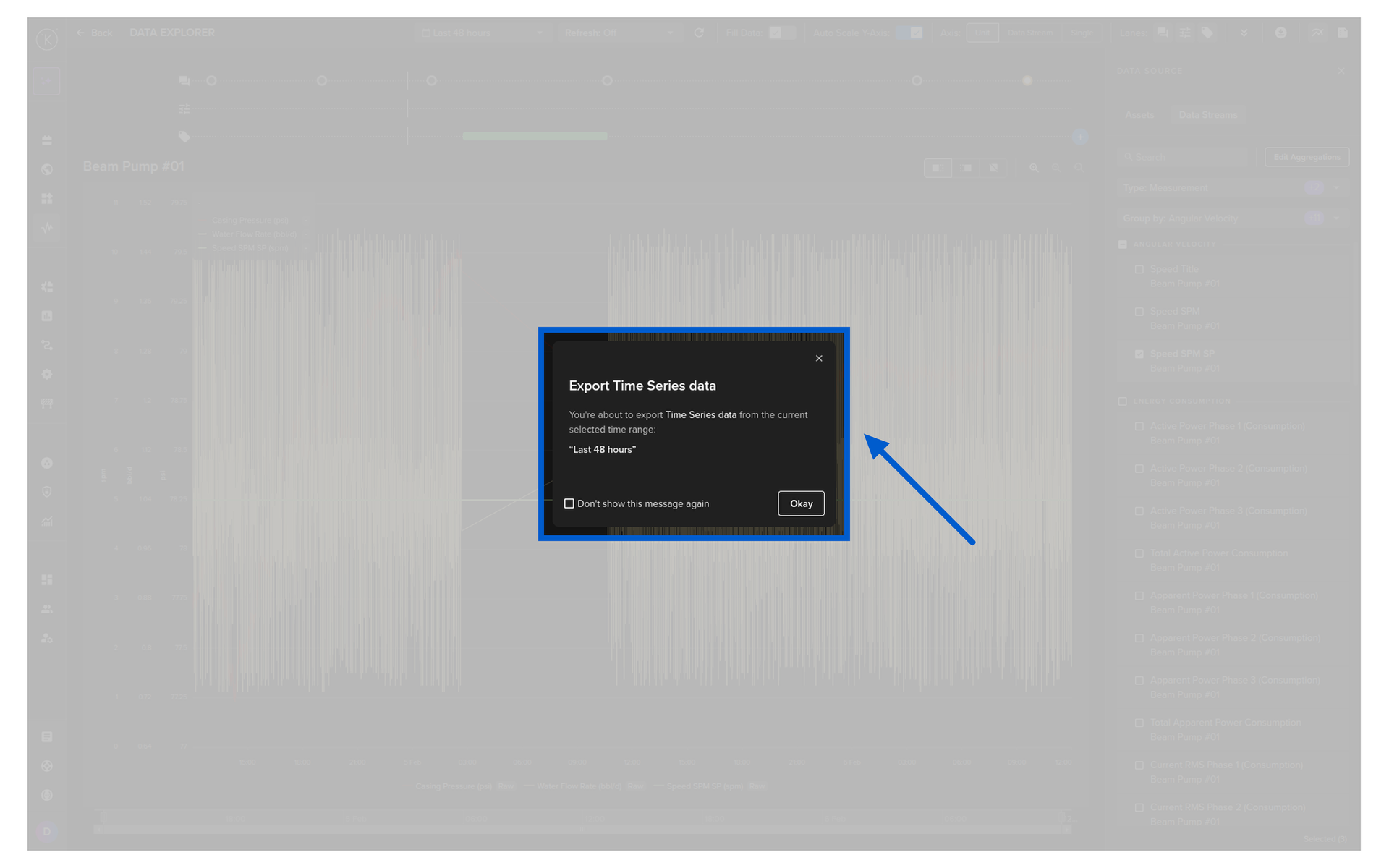
This will export all the Data Stream values for the selected Asset over the viewable time range.
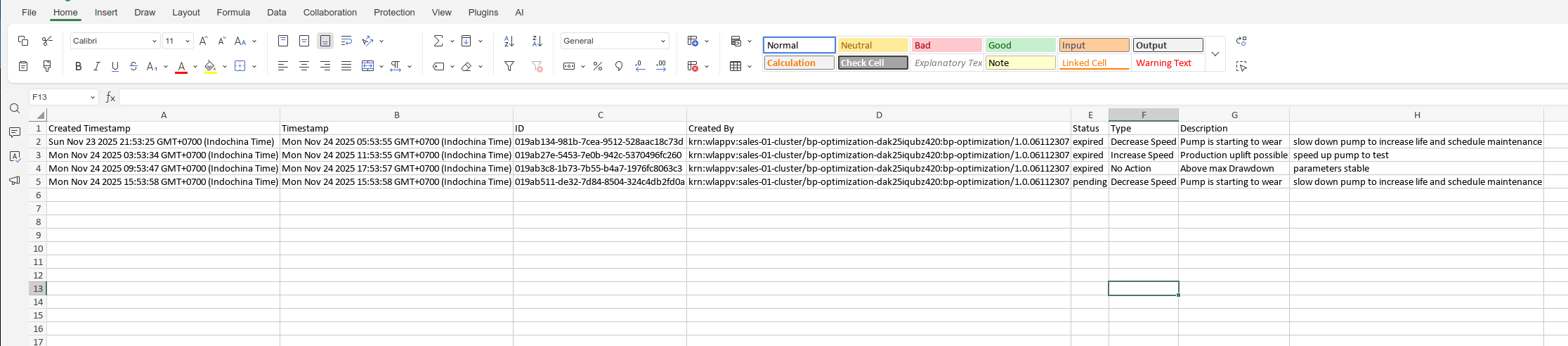
Export Recommendations
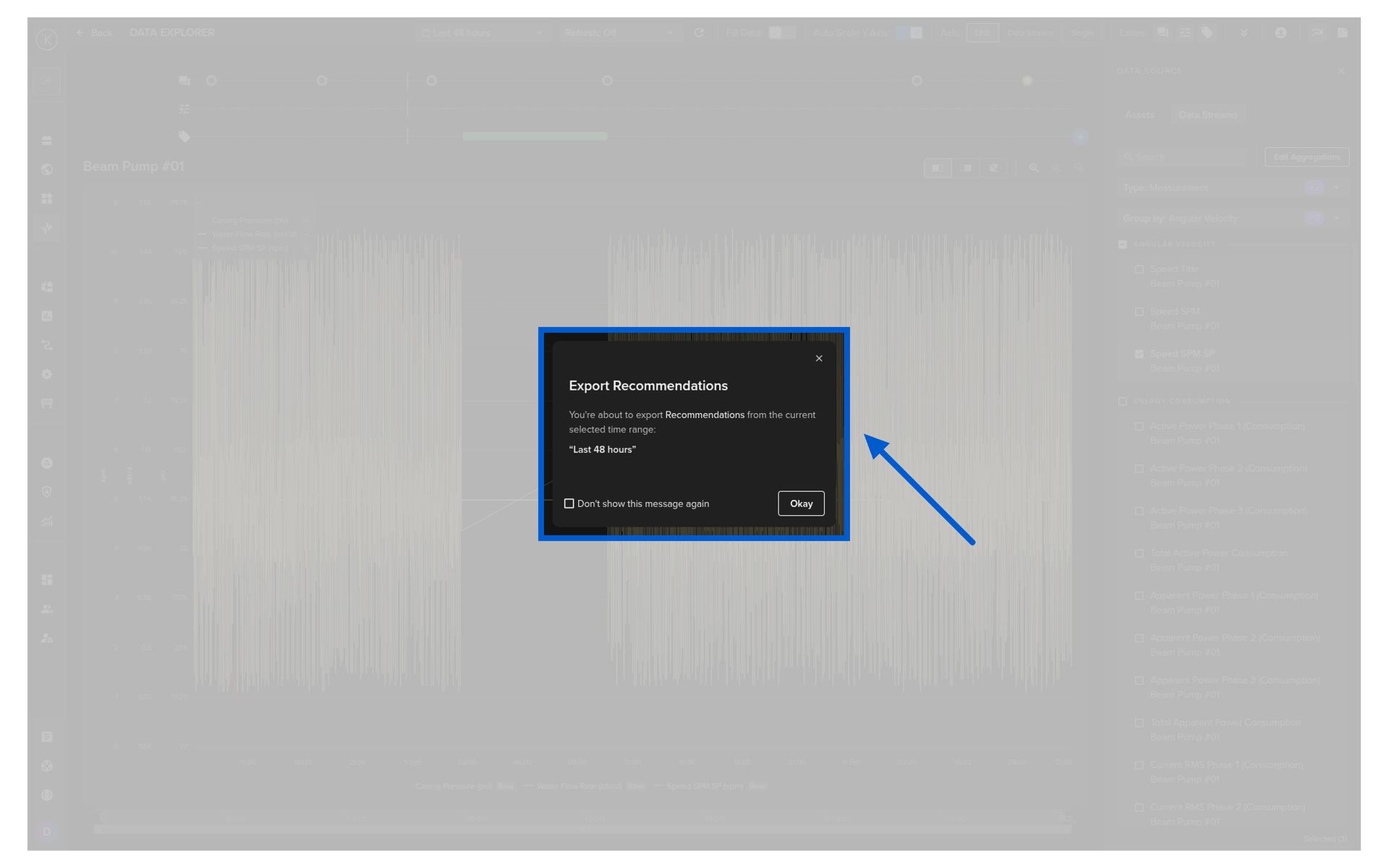
This will export all the Recommendation information for the selected Asset over the viewable time range.
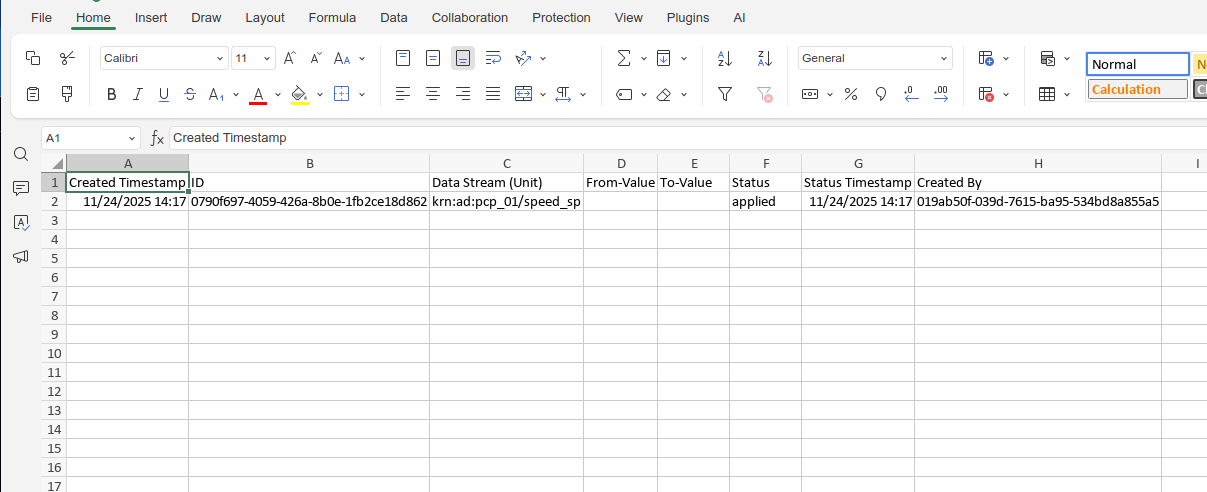
Export Control Changes
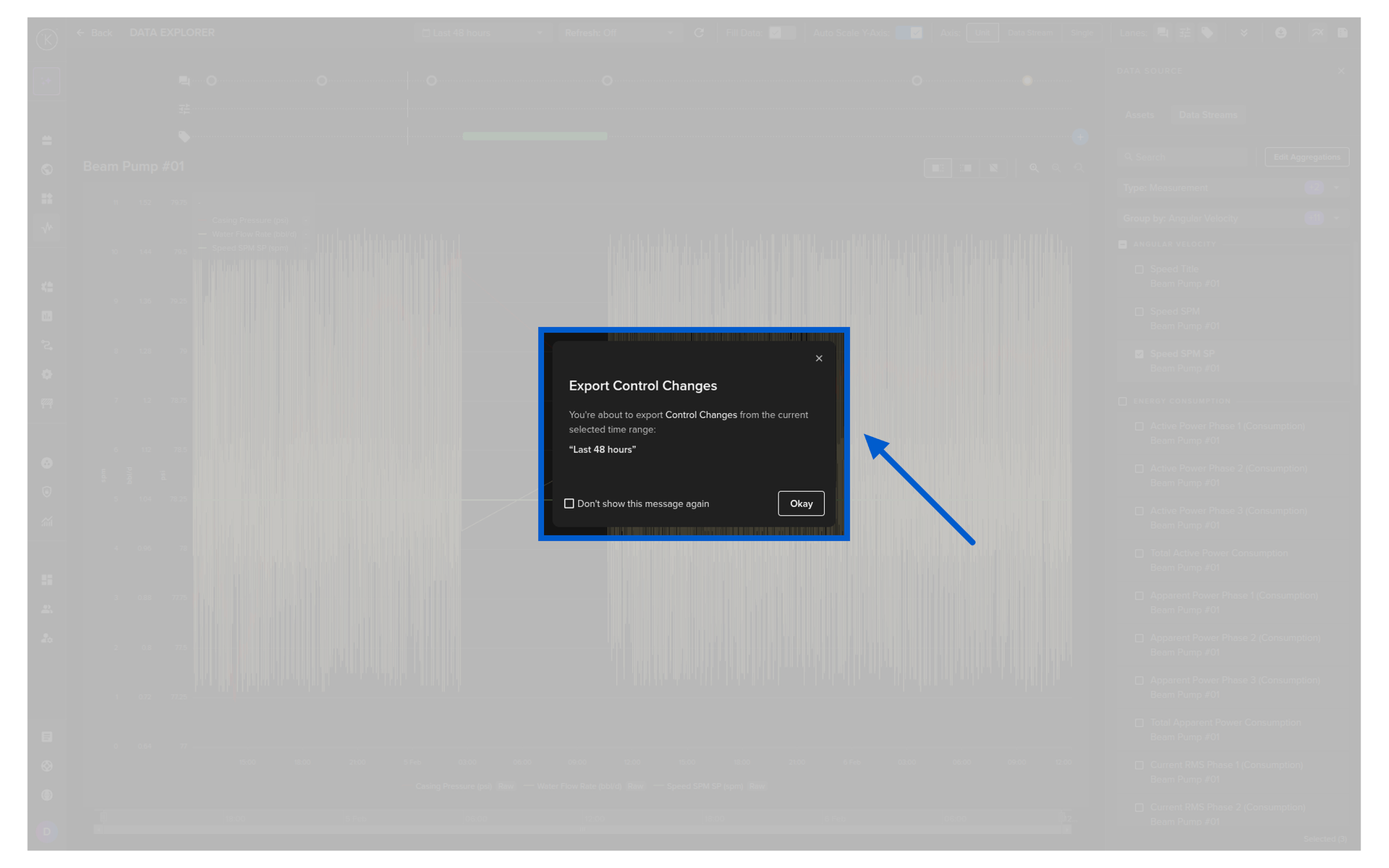
This will export all the Control Change information for the selected Asset over the viewable time range.
Export Insights
This will export all the Insight information for the selected Asset over the viewable time range.