Delete cluster
Delete Cluster
From Orchestration menu click on a single Cluster, then under the Configuration tab you can delete the Cluster by clicking on the delete button;
This will permanently delete all Kelvin software from the cluster including all Applications, Docker Apps and Connectors deployed to the cluster.
This is not reversible and you will need to setup a new cluster and redeploy all Applications, Docker Apps and Connectors again.
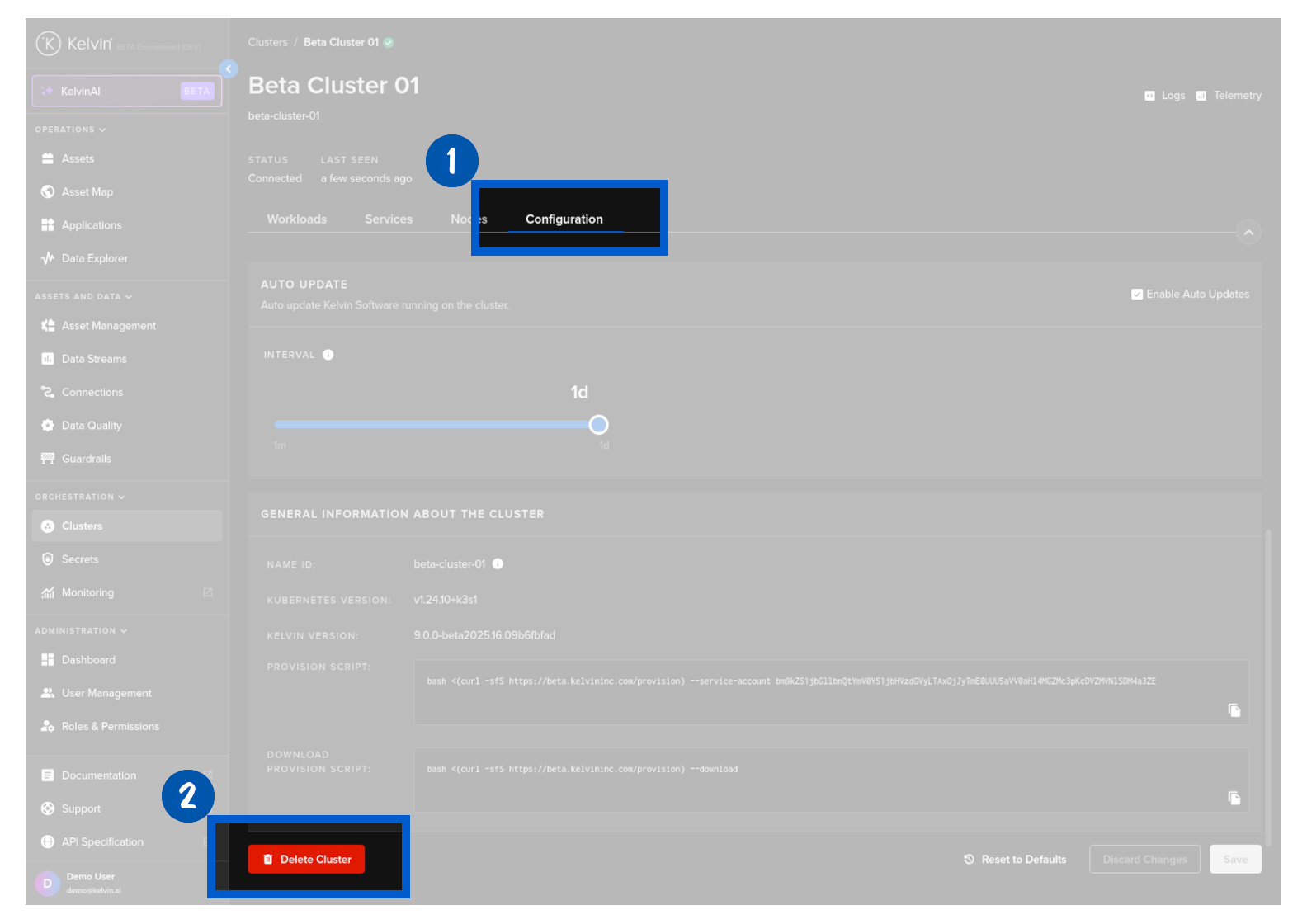
And write PERMANENTLY DELETE to confirm deleting the cluster.