Asset Details
Each Asset has some quick view details attached to the pin as well as more details in a popup if you click on the Asset.
Pin Details
On each pin showing the location of the Asset there are a number of status tags attached.
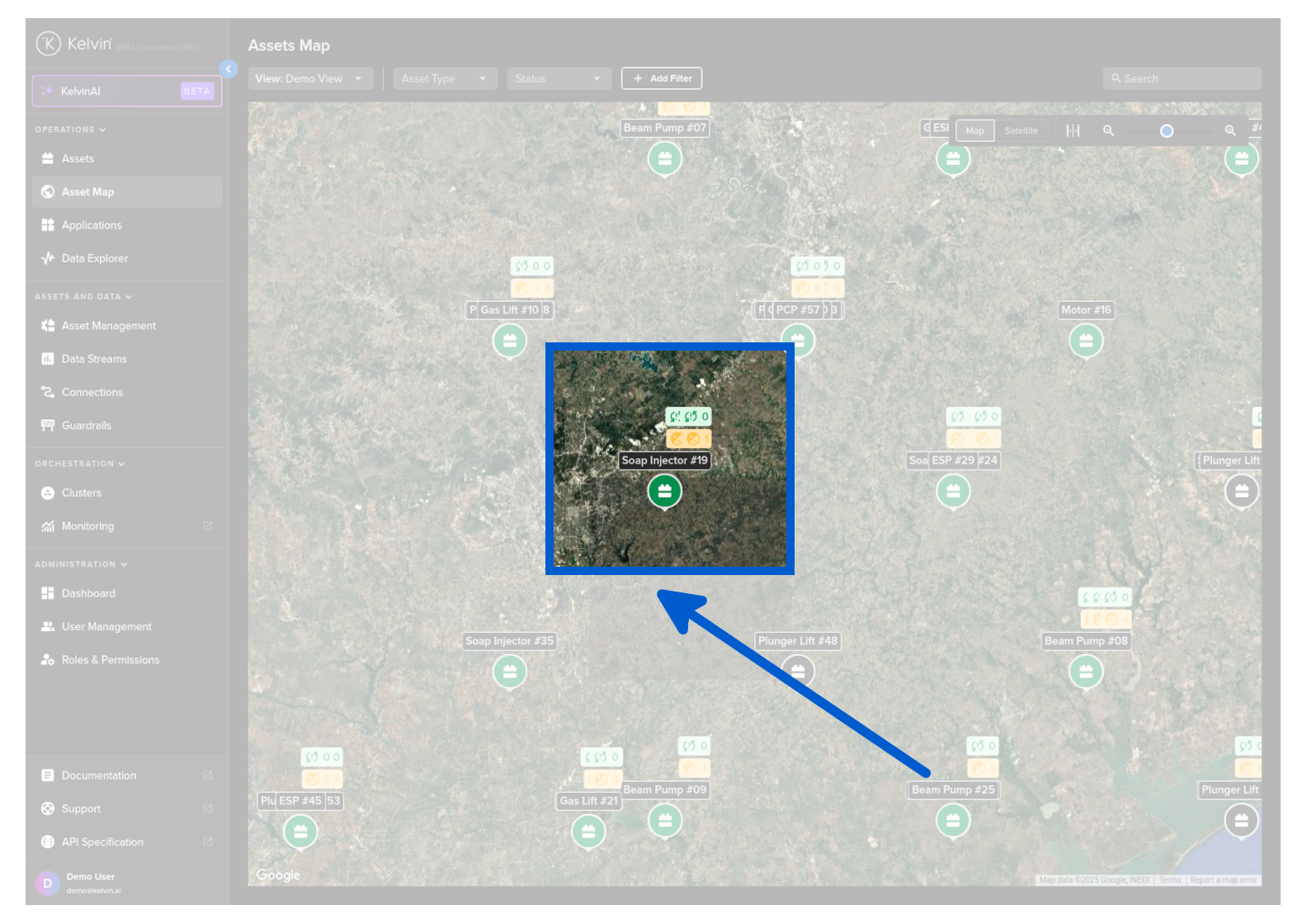
Failure Control Changes
The top tag shows any Control Changes that have failed to be written to the Asset.
If there are failures the background color will be red otherwise it will be white.
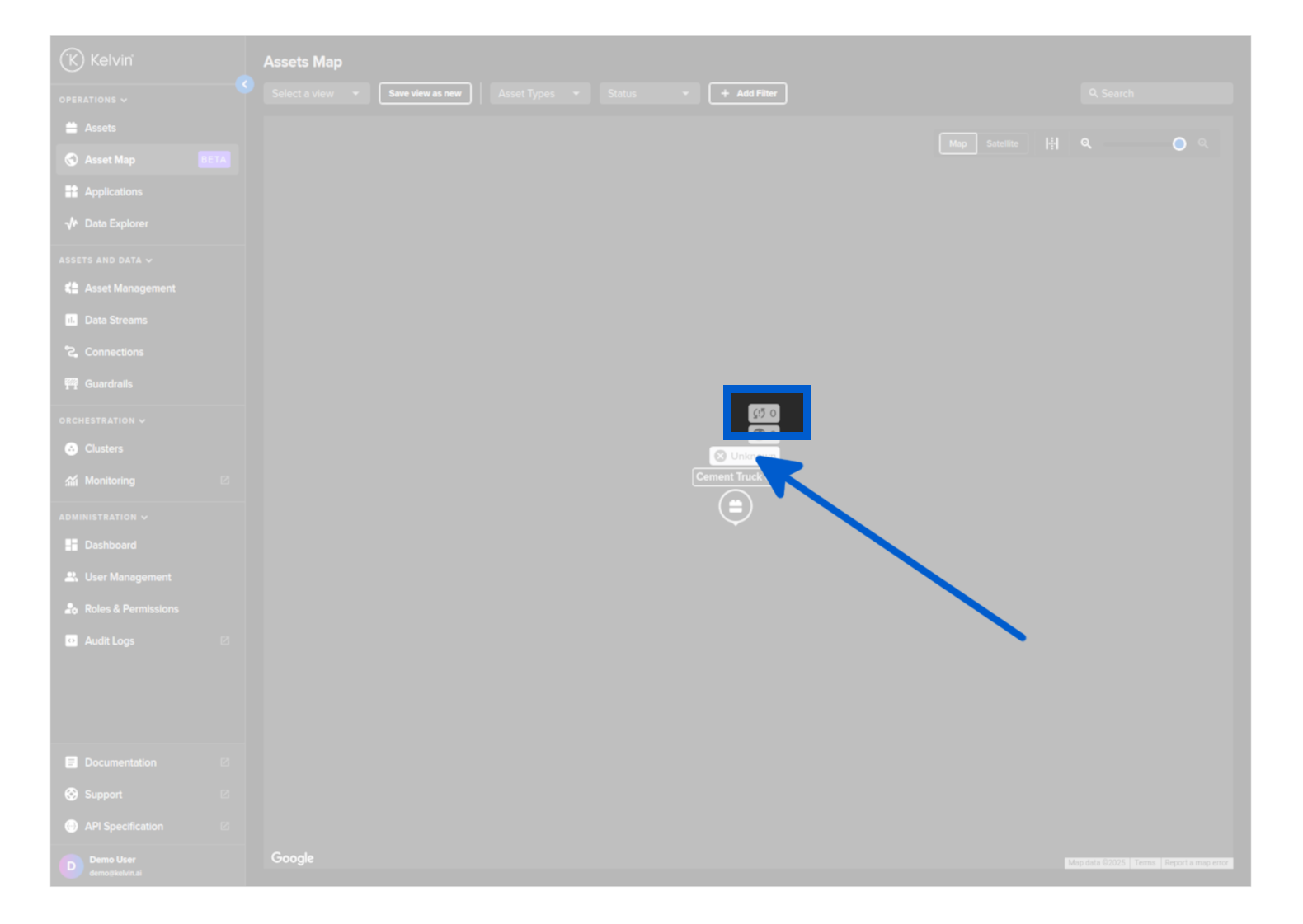
Recommendations
The middle tag shows the number of recommendations that are waiting for Operations to approve or reject.
If there are any outstanding Recommendations the background color will be orange, otherwise it will be green.
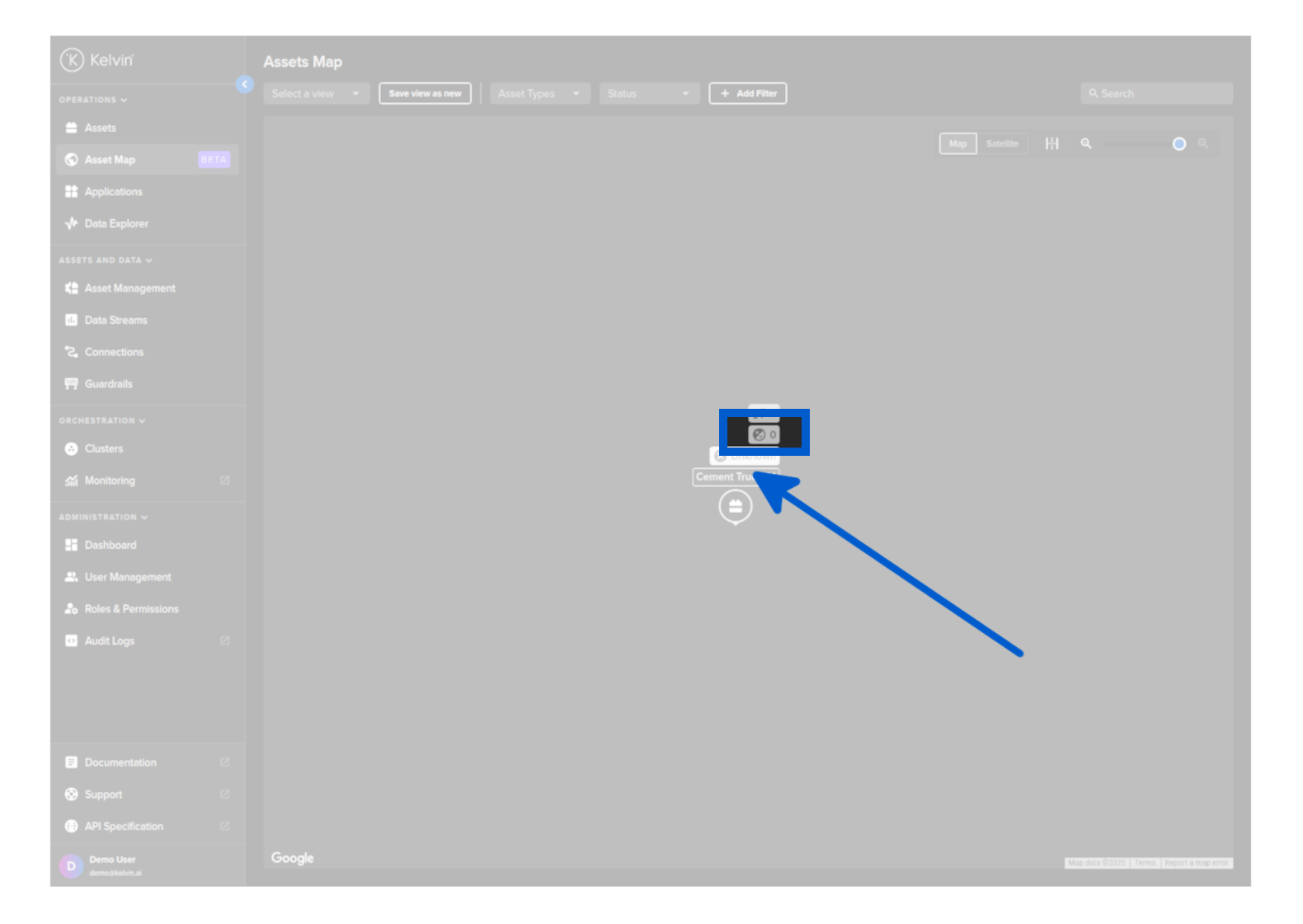
Status
The bottom tag shows the current status of the Asset. There are three options; online, offline and unknown.
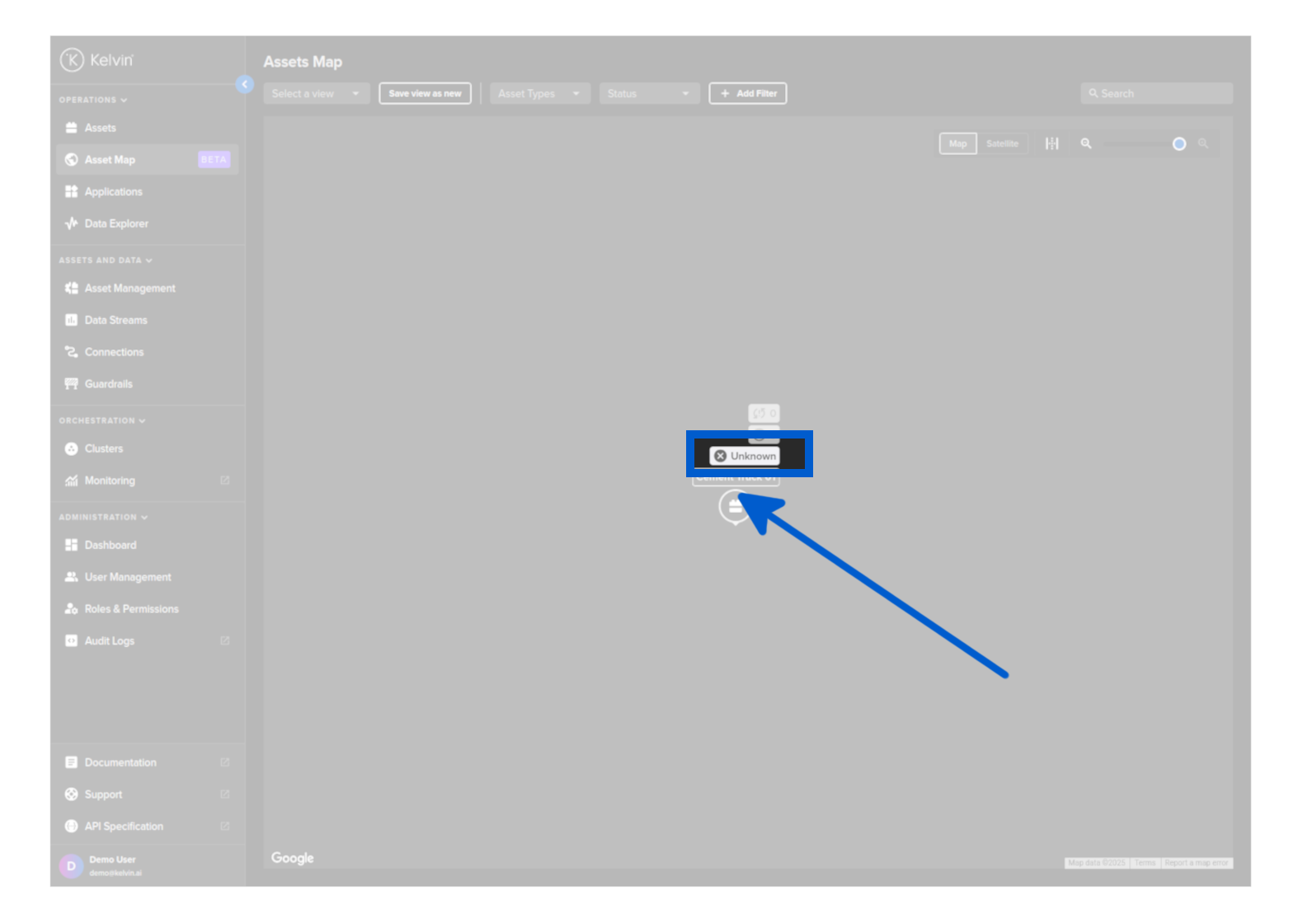
Popup Details
Selecting an asset on the map shows asset-specific metadata including historical control changes, current Recommendations and current Data Stream values.
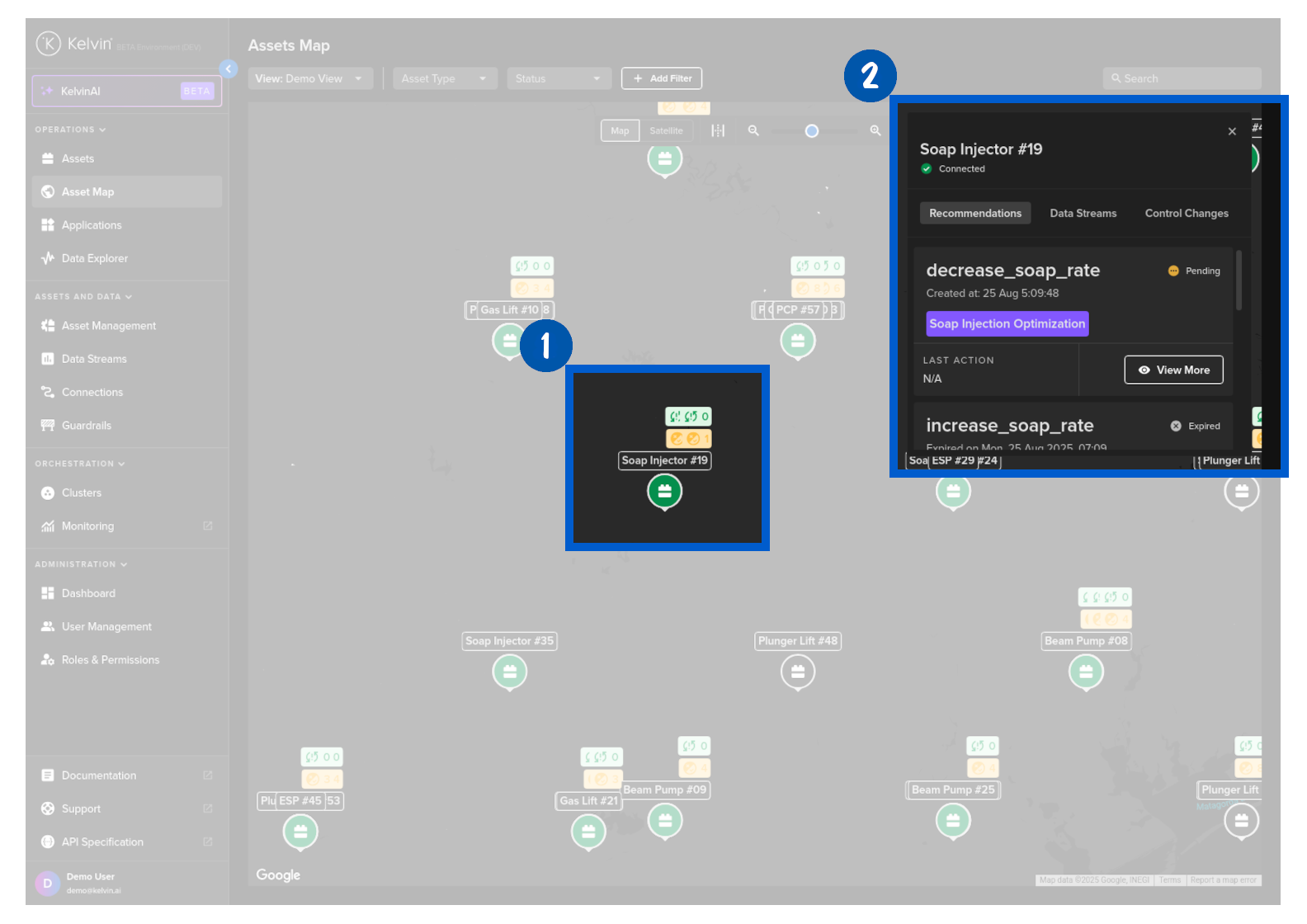
In the recommendation card you will see two types of options;
| Option | UI | Description |
|---|---|---|
| View More Button |  |
This means that there is a pending Recommendation. Clicking will show a popup where you can accept/reject the pending Recommendation. |
| Details Link |  |
This means that there are NO pending Recommendations. Clicking will show a popup with the last Recommendation details. |
Click here for full details on the Recommendation popup.