Data Explorer Light
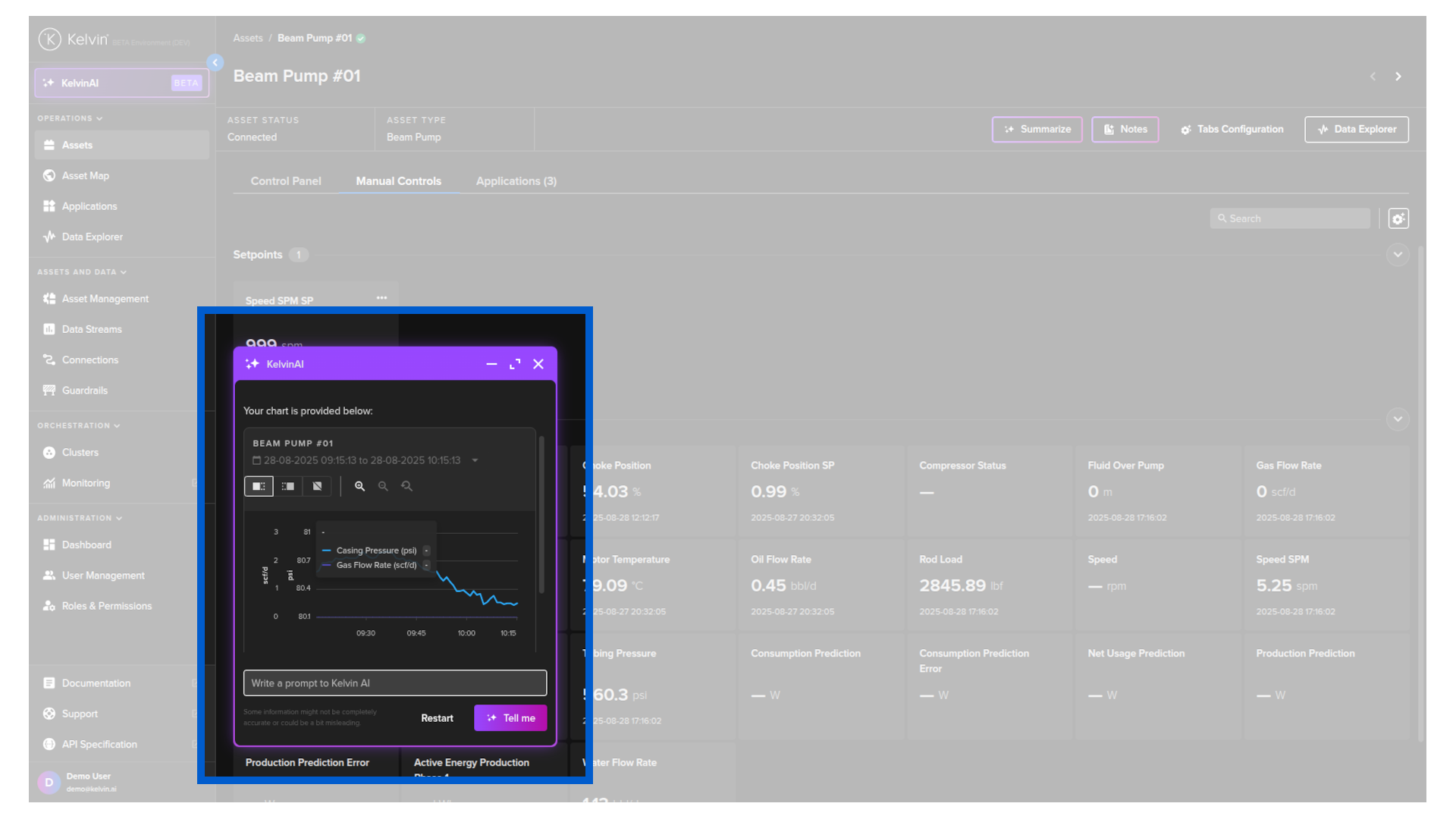
You can display data using the tradition Kelvin Data Explorer Light version embedded into the Kelvin AI chat window.
Written Example
To start, click on the Kelvin AI menu and type a prompt similar to this;
make a data explorer light graph of beam pump 1 for the last hour of the pressure and flow rate on the same graph
Kelvin AI will use the Data Explorer Light widget to provide an accurate answer.