Filtering Visible Assets
On the page you have a number of common features that help you quickly navigate, find and filter the assets of interest.
You can customize your column views and save them, allowing you to quickly change views for different operations.
Note
This is the same feature found in the Assets view.
You can read how to manage your Views in the Asset documentation page here.
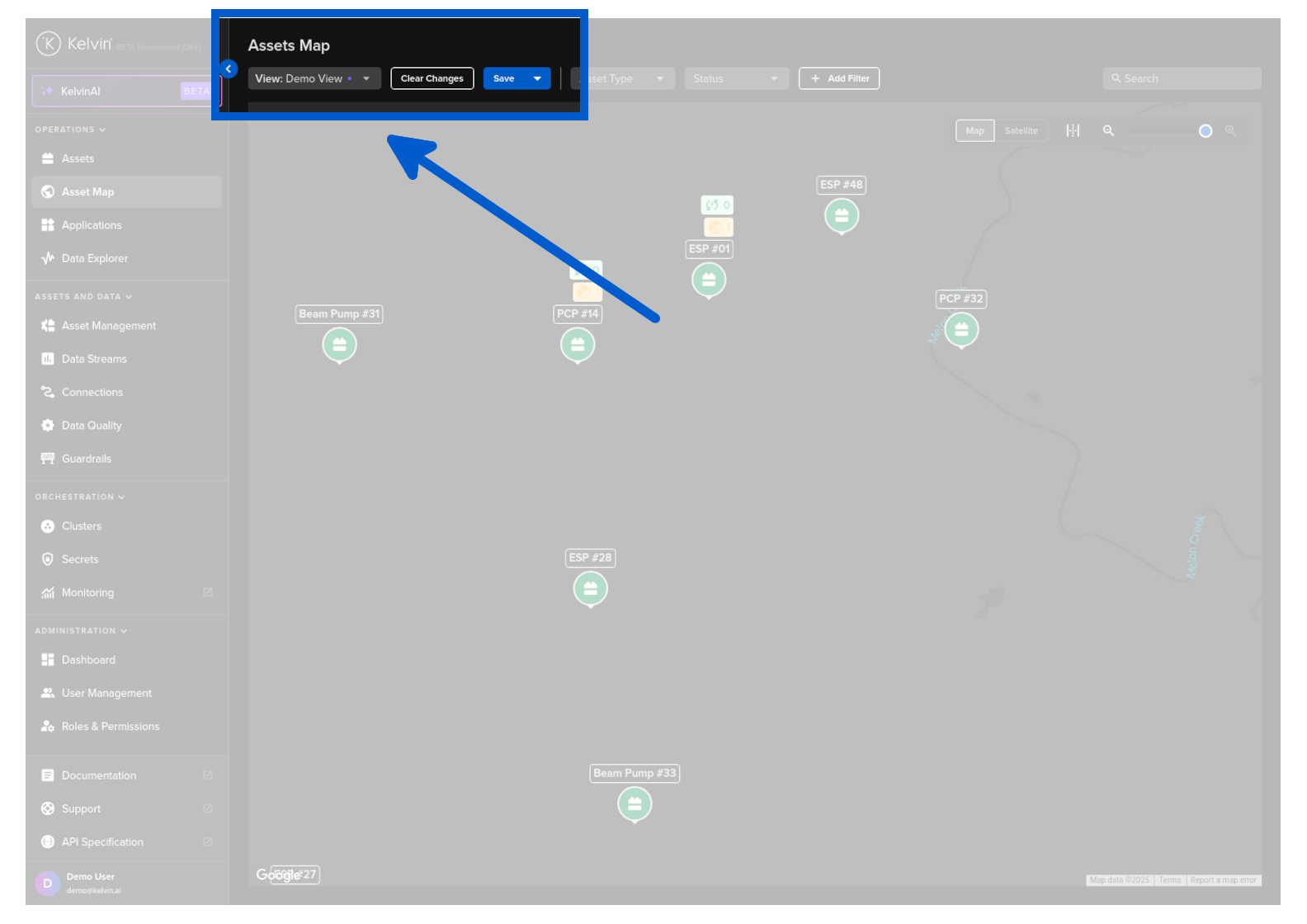
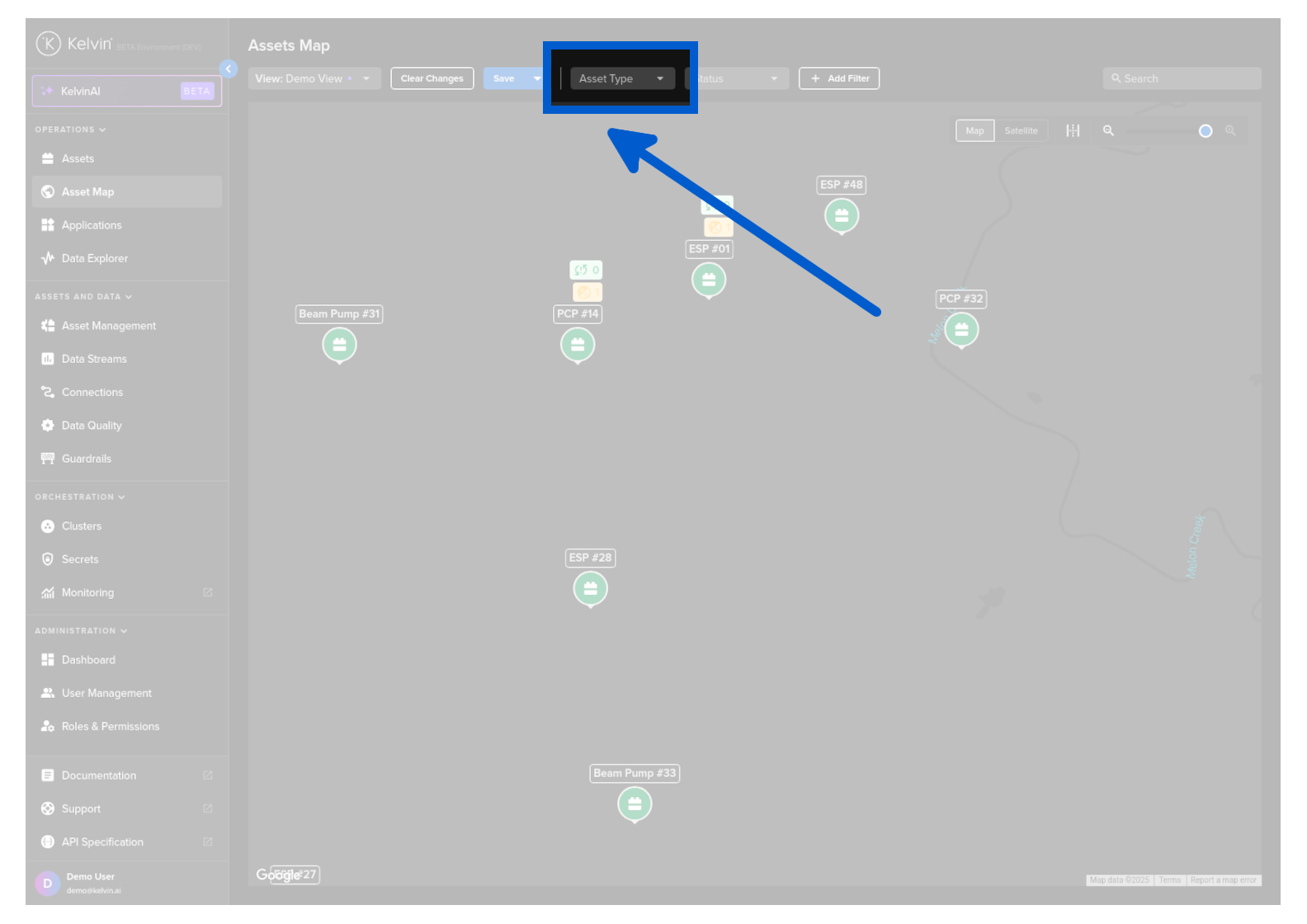
You can do a quick filter on the Asset Types.
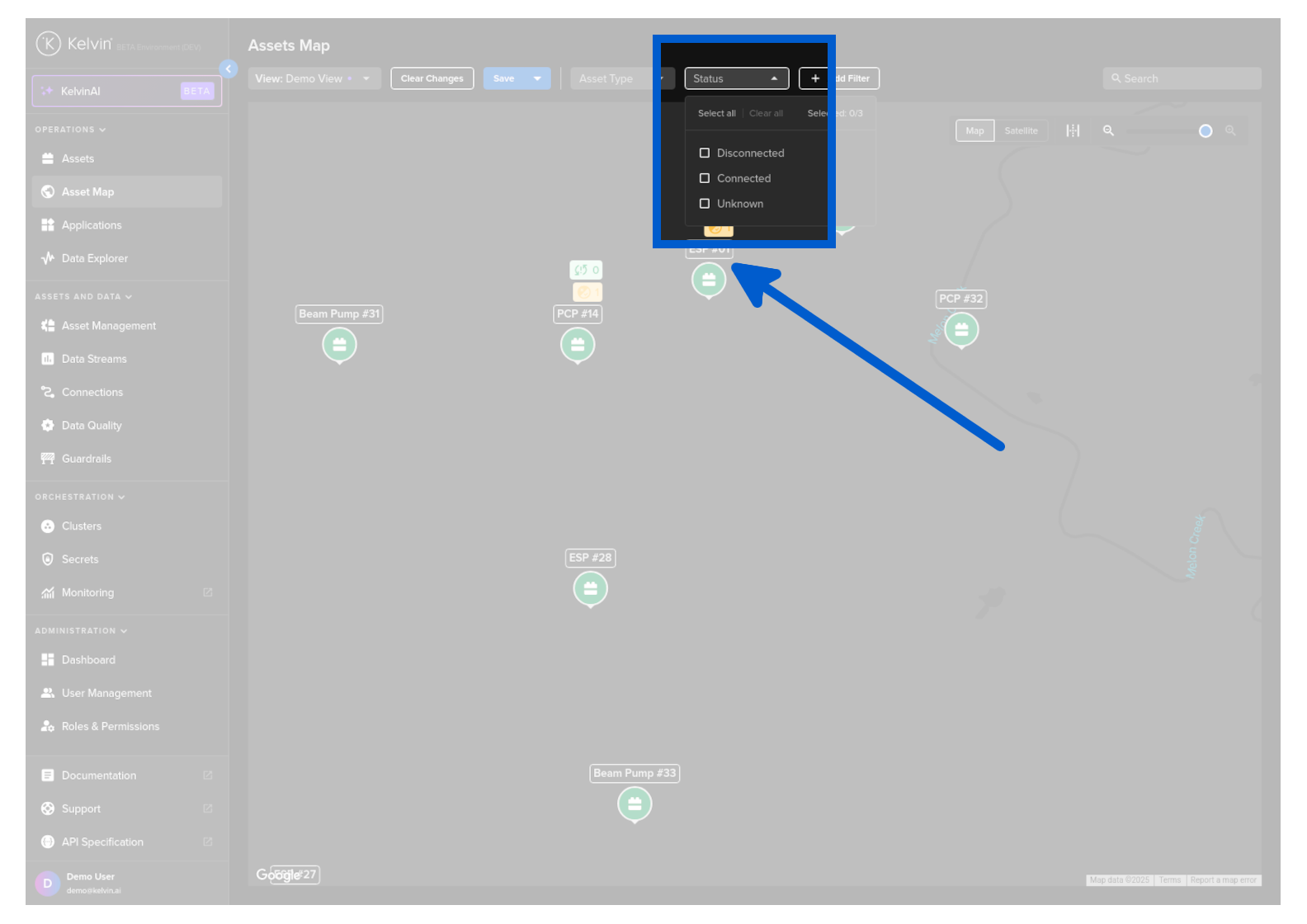
You can do a quick filter on the status of Assets.
| Status | Description |
|---|---|
| Offline | All Data Streams associated with the Asset are currently not connected to the Cloud |
| Online | All Data Streams associated with the Asset are currently connected to the Cloud and recording data |
| Unknown | All Data Streams associated with the Asset have not sent any data since being created |
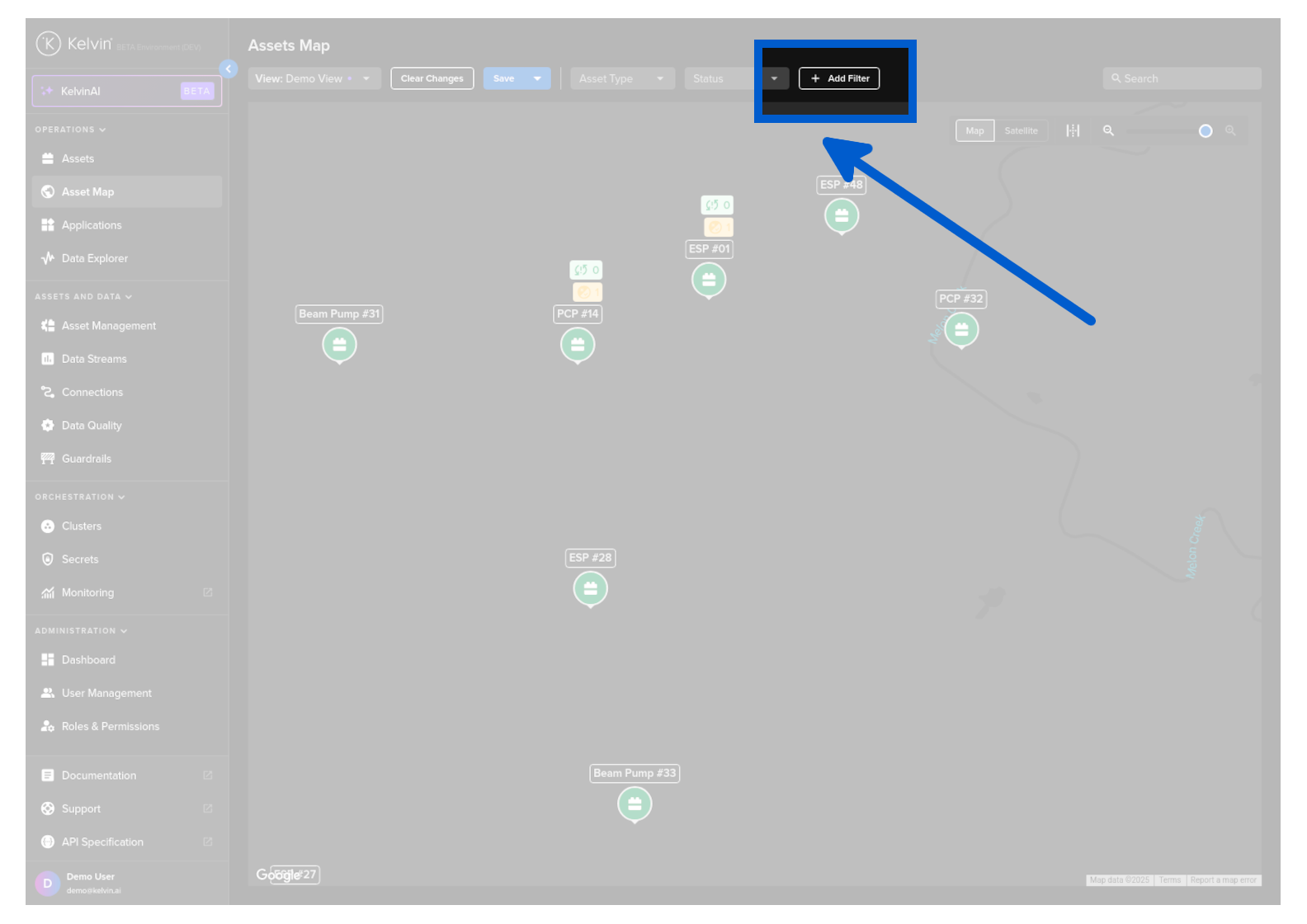
There is a powerful filtering setup that can help configure the information you want to display.
All filters are persistent, so if you go to other pages or log out the filters will still be implemented when you return.
There are three types of filters you can apply;
- On Asset Properties
- On App Parameters in Applications
- On Asset / Data Stream pairs aggregation of data
Note
See full details on advanced filters in the Asset page documentation.
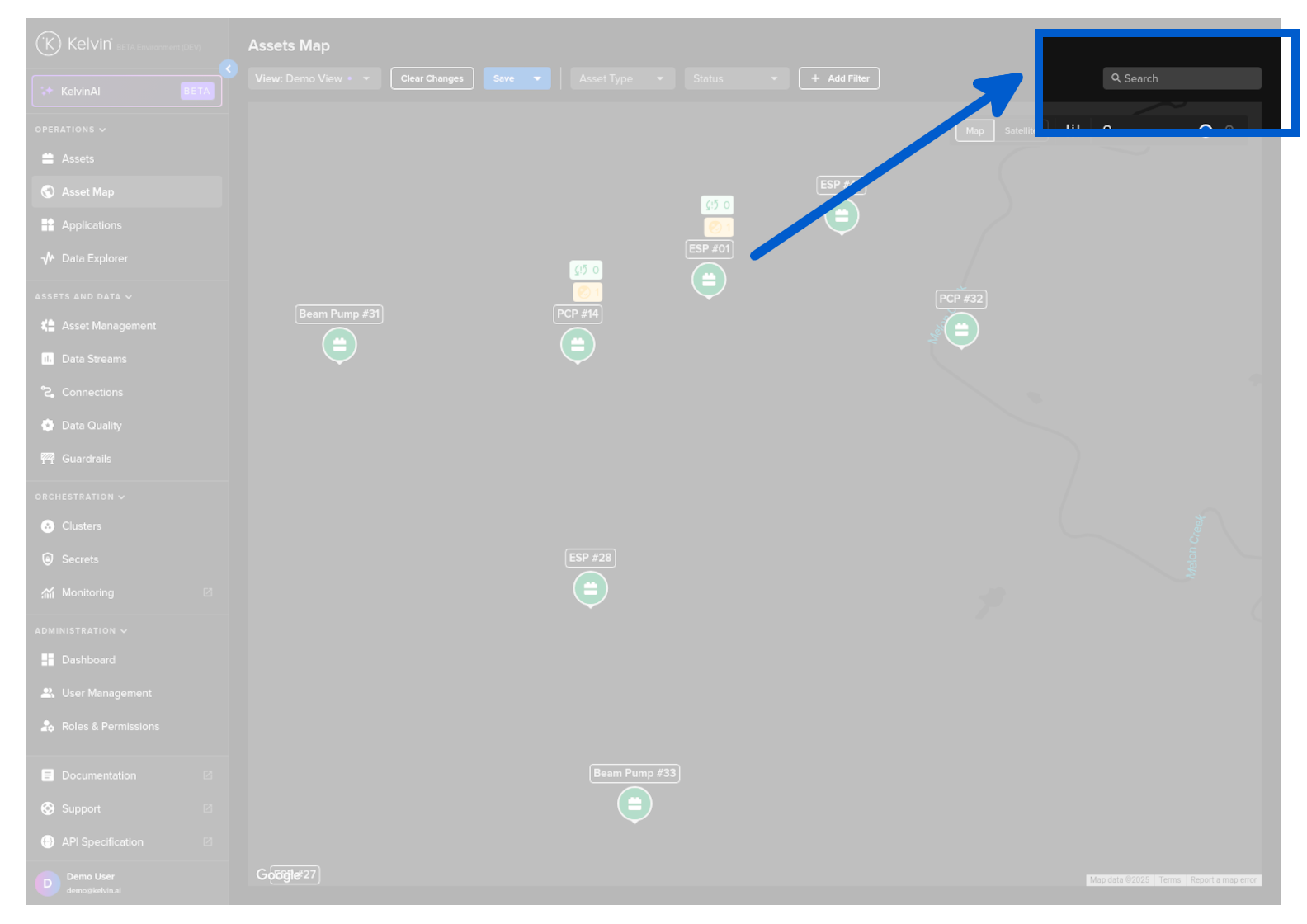
When dealing with large quantities of Assets, you can search for the Assets of interest.
This is dynamic and will update the visible assets on the map based on your search term.