Data Streams - Aggregates
You can retrieve an aggregate of any Asset / Data Stream pair values over a specified time range.
Note
If you do not specify one or more Asset names in your prompt, then Kelvin AI will retrieve all Assets that have Data Stream values.
Possible aggregate options are;
| Aggregate | Description |
|---|---|
| sum | Total of all values |
| mean | Arithmetic average of values |
| min | Smallest value |
| max | Largest value |
| count | Number of values |
Video Example
See Kelvin AI in action for this widget.
Written Example
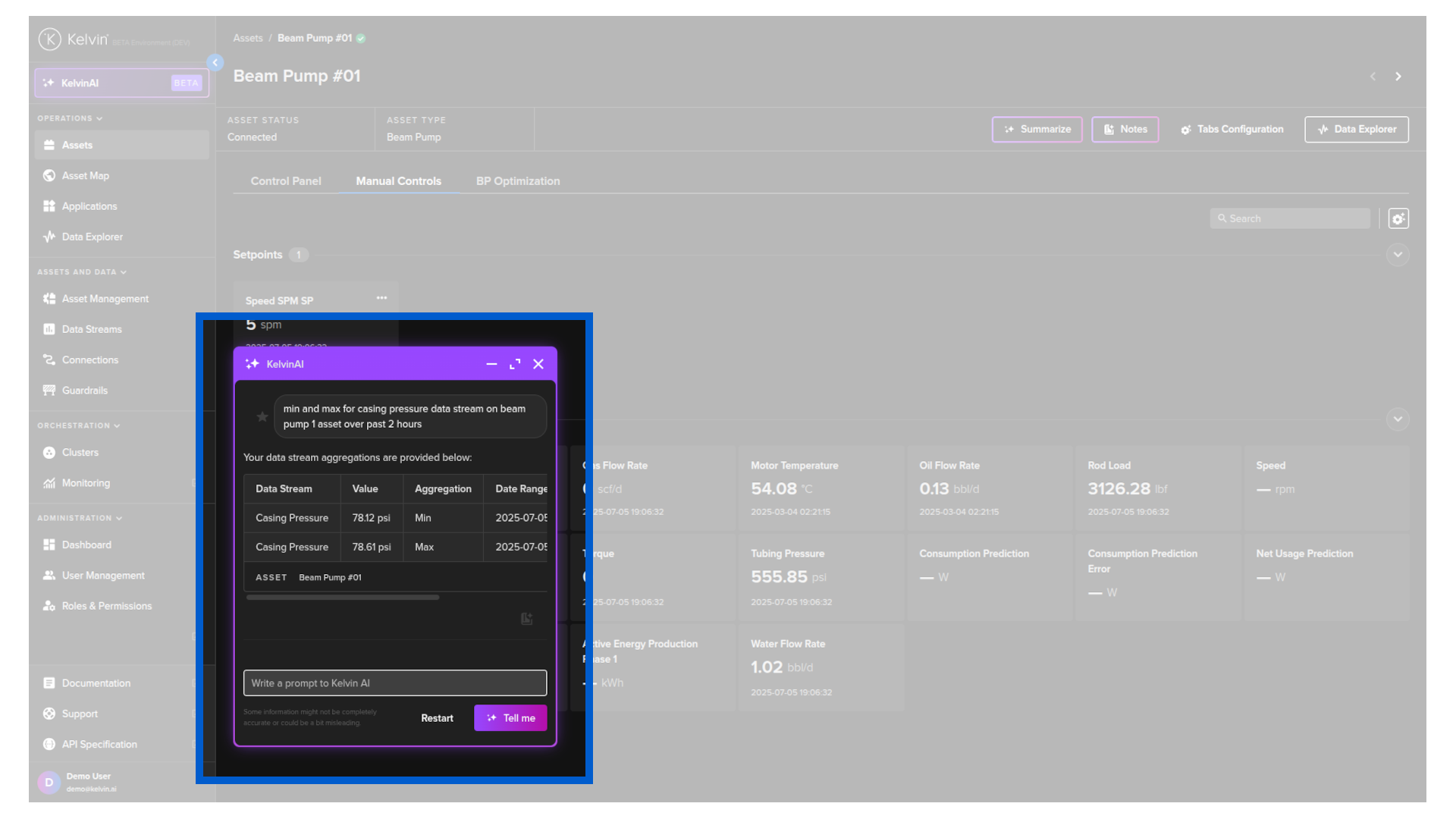
To start, click on the Kelvin AI menu and type a prompt similar to this;
min and max for casing pressure data stream on beam pump 1 asset over past 2 hours
Kelvin AI will use the Data Stream widget to provide an accurate answer.