Target AI Summaries
You can create detailed targeted summaries about an Asset. These help summarize the data and bring new insights and ideas to help optimize the performance of the asset.
Summarize Asset
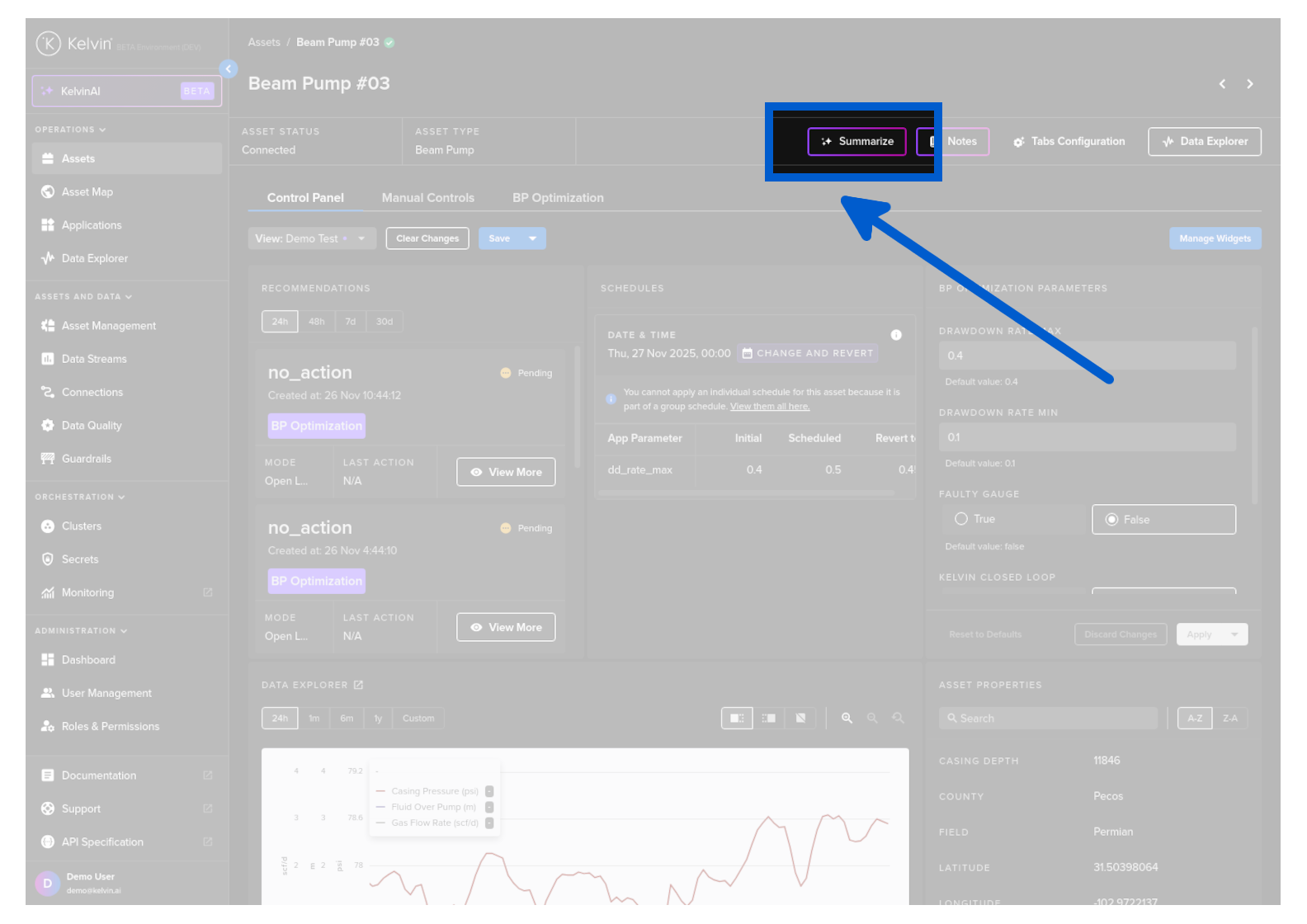
You can ask to summarize an asset either through a prompt or by clicking on the Summarize button on the Asset Details.
Hands-On Test Drive
Explore this feature in Action.
Results
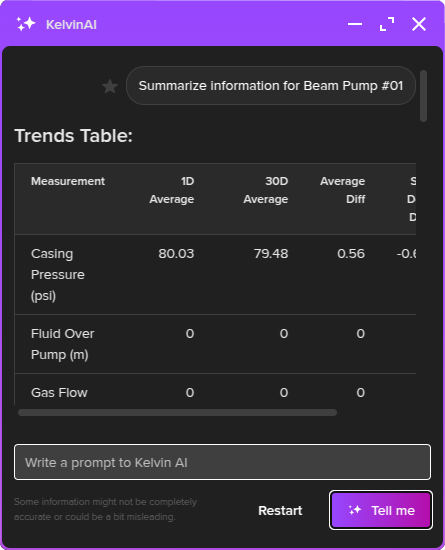
Trends Table
This will give a table listing all the data streams connected with the asset and some analytical statistics such as;
- 1 day average
- 30 day average
- Difference between averages
- Standard deviation of the average difference
- Trending direction
Trend Analysis
An AI analysis report on the current trends and what it could mean.
Performance Evaluation
An AI generated review of the current performance of the Asset.
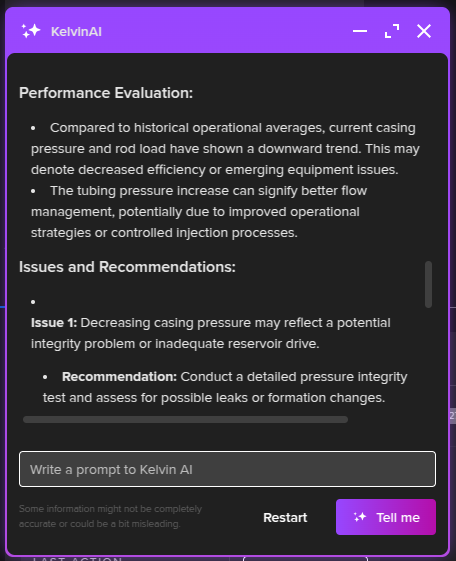
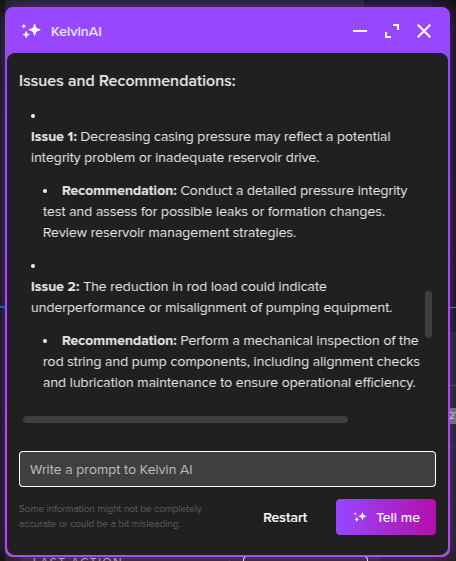
Issues and Recommendations
Kelvin AI will do a deep review of the data and identify potential current issues on the Asset.
It will also try to give some recommendations on how to resolve the issues.
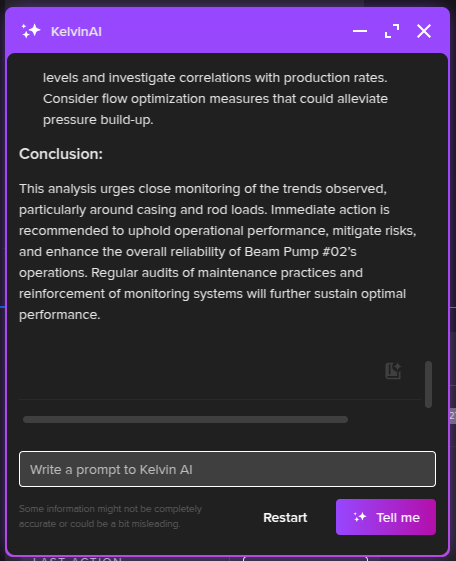
Conclusions
A conclusion to all the summarized information for the asset.
AI Generated Graphs
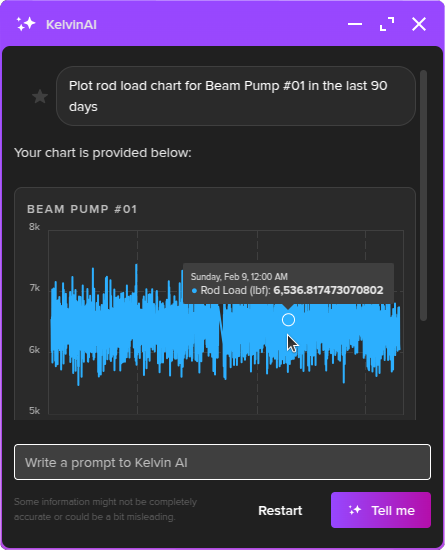
You can also quickly generate graphs on the Asset's data streams through the Kelvin AI prompt.
For example if you type;
You'll get a response similar to this.