Delete a Connection
You can delete a Connection in two ways.
This action is permanent and can not be undone. You will need to deploy a new workload with all the right settings.
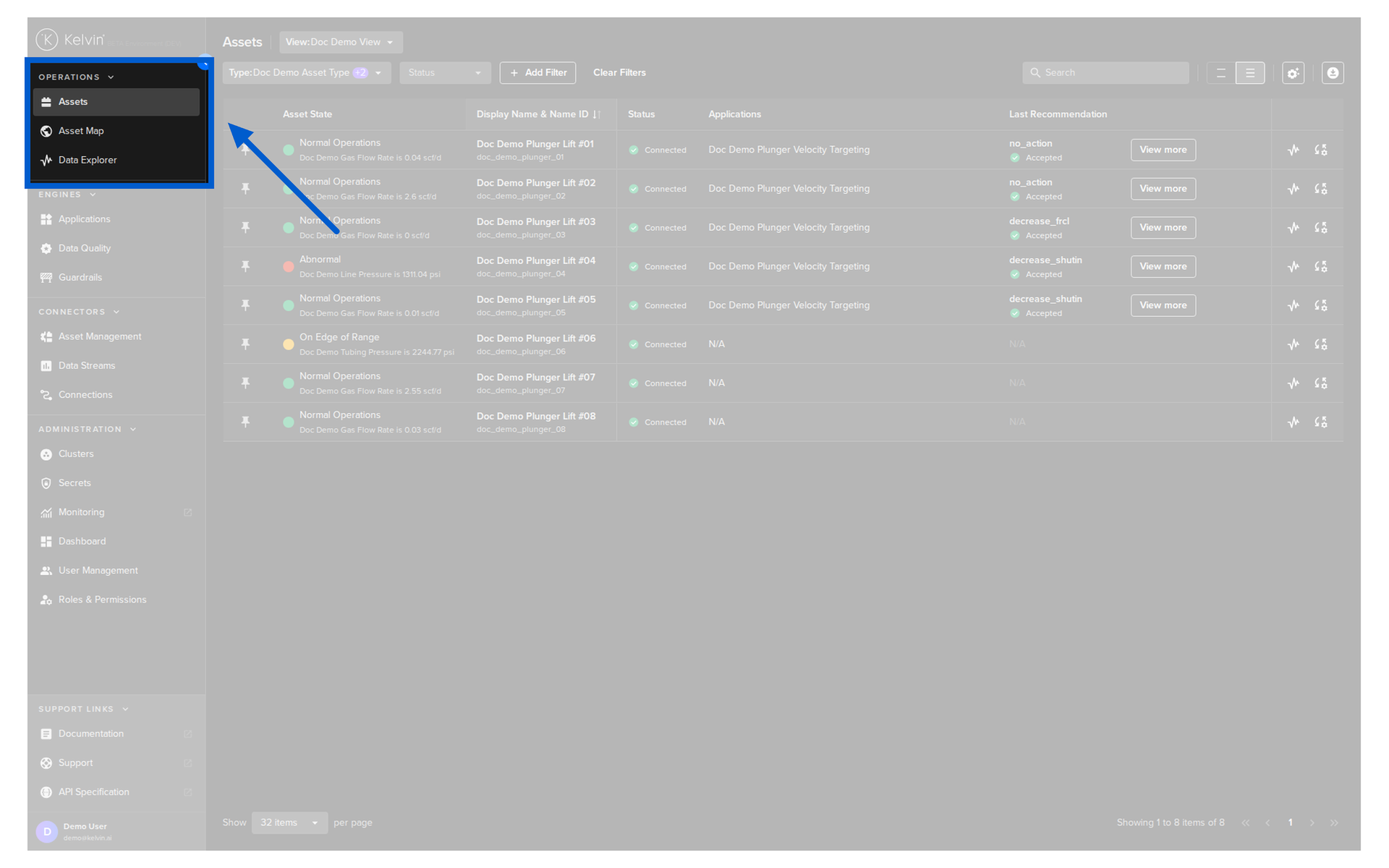
Go to Connections in the Kelvin UI.
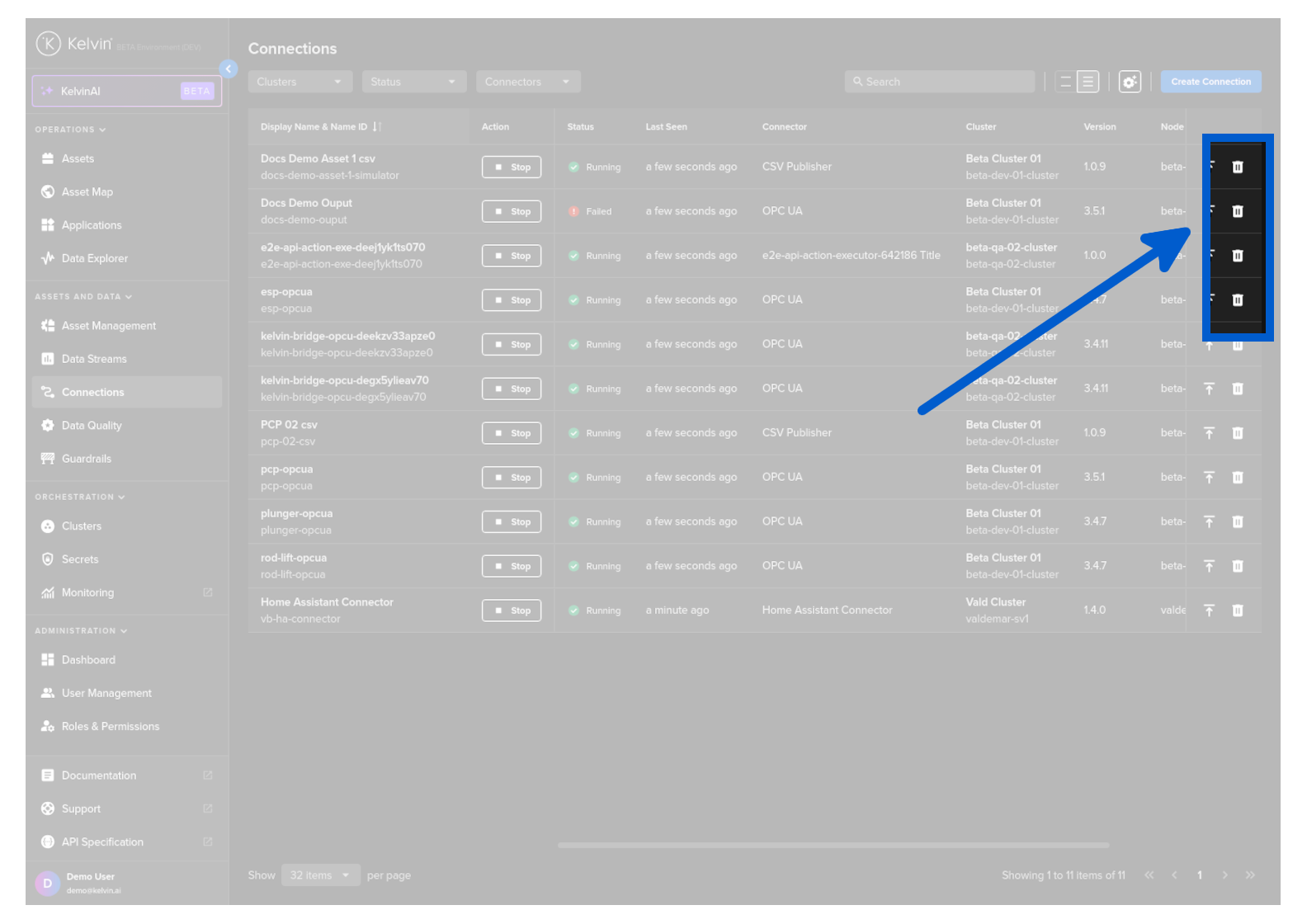
Then click on the Delete icon on the relevant Connection row to change its running status.
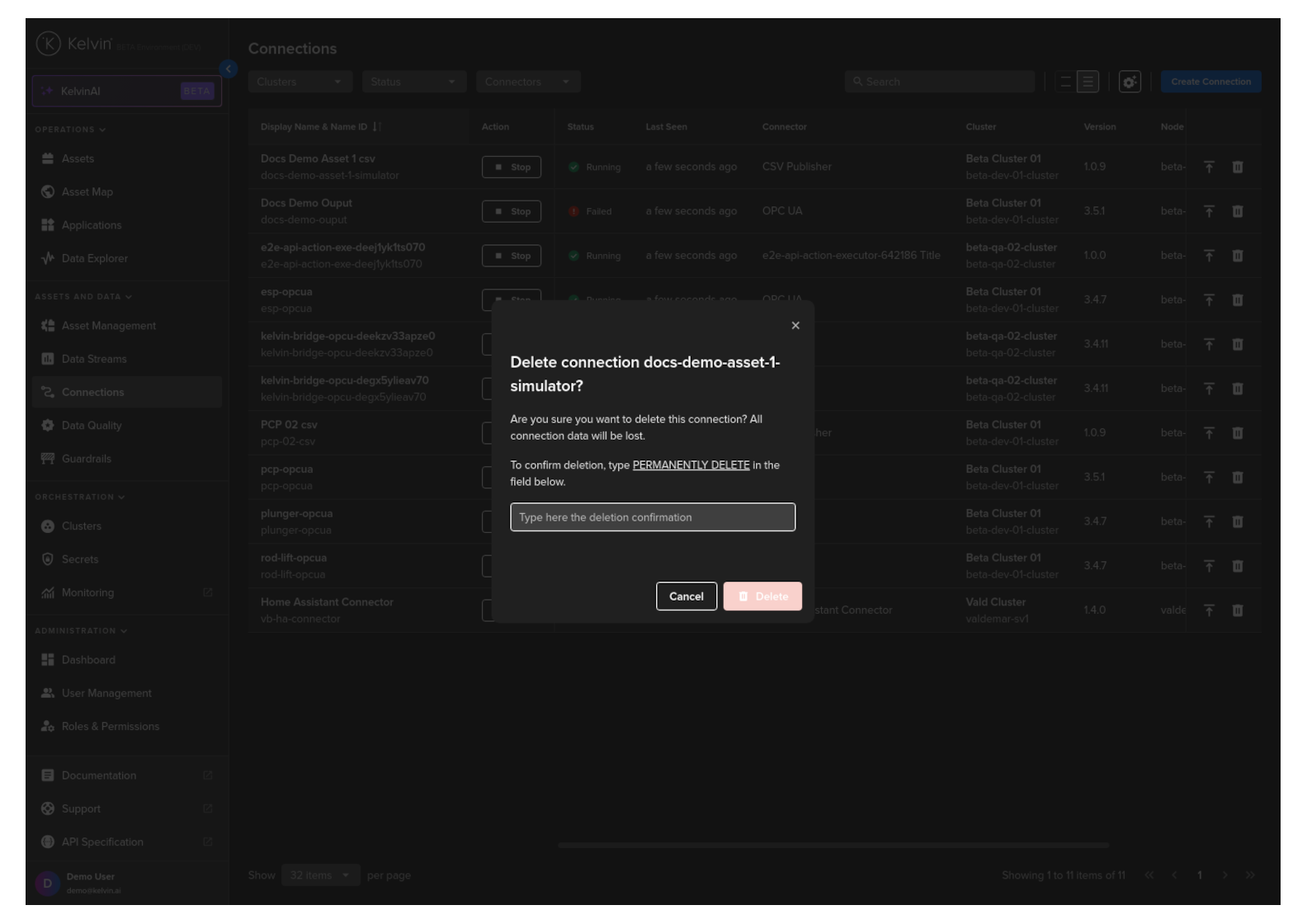
Follow the instructions to confirm your delete action.
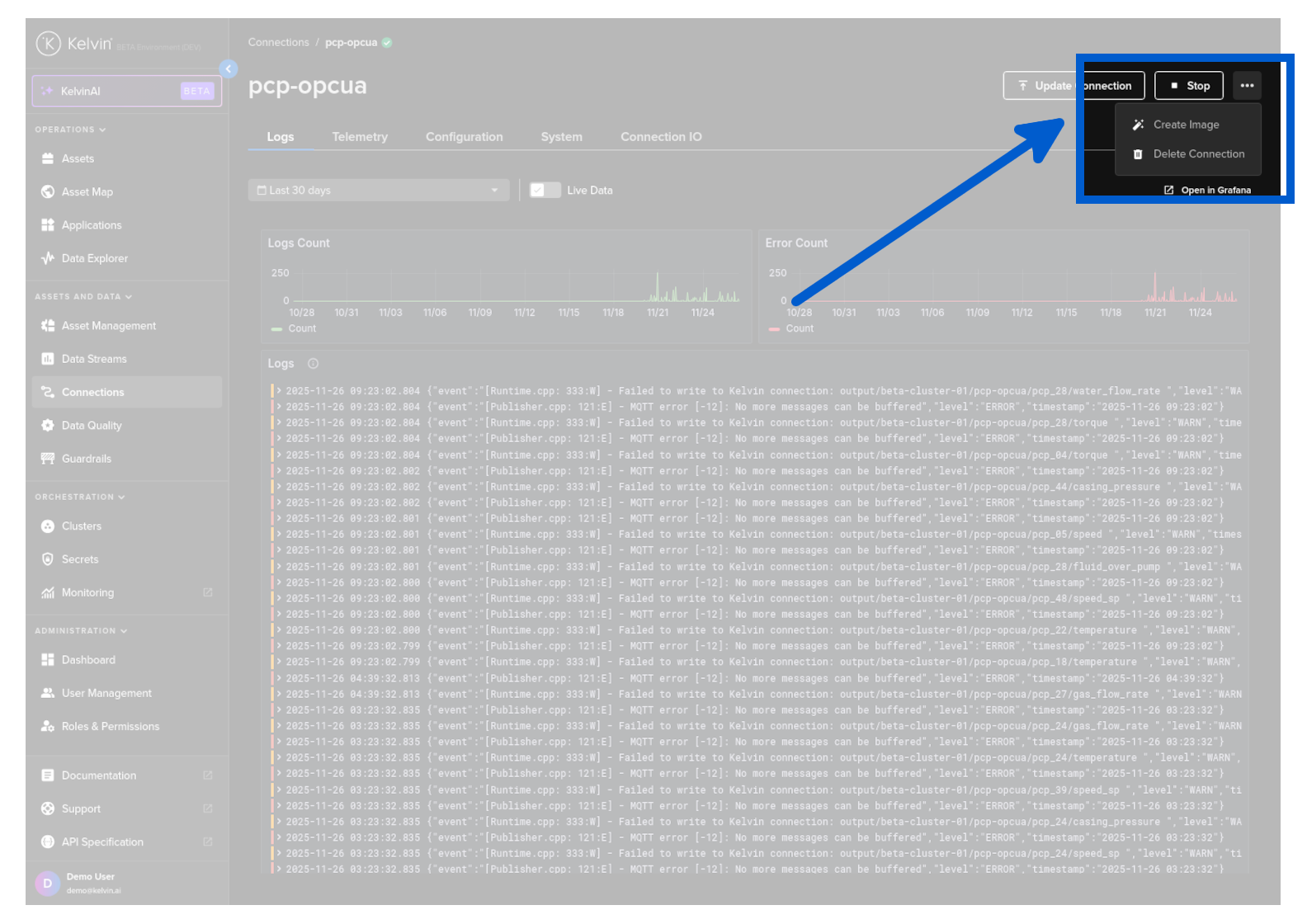
Go to Connections in the Kelvin UI and click on the Connection to view its details.
Then click on the hamburger menu at the top of the page and select Delete Connection to delete it.
Follow the instructions to confirm your delete action.