Start/Stop Connection
You can start / stop a Connection.
This will not undeploy the workload from the edge system, so you can restart it at anytime without having to deploy the Workload again.
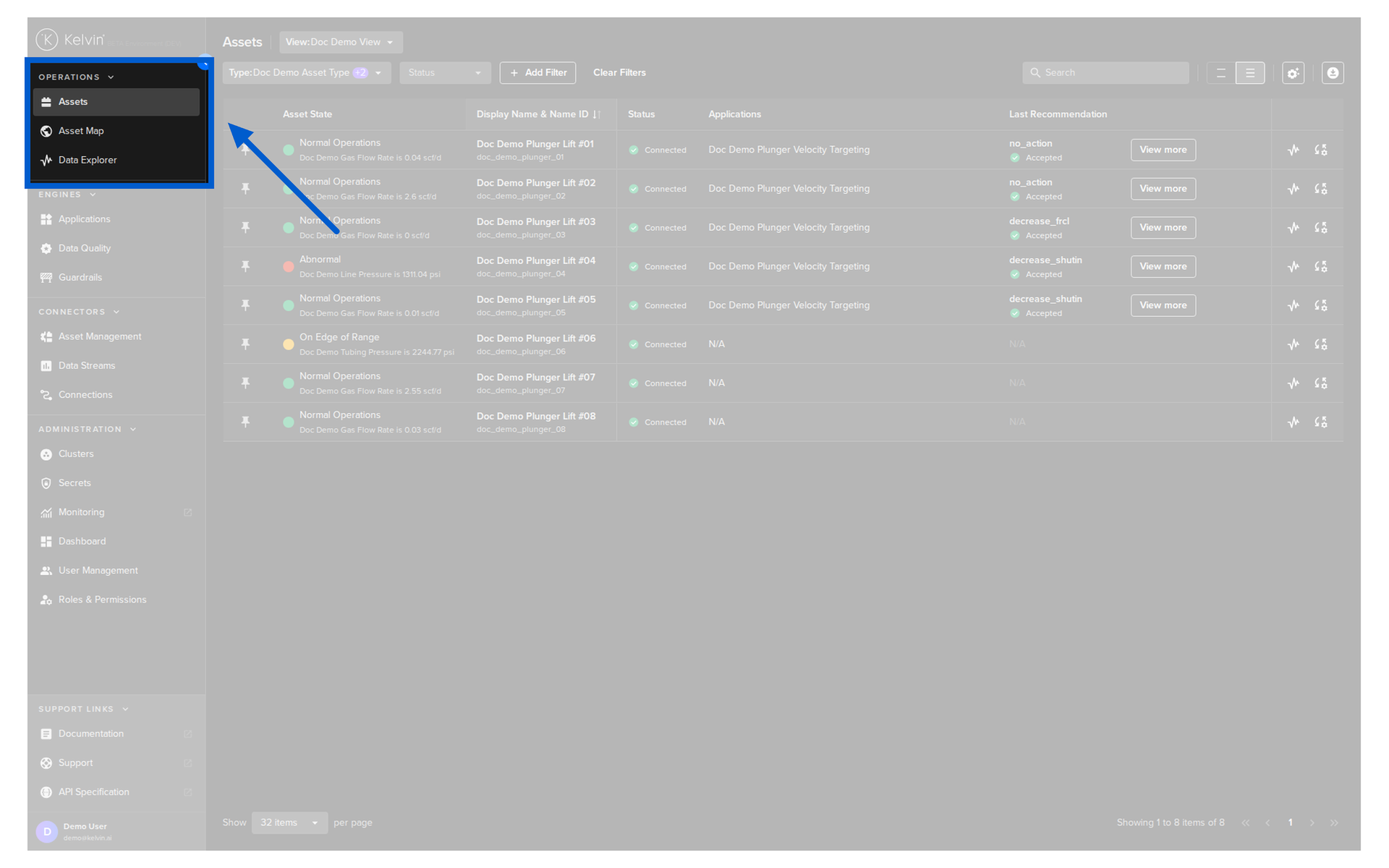
Go to Connections in the Kelvin UI.
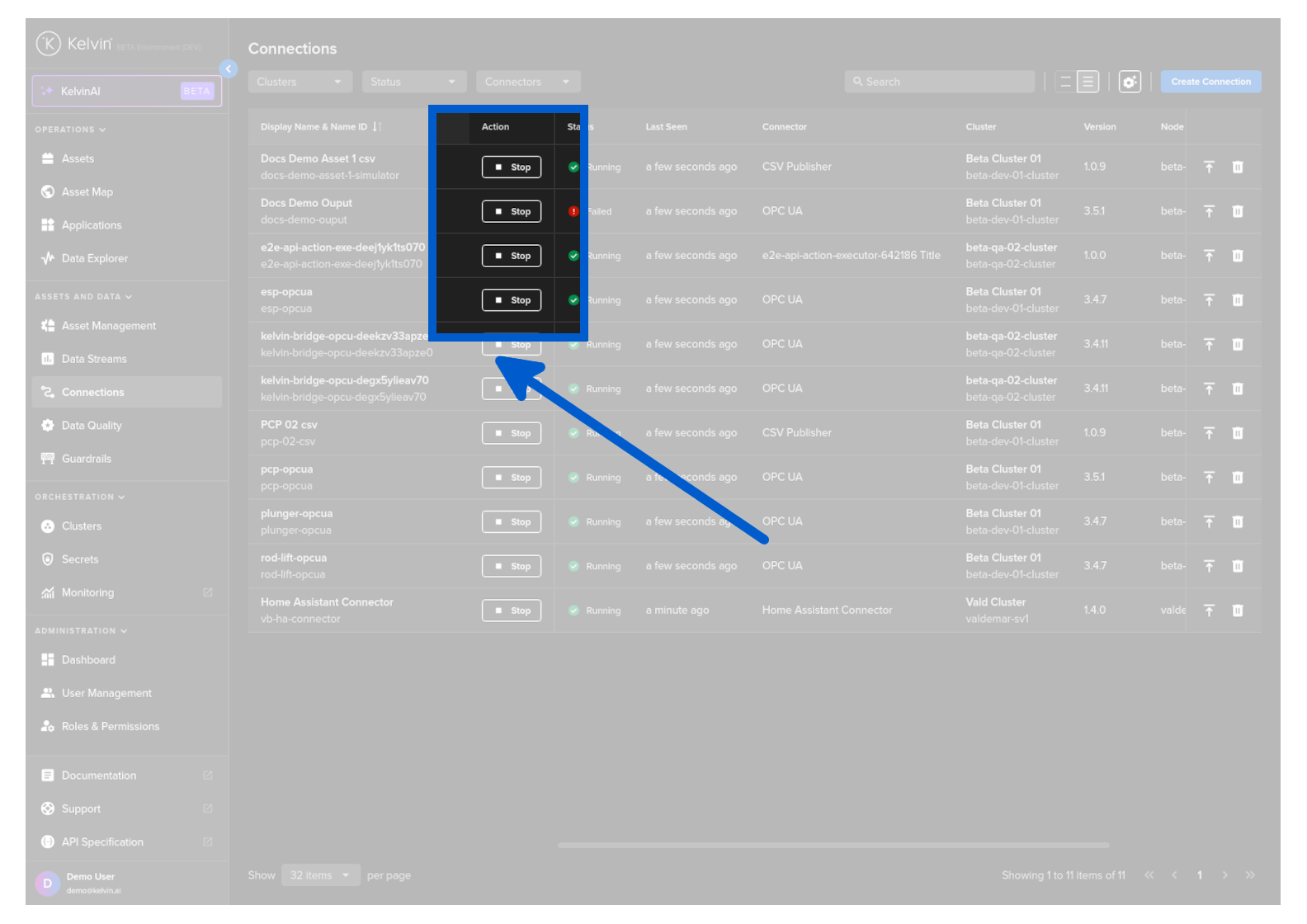
Then click on the Start / Stop button on the relevant Connection row to change its running status.
Note
If the button is grayed out, then this usually means the workload status is unavailable.
This problem will need to be resolved first before you can control the workload.
Go to Connections in the Kelvin UI.
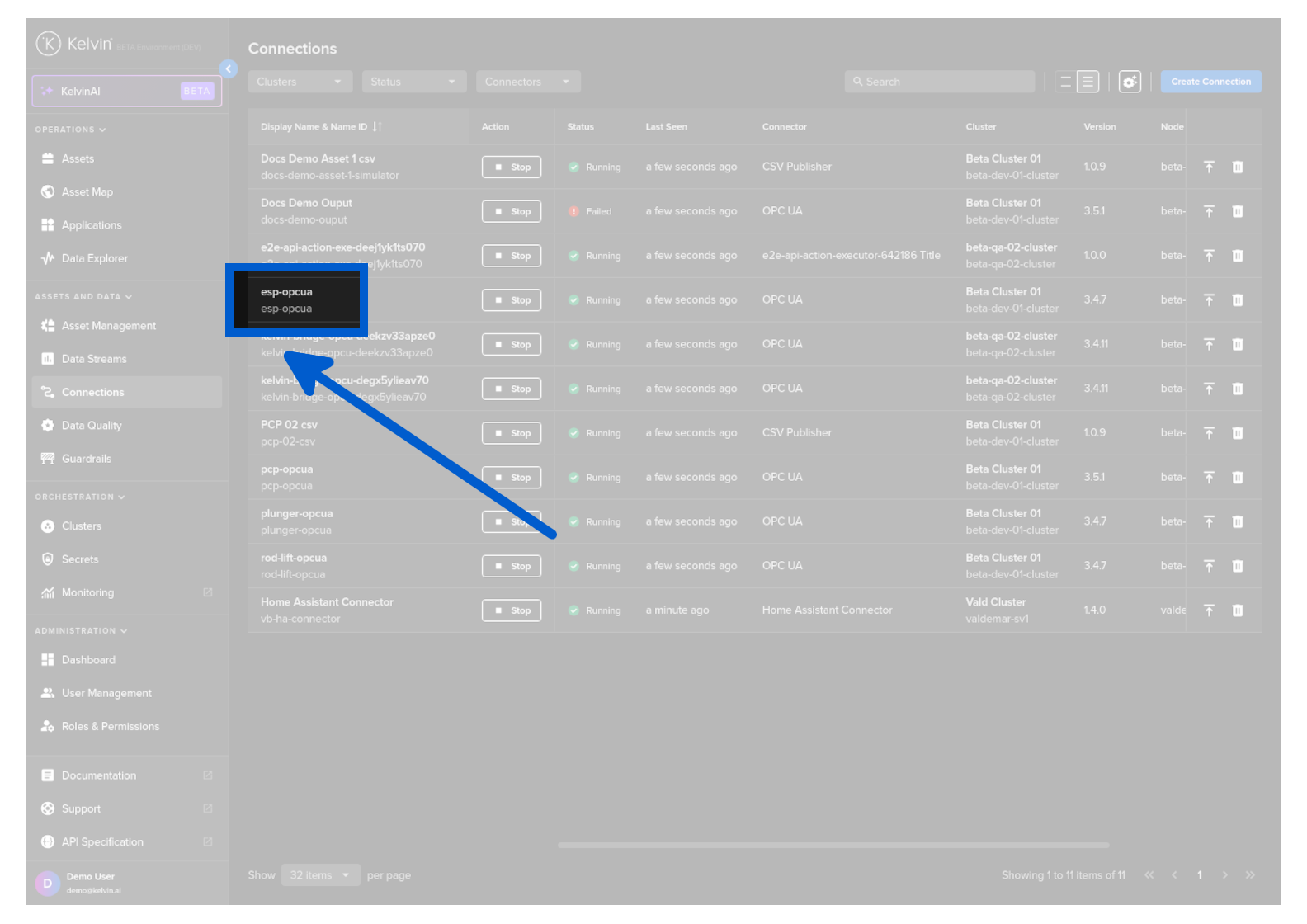
Click on the Connection to view its details.
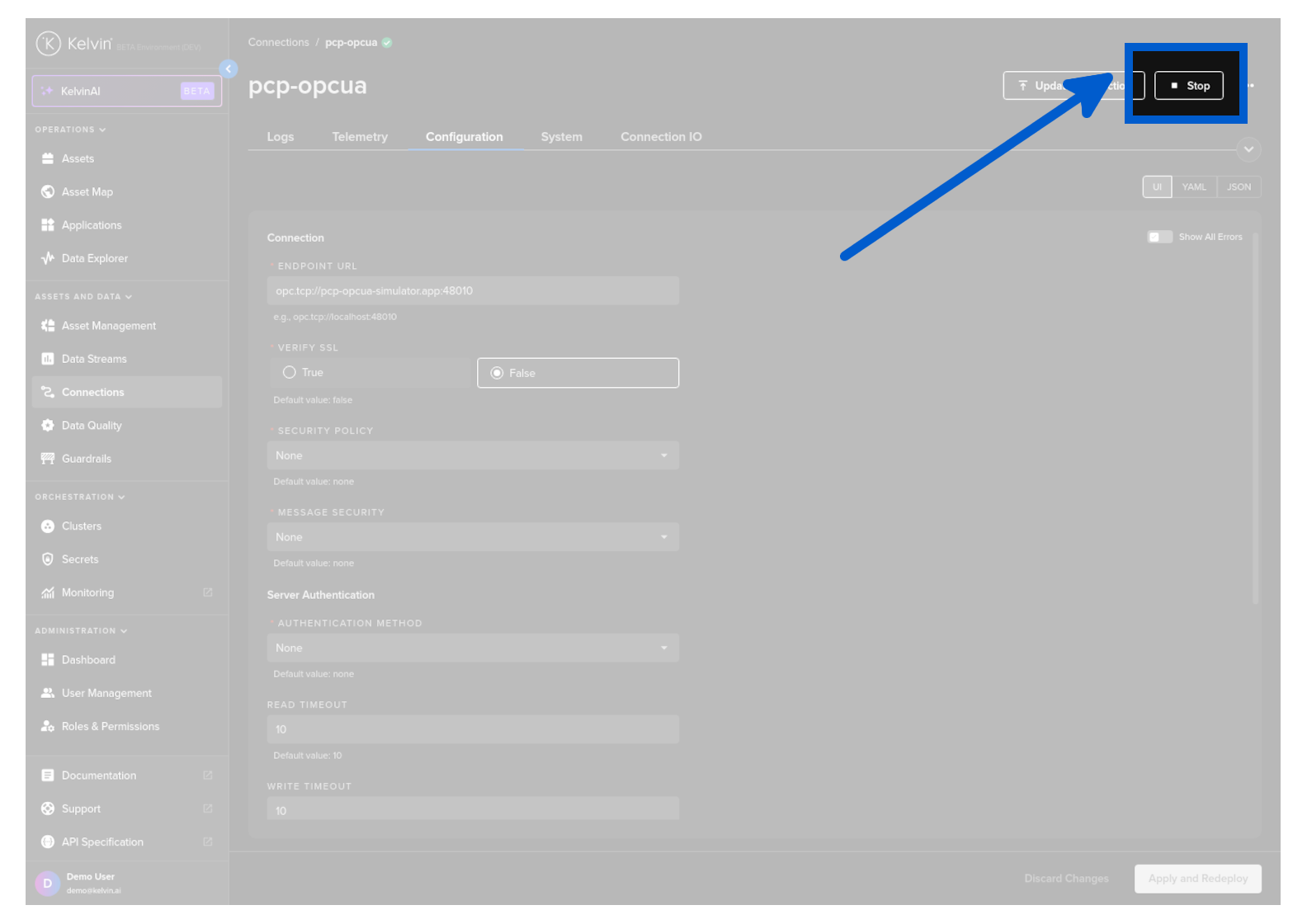
Then click on the Start / Stop button at the top of the page to change its running status.
Note
If the button is grayed out, then this usually means the workload status is unavailable.
This problem will need to be resolved first before you can control the workload.