Delete node
Delete Node from Cluster (Scale Down)
Worker Nodes from a k3s cluster can be deleted at any time. All workloads and running processes will be transferred to other nodes automatically.
You only need to do this if you have chosen the Main Node in the Cluster to be k3s installation by Kelvin. If you manage your own Kubernetes cluster, then follow your providers instructions and Kelvin will automatically adjust the system to remove the deleted node.
To perform this action you need to have access to the Main Node. You can find full instructions on how to delete your selected node by going to Orchestration, selecting your cluster and node, click on the Info tab and click Delete Node.
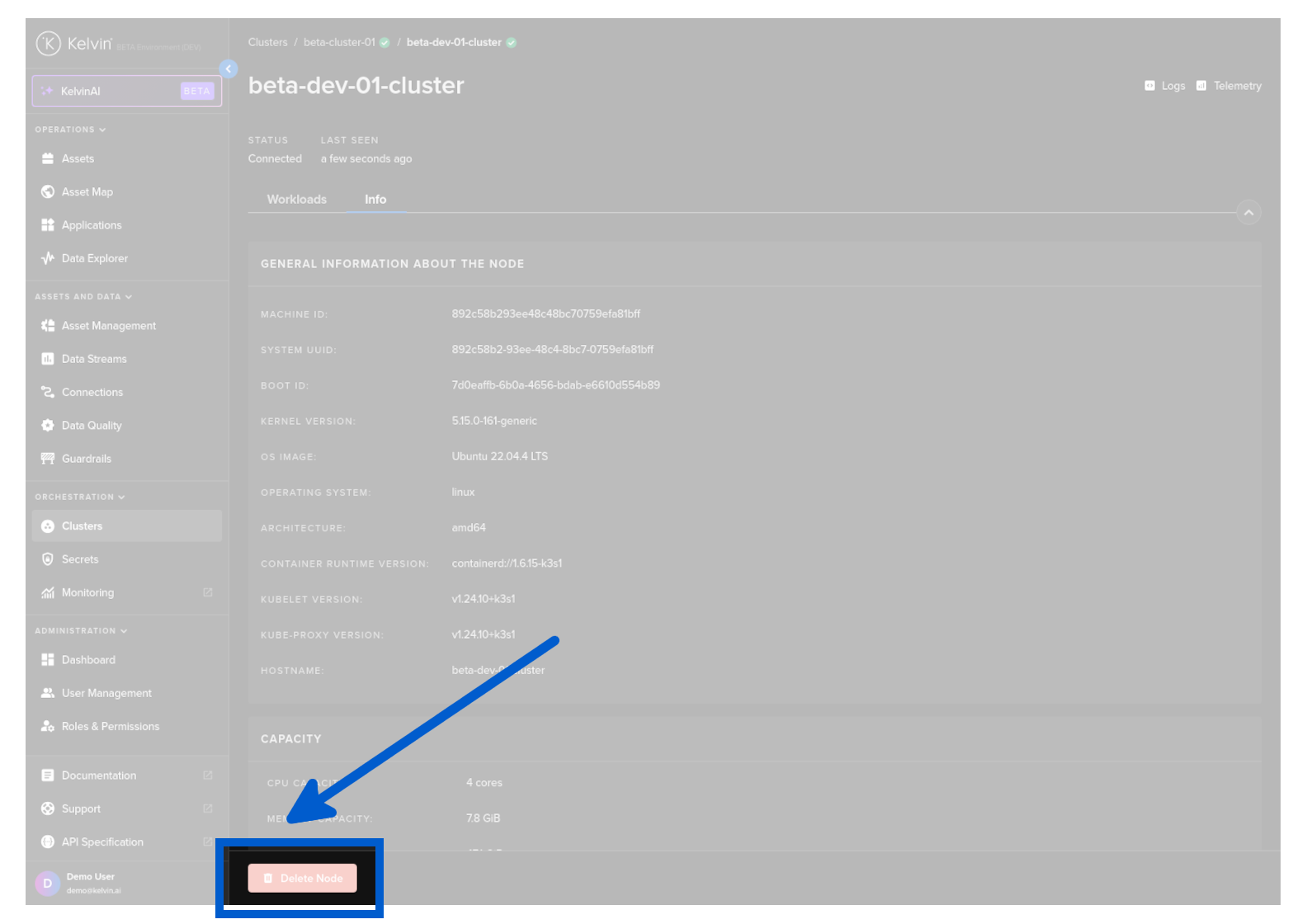
You will get the instructions what to type into the command line of your Main Node in the Cluster.
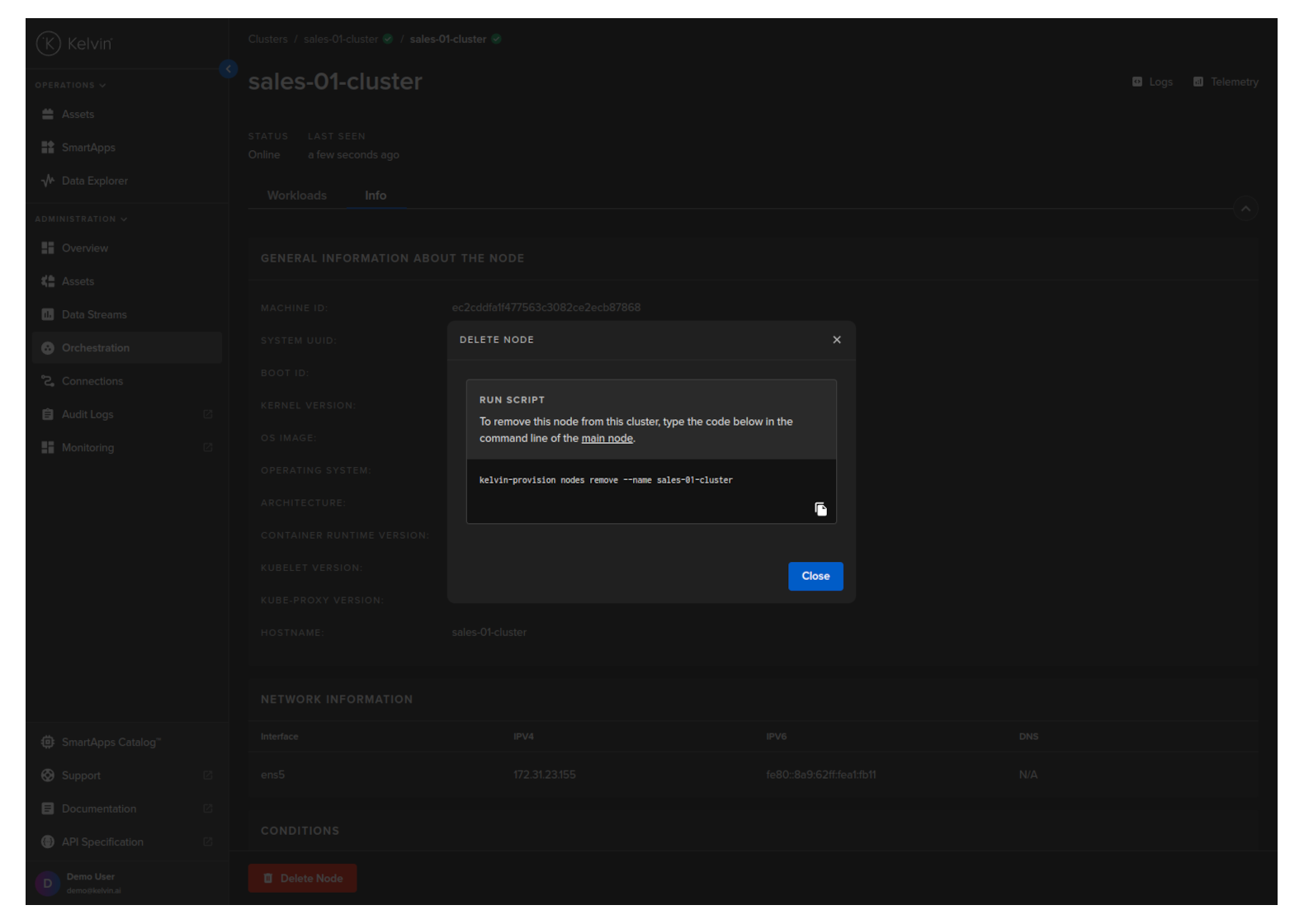
Go to your Main Node and type in the following;
| Kelvin SDK Command Line Example | |
|---|---|
You will then see the following response and a final question
| Kelvin SDK Command Line Output | |
|---|---|
Select Yes and press enter. You will then get confirmation on whether the Worker Node has been successfully deleted.