App Parameter Change Schedule
Overview
When controlling your Assets with Kelvin SmartApps™, there are times when temporary parameter setting adjustments are necessary for optimal performance, such as during planned maintenance periods or planned production changes.
Kelvin's Scheduling feature automates this process, ensuring settings change as needed. You can also optionally add a "revert to normal" after a defined time period.
This allows you to "set and forget" parameter changes, leaving you to focus on the more critical aspects of running and maintaining your assets.
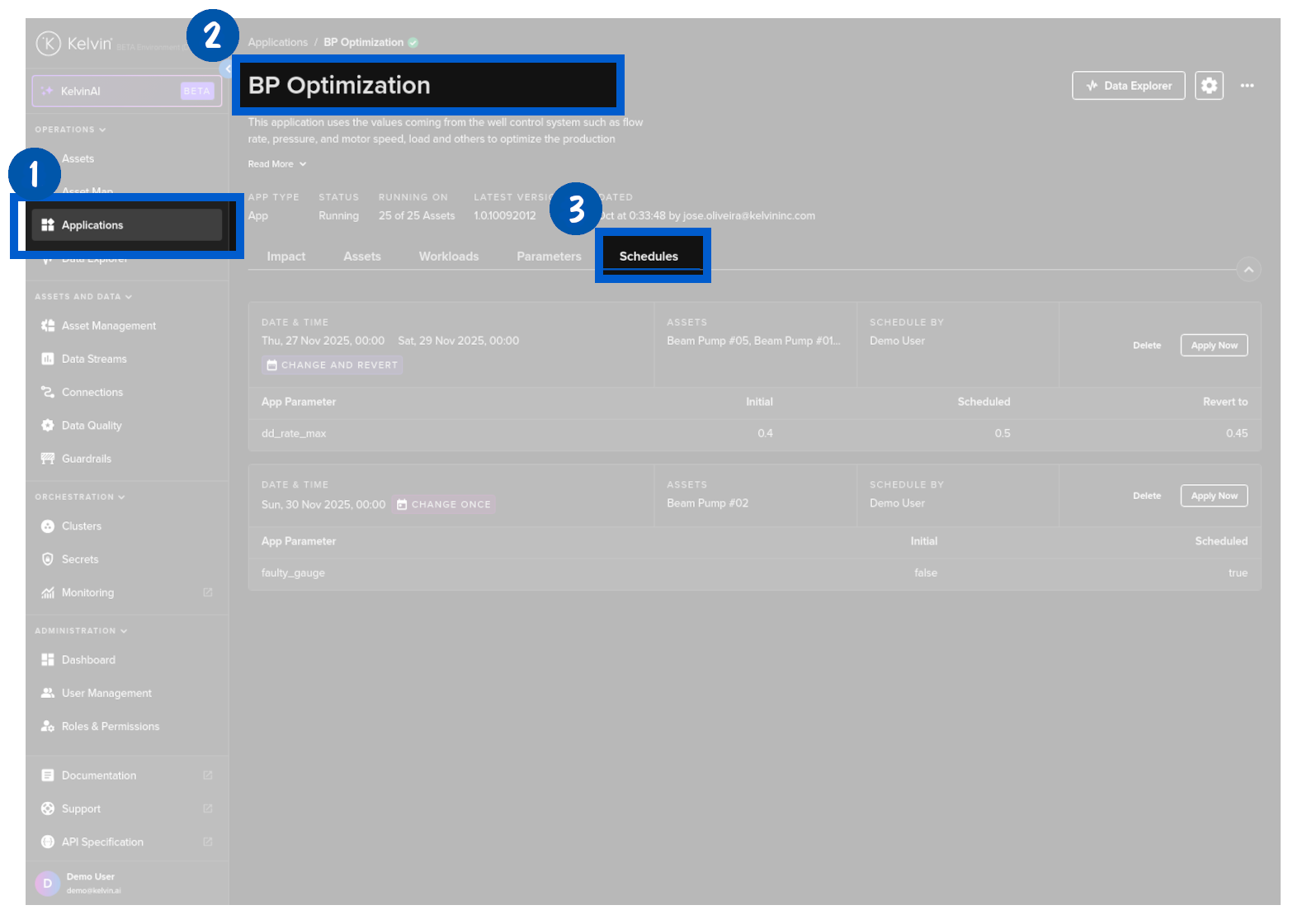
In Applications under Engines in the left hand sidebar, select a required Kelvin SmartApp™ then click on the Schedules tab.
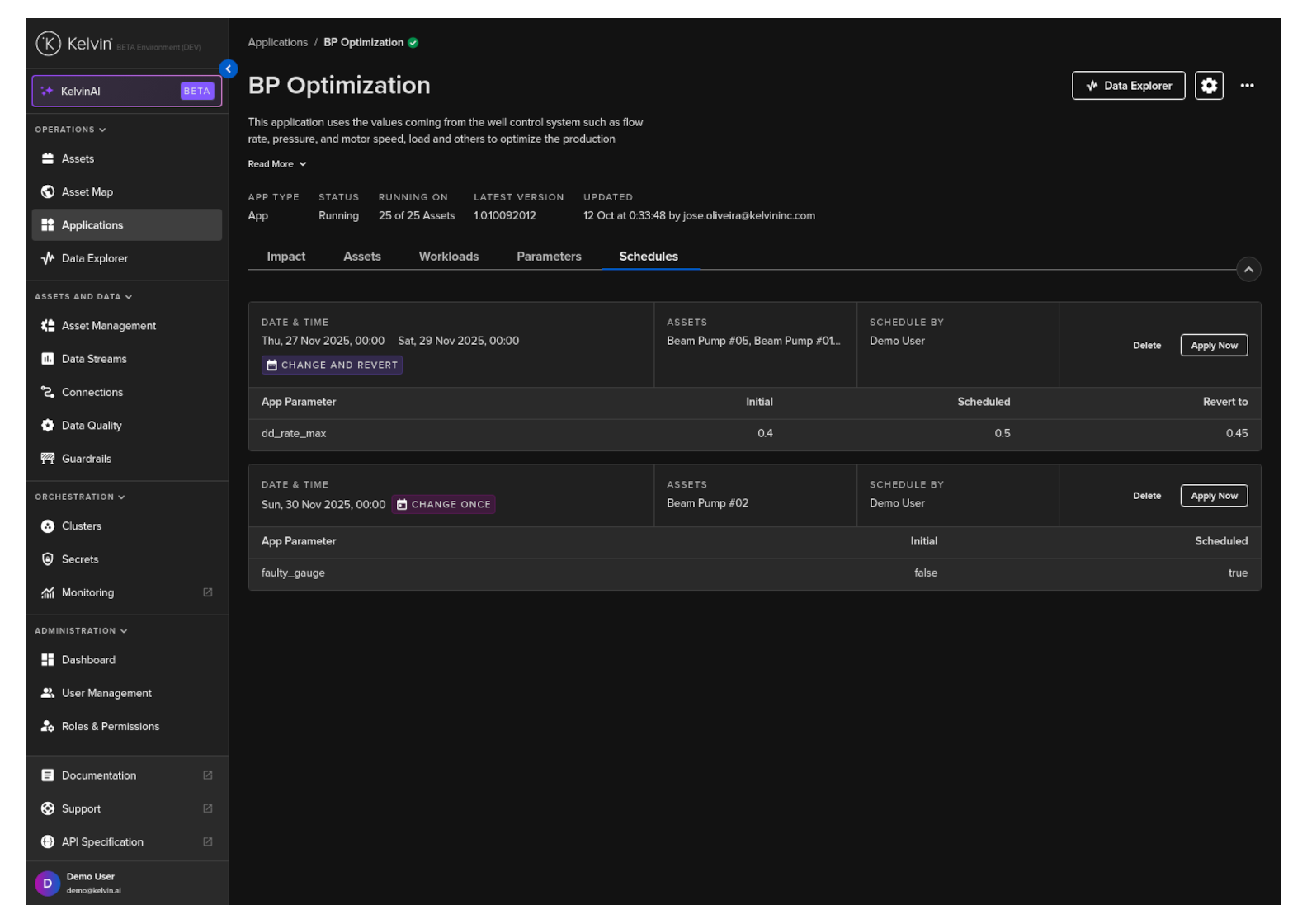
The overview itself has all the schedules for the selected Kelvin SmartApp™.
If you see an information icon next to the initial number, this means that each Asset has different values for that parameter. You can click on the icon to see the list of values for each Asset.
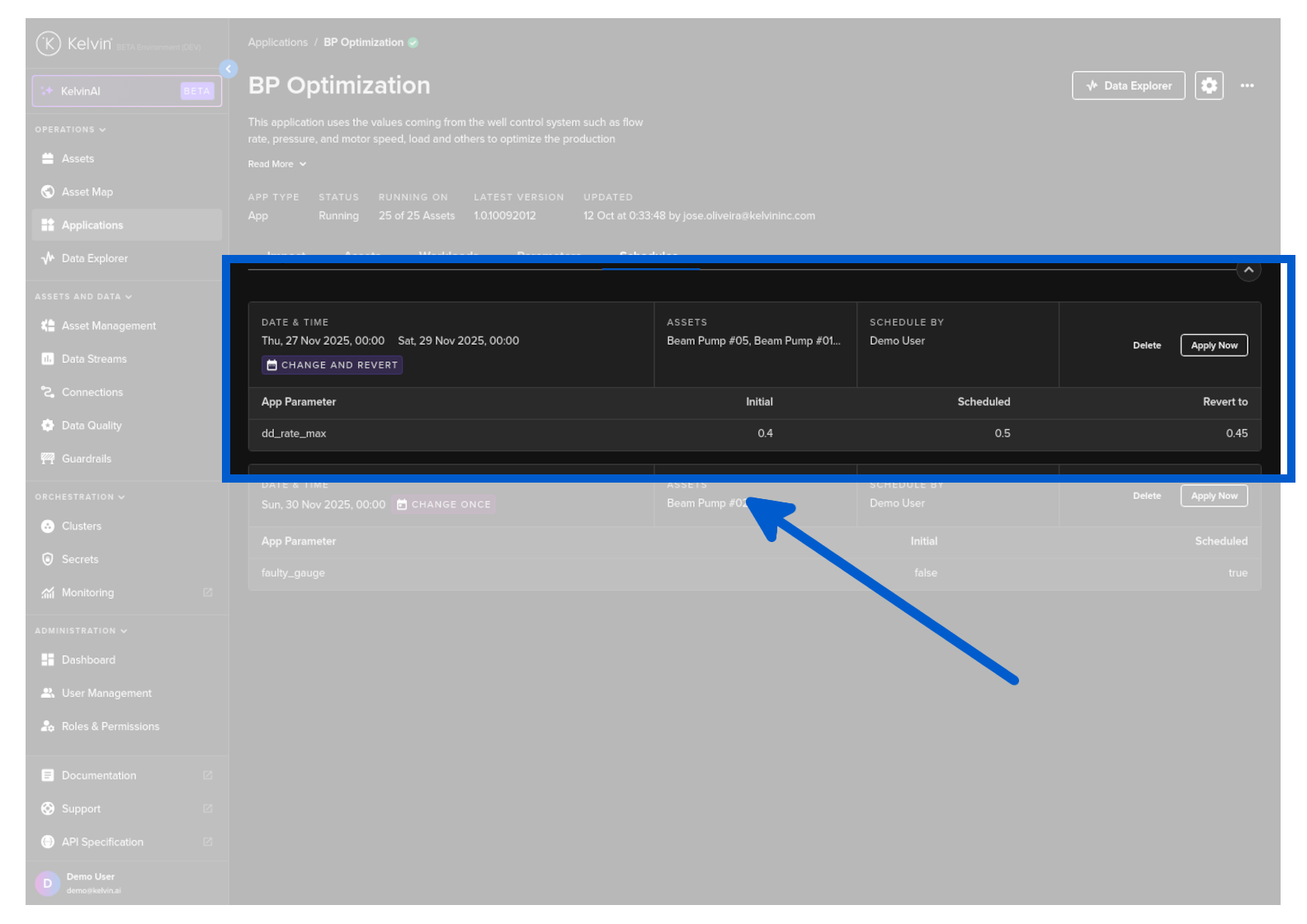
Each schedule is listed as a block with the key information.
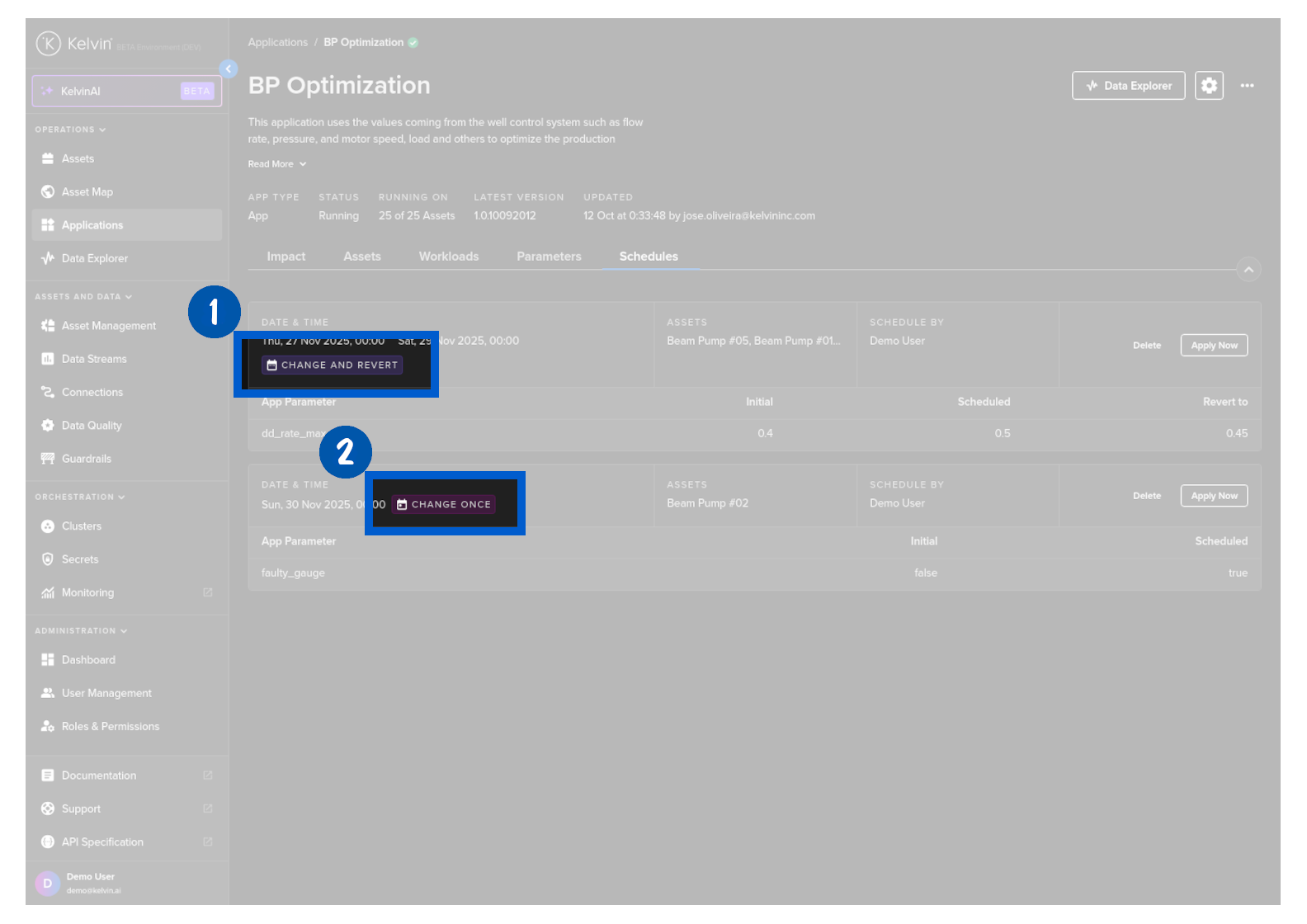
There is also the tags whether the scheduled update parameter has a revert option.