Asset List Filters
There are a number of filter options available to view the Assets that are important.
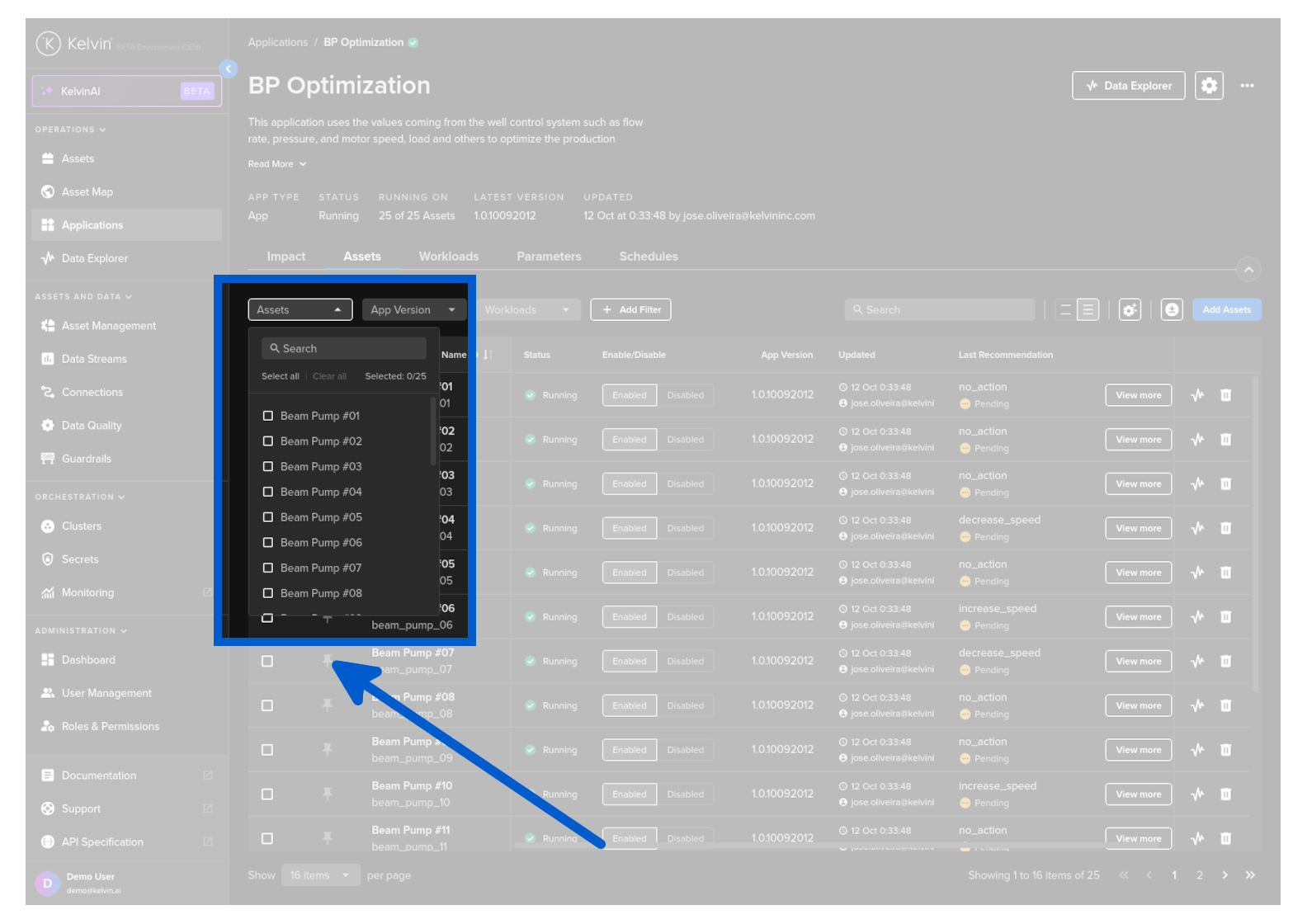
You can select the Assets that you want to see in the list.
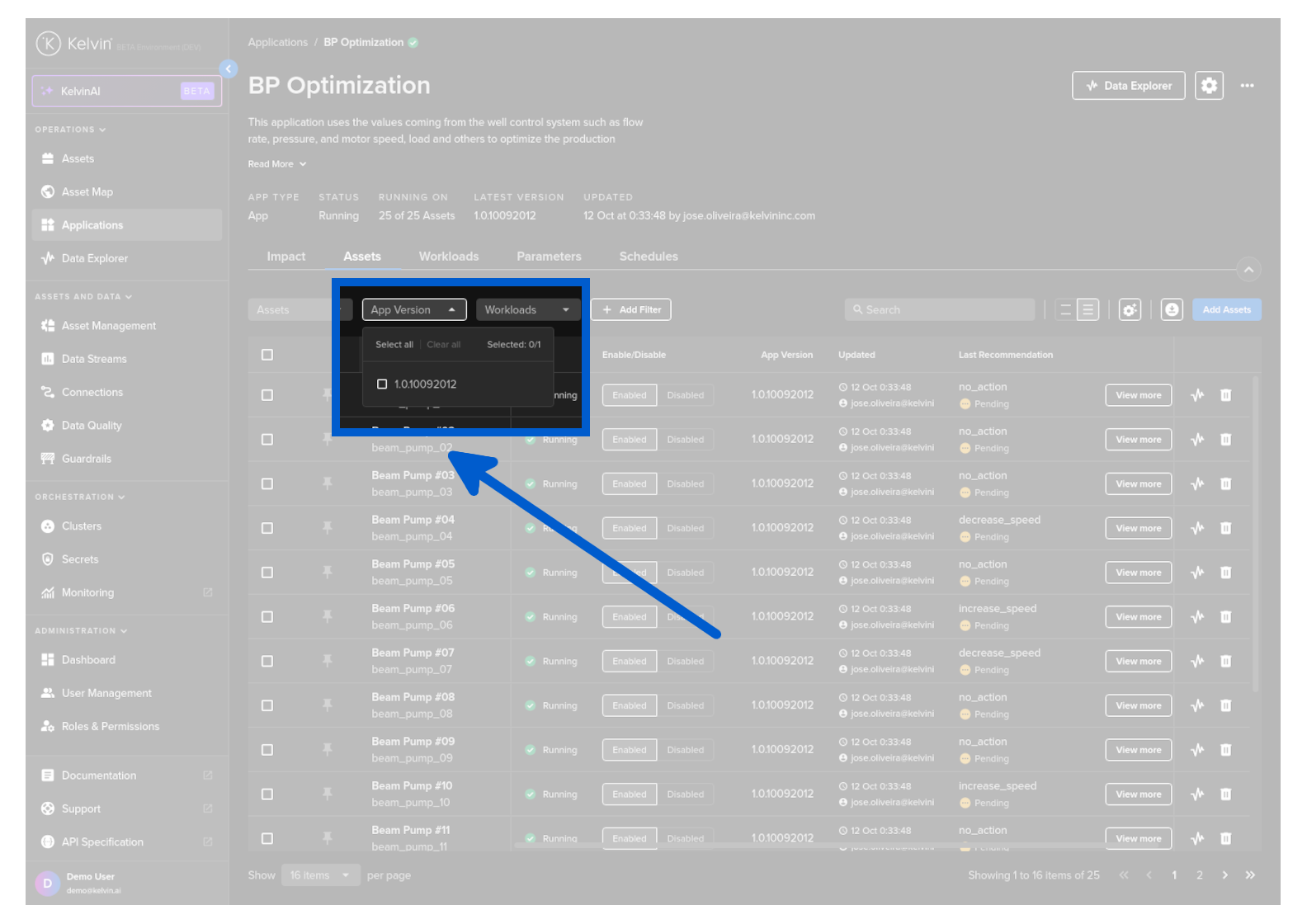
You can select Assets that are running a particular version of the Kelvin SmartApp™.
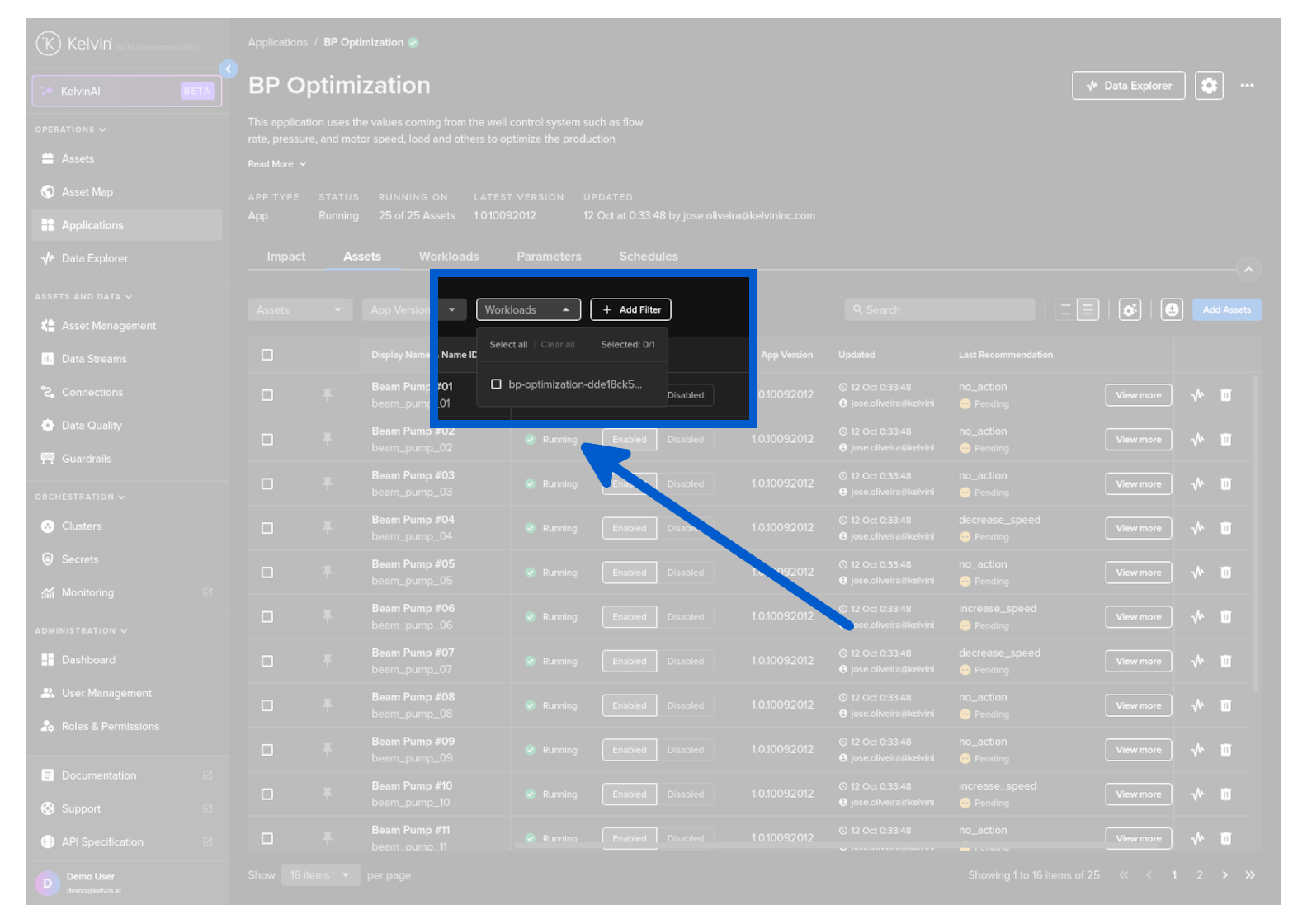
You can select to view only Assets which are running on certain Workloads.
There is a powerful filtering setup that can help configure the information you want to display.
All filters are processed together as AND.
There are three types of filters you can apply;
- On Asset Properties
- On Application App Parameters
- On Asset / Data Stream pairs aggregation of data
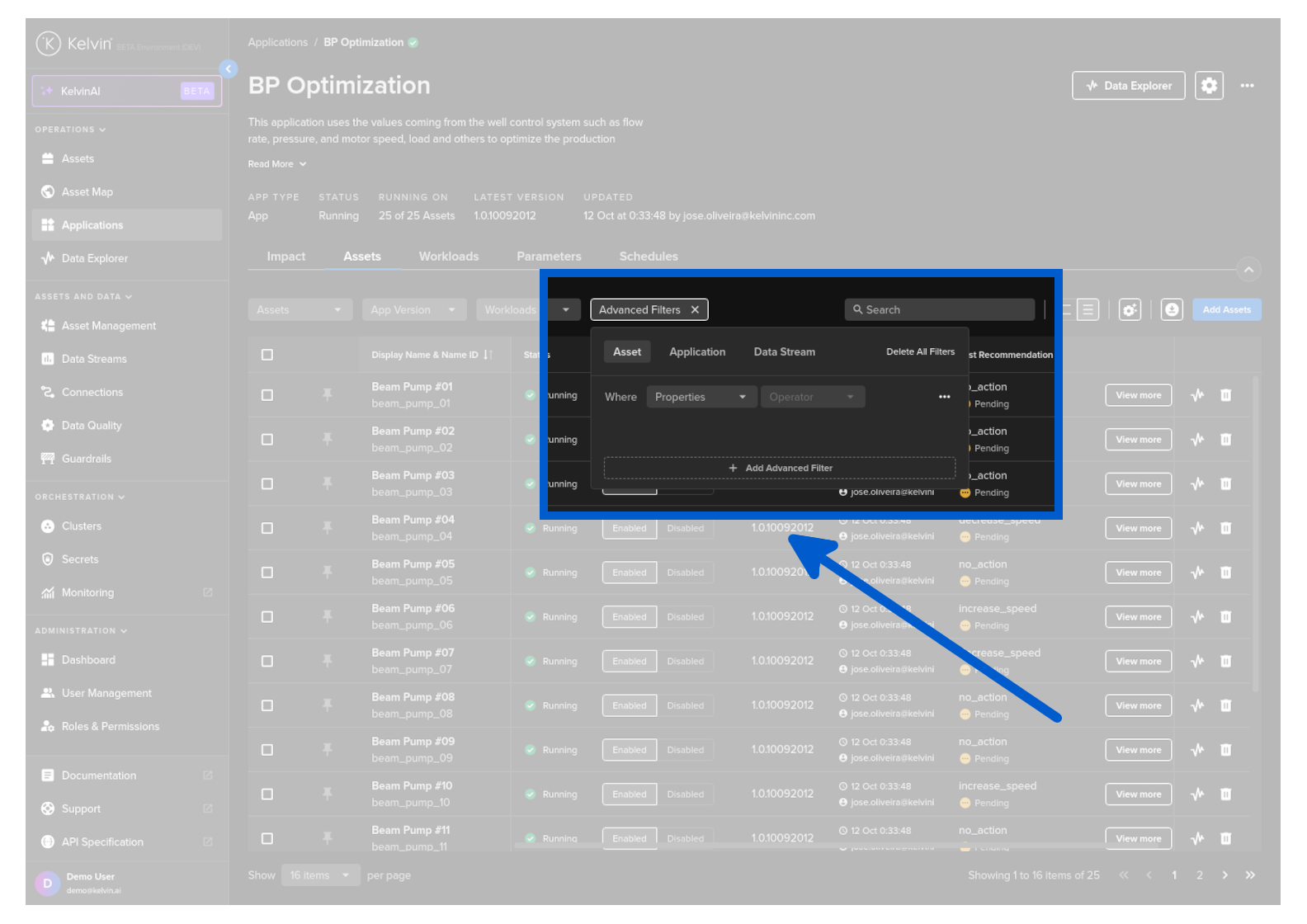
The Add Filter section allows you to create complex multi-criteria on Asset / Data Stream data or on any Kelvin SmartApp™ Recommendations and Control Changes.
If your filter is complex, then it can take time for the rows to be initially updated, sometimes over 10 seconds or more.
If you update your filter conditions with extra conditions, it will not take so long the second time as it only applies the new filter conditions to the existing list.