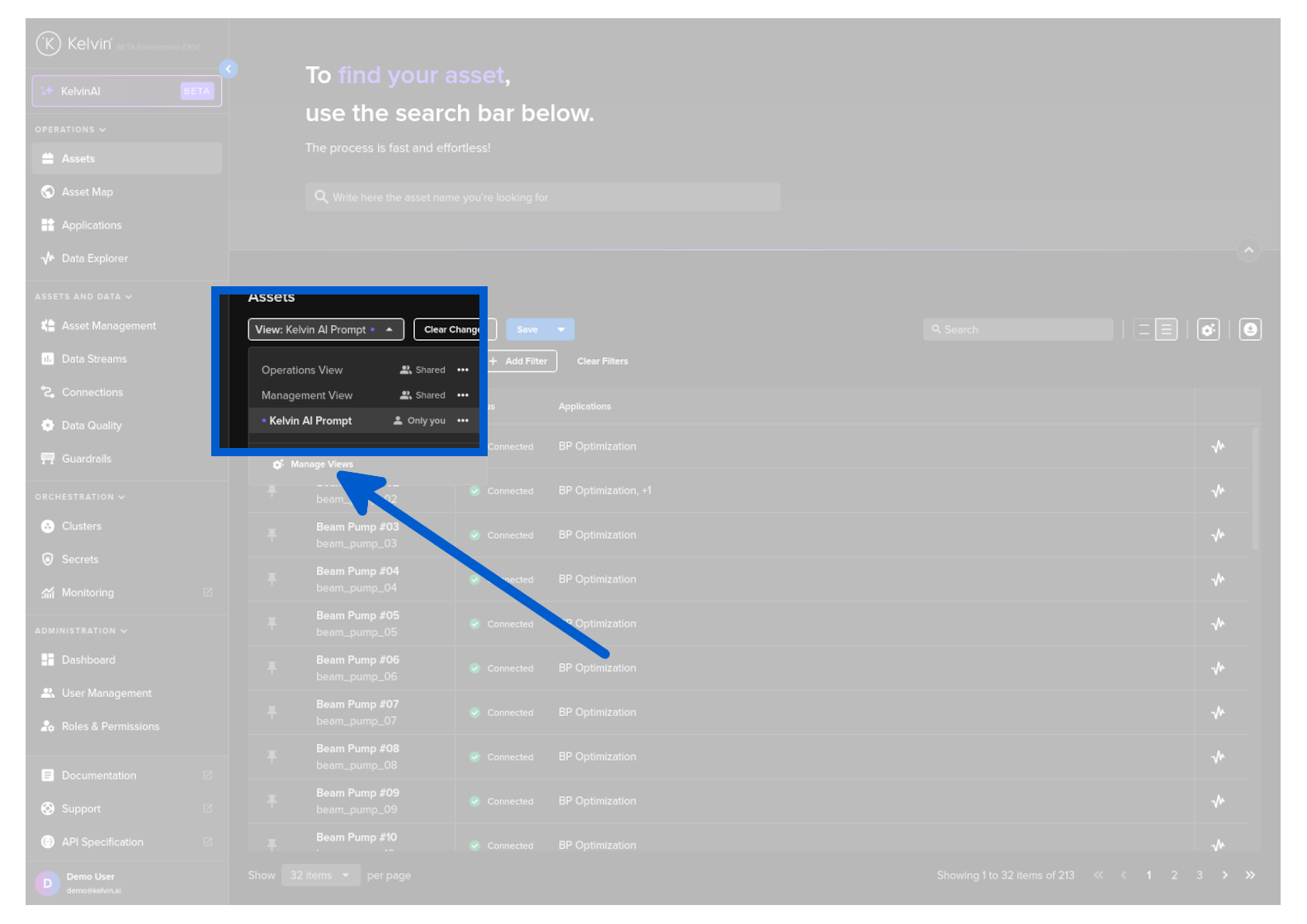
Change Asset View Filters
You can use Kelvin AI to quickly setup new filtered Asset Views through the prompt.
Create New Asset View
To start, click on the Kelvin AI menu item.
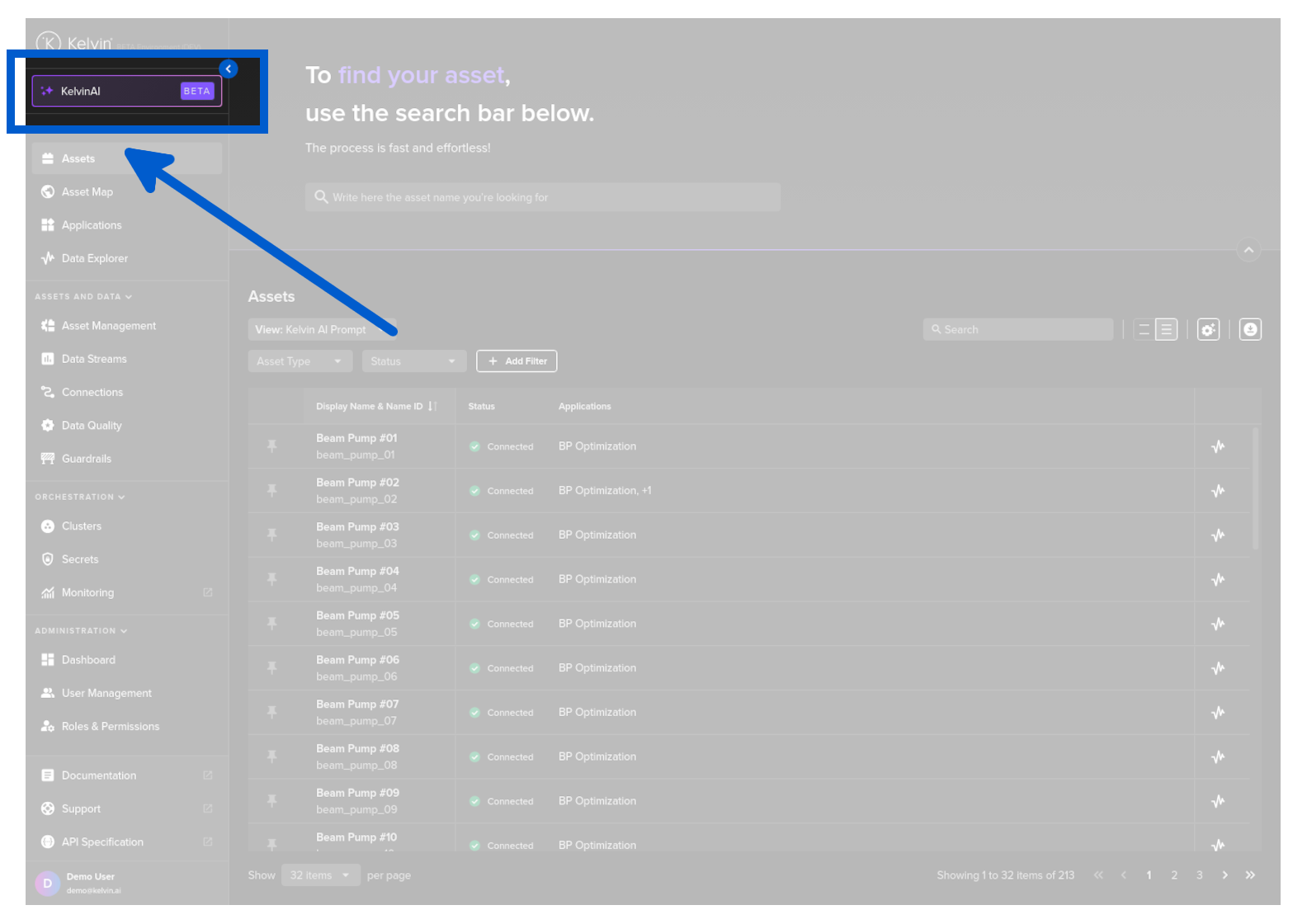
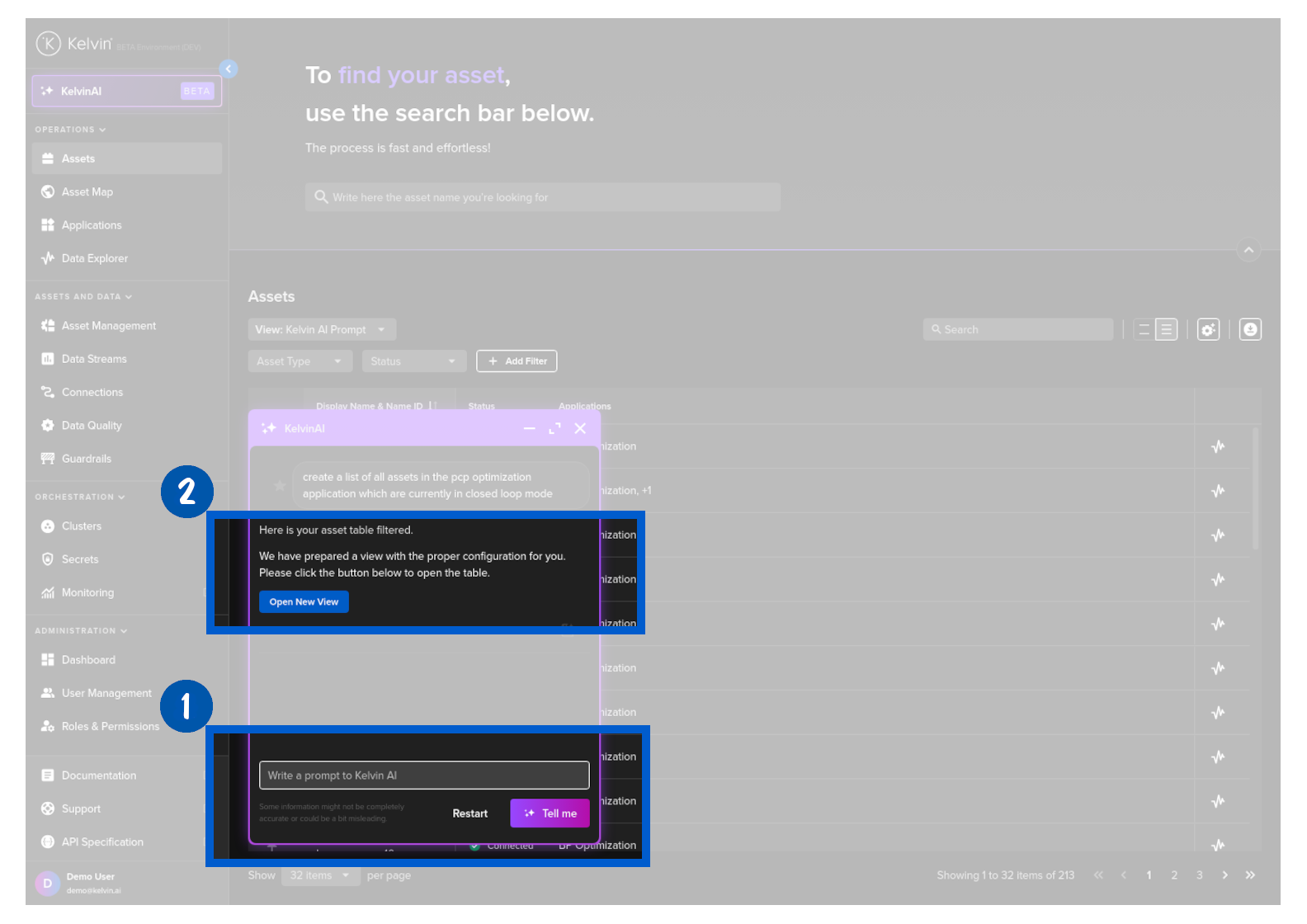
You will see the popup like this;
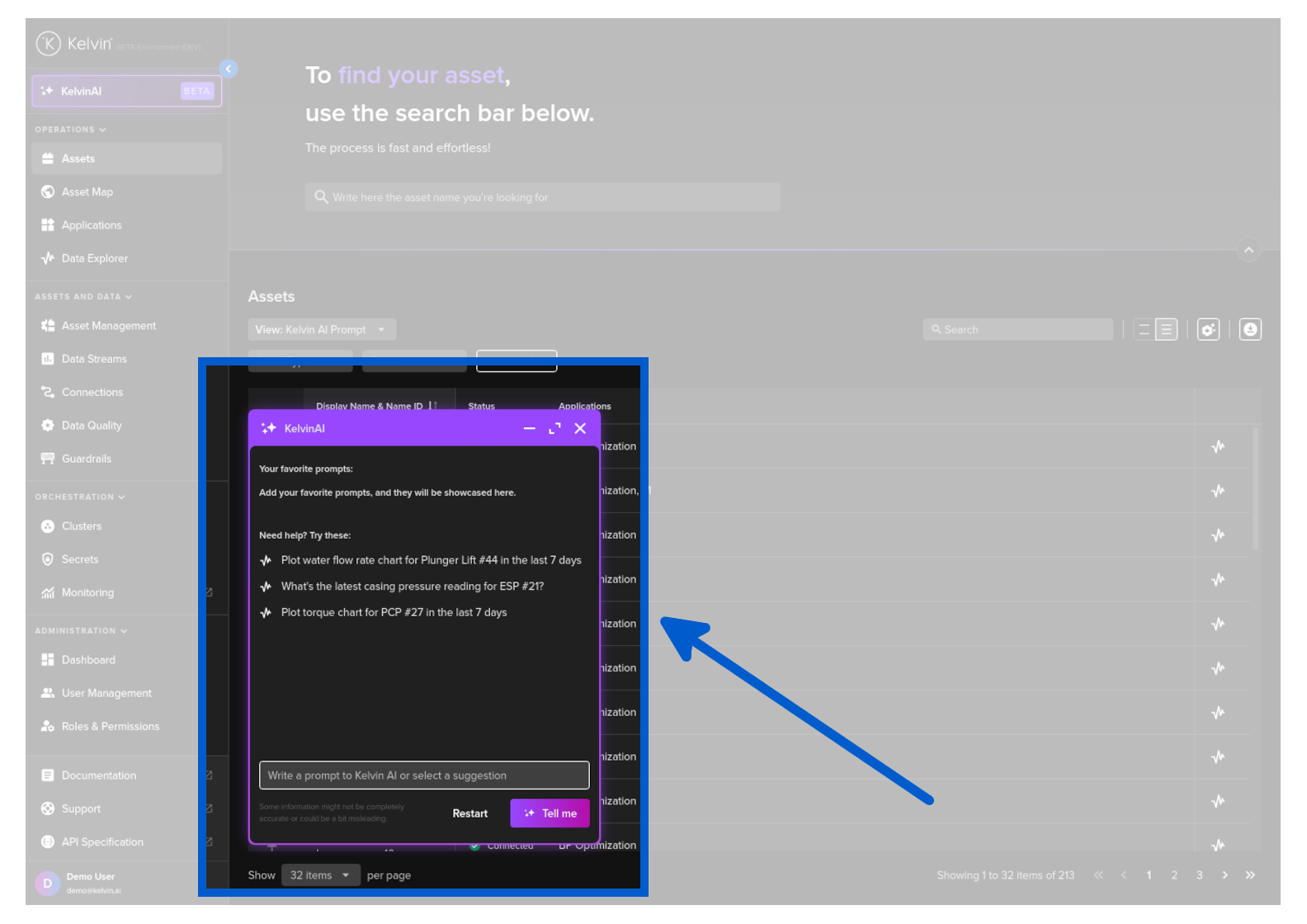
Then type in your request like;
create a list of all assets in the pcp optimization application which are currently in closed loop mode.
The new UI view will be created and saved, then in the response you will be given a link button to go directly to this new view.
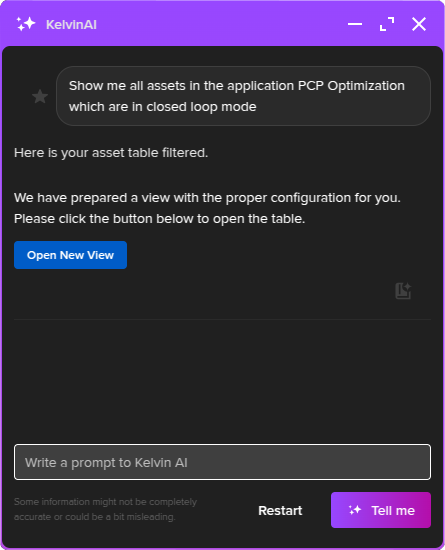
Click on the Open New View button.
When the page opens, you will see the list filtered as requested.
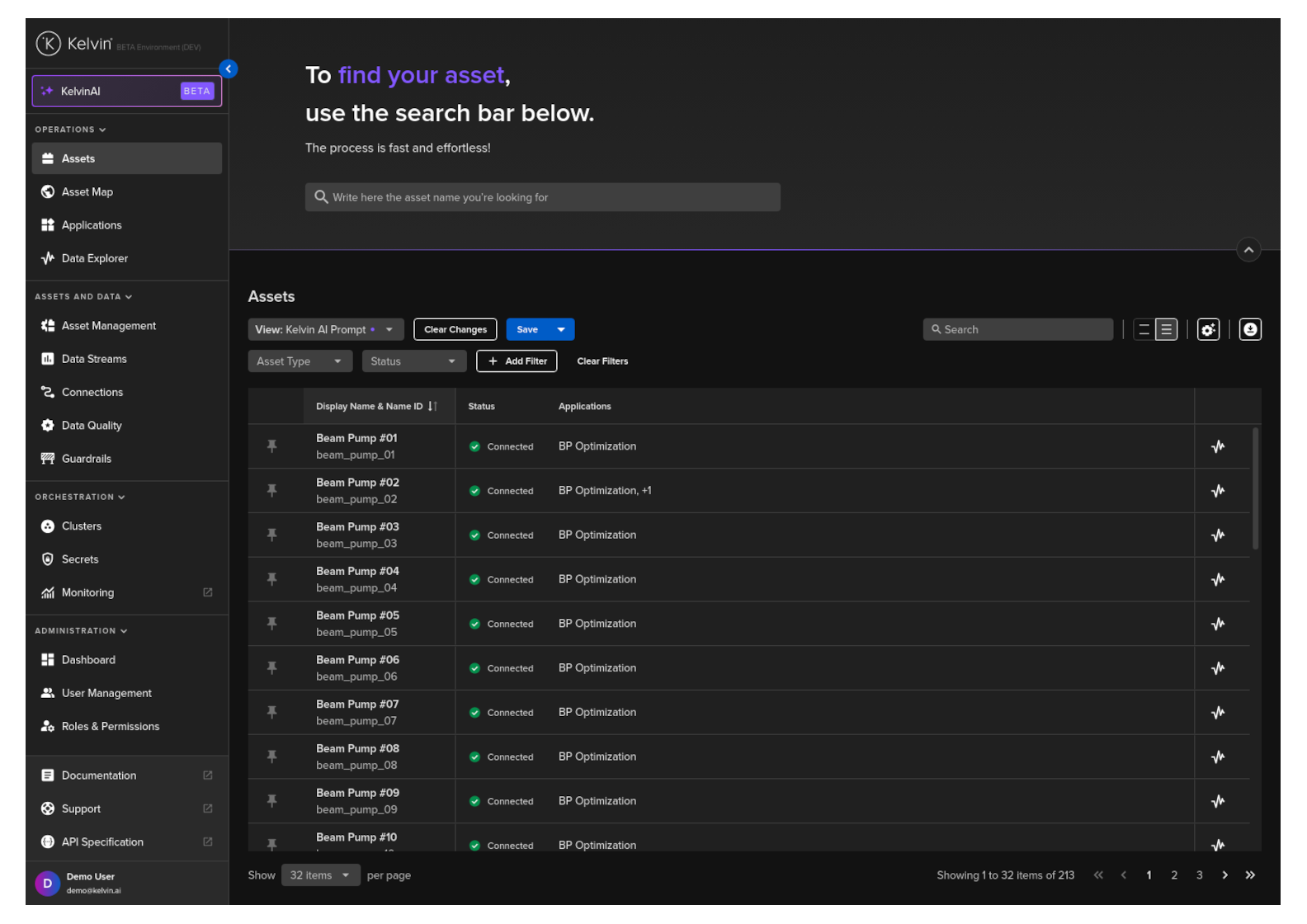
To confirm the filters, click on the view list and you will see a new entry called Kelvin AI Prompt.
Looking at the advanced filters you will also see all the filter settings you requested.