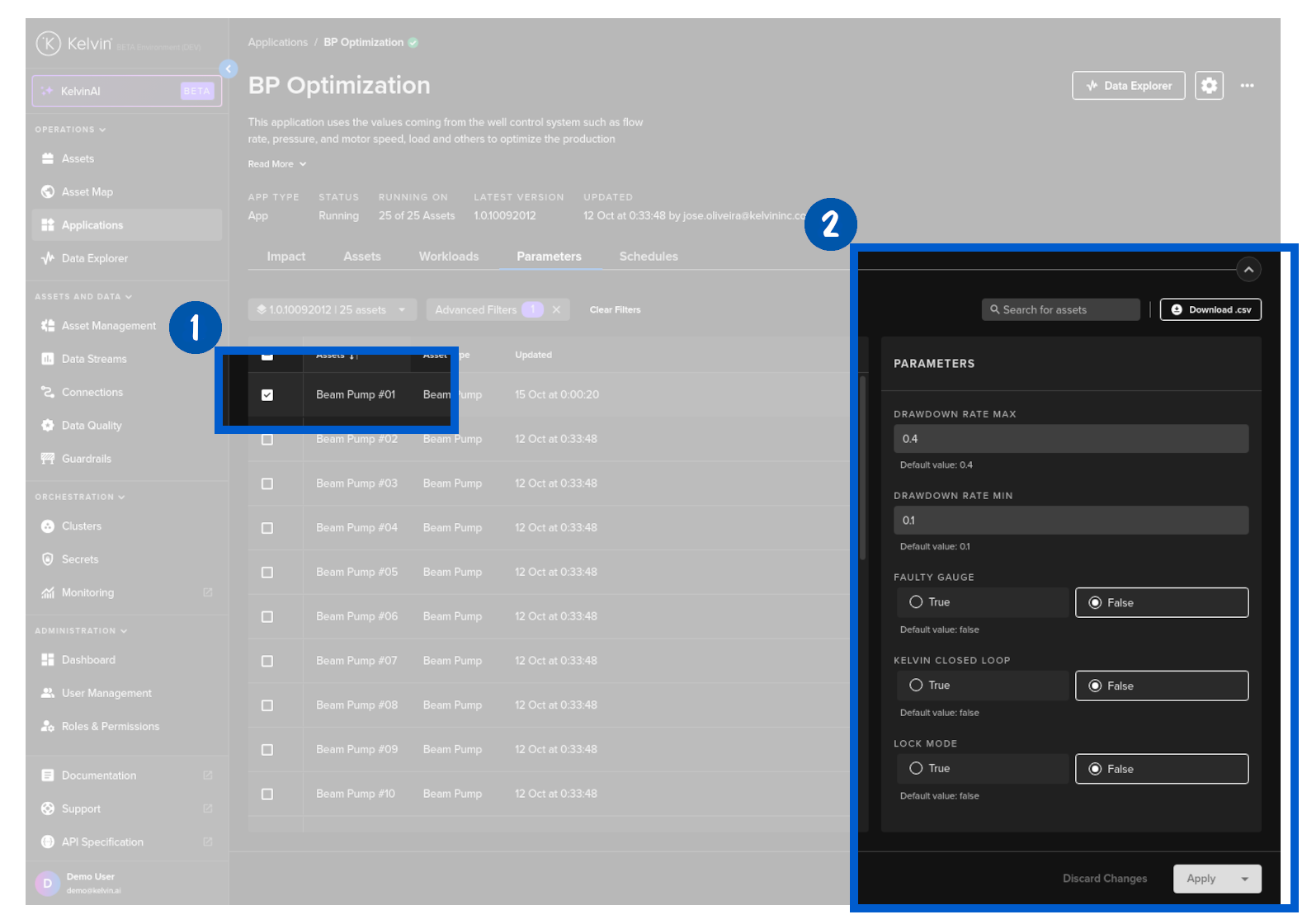
Parameters Tab
App Parameters are values set by the user and used by Kelvin SmartApps™ to perform calculations on incoming data for each individual Asset.
Note
When an Asset is first added to a Kelvin SmartApp™, a default set of values will be first applied to its Parameters.
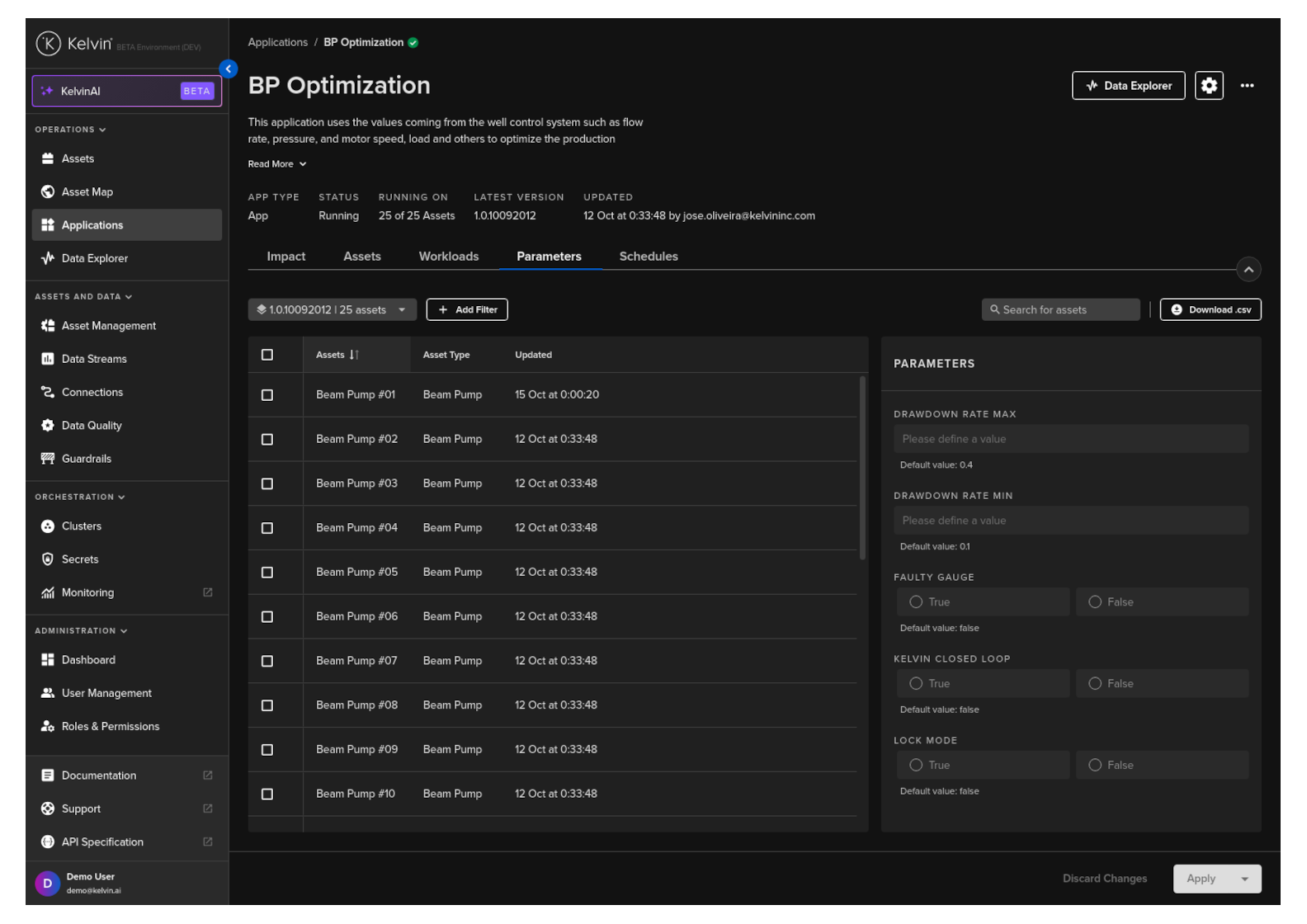
The App Parameters are used in the Application while it is running its program. How they are used will depend on the type of program and how the Software Engineers have programmed it.
In many cases they will have an influence on the type of Recommendations that are produced to either control the assets directly or for the Production Engineers to review and approve.
Filter Assets List
You can filter the Asset table to show relevant Assets only.
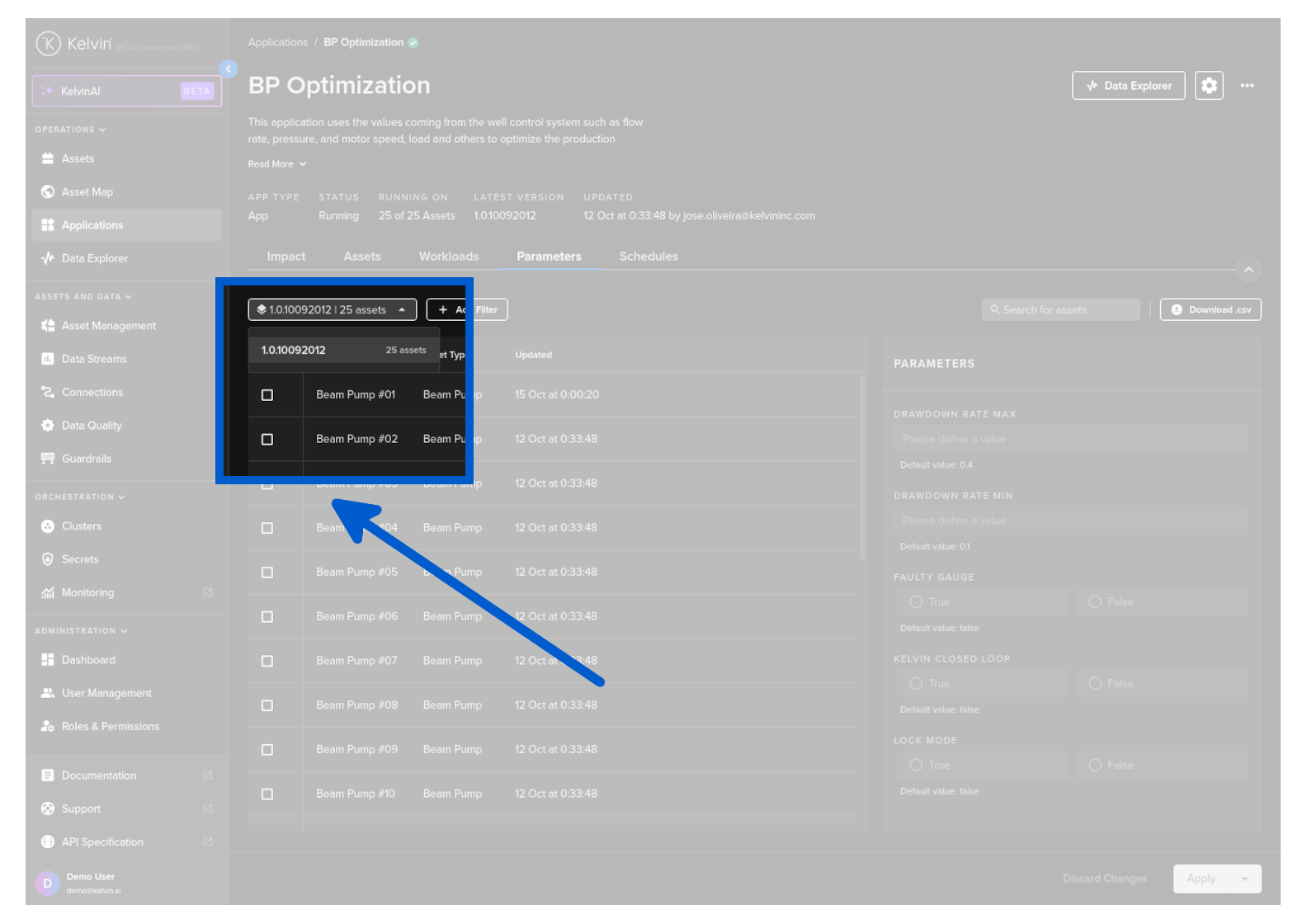
You can filter according to the App version. Only Assets deployed with this version will be displayed.
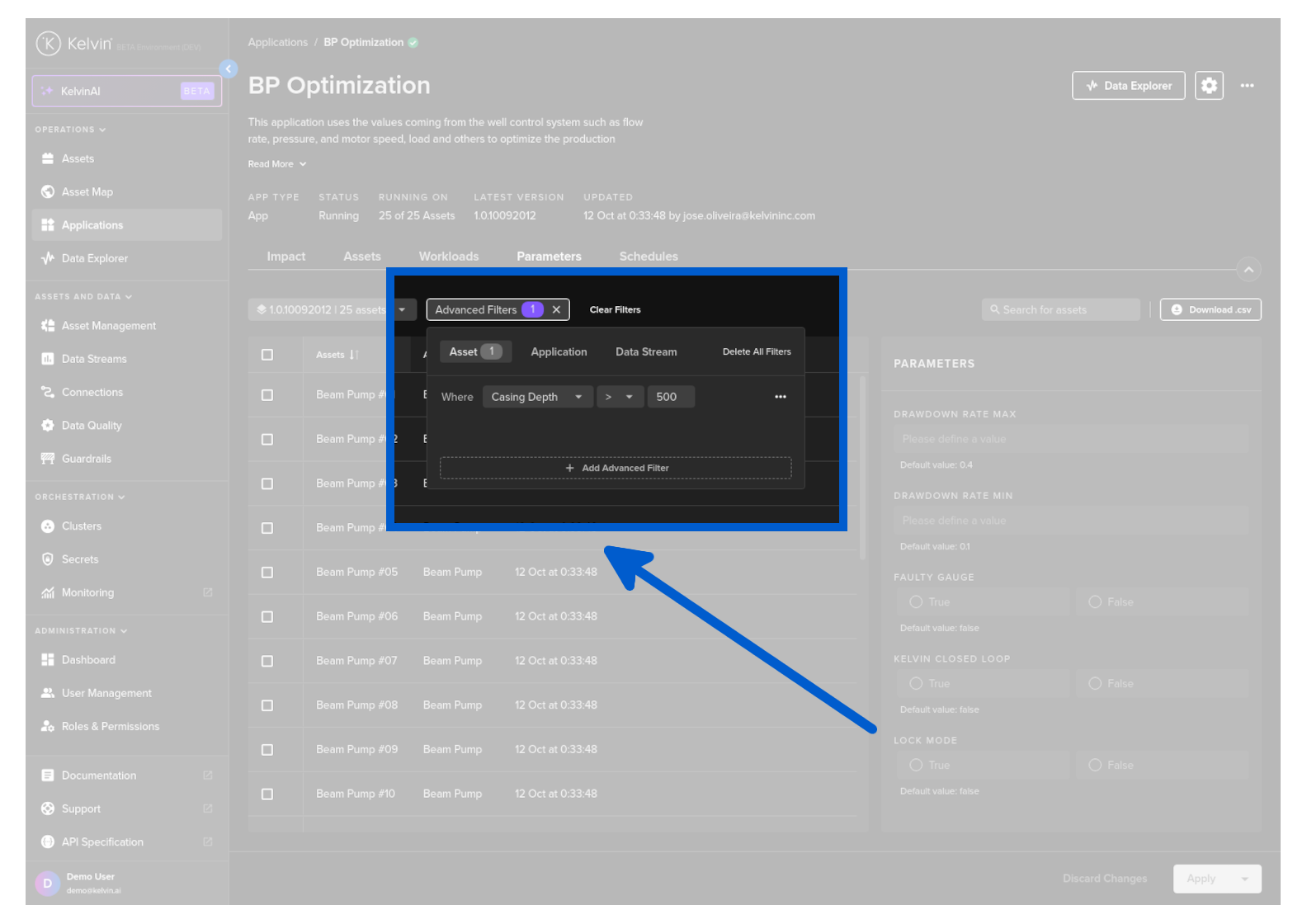
You can also filter the list in advanced filters.
There are a range of filter options available to allow you to monitor the Assets of importance.
- Asset Properties
- Application Parameters
- Data Stream values
- Insights
- Recommendation type, status or date of creation/update
- Control Change setpoint, status or creation date
- Applications
Multiple advanced filters can be defined and will be filtered as AND meaning that Assets displayed must meet all criteria in the advanced filters section.
View Parameter Values
You can see the current App Parameter values for each Asset.
Then select any Asset and the current values will be shown in the Parameters section.