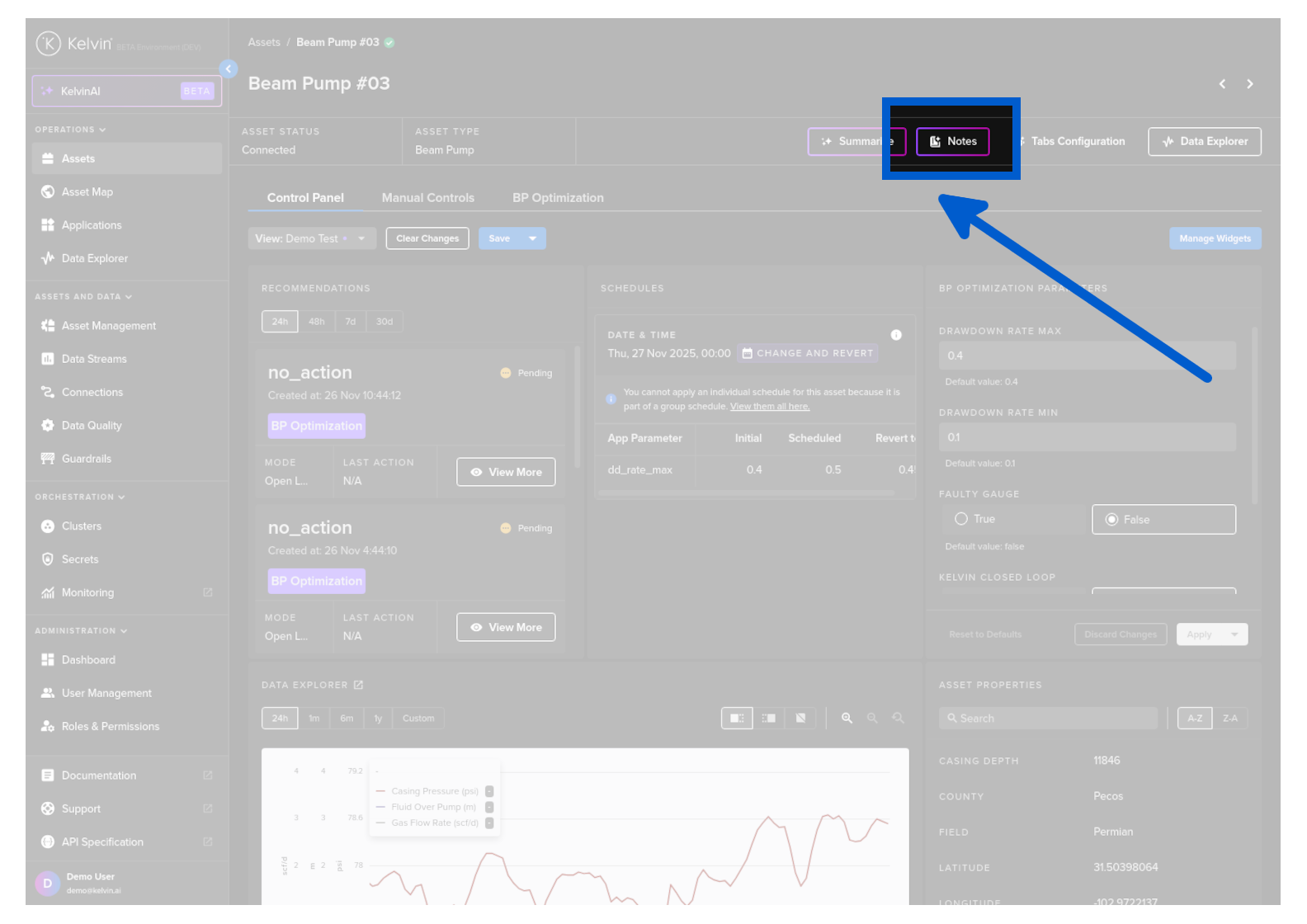
Kelvin AI Notes
Notes are any historical question/answers that you decide to keep from your general conversations with the Kelvin AI.
All Notes are automatically linked to an Asset so that it is easy to find and review key historical conversations.
Save to Notes
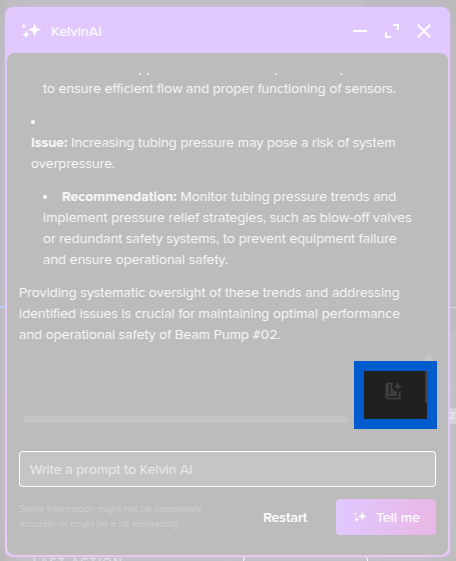
You can save to Notes simply by clicking on the Notes icon at the bottom of a response.
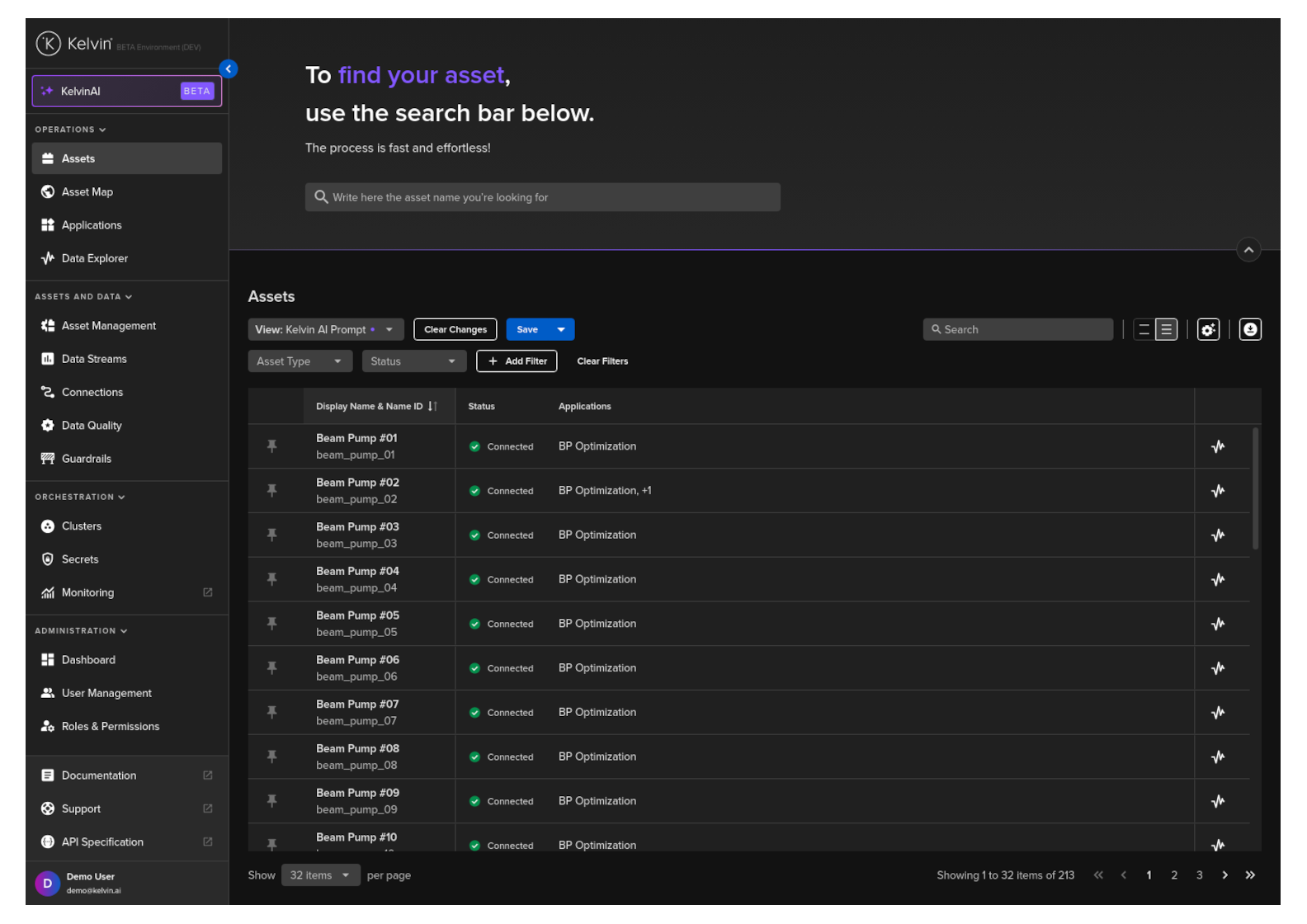
View Notes
Click on the Assets menu item and then on an Asset name of interest in the list.
Then in the details page, click on the Notes button. A popup will appear with all question/answers you have saved.