Reset Password
On this page you will learn as Administrators and users how to reset a password for Kelvin.
The instructions here are only for the built-in Keycloak solution. For other SSO solutions, refer to your SSO's documentation on how to reset passwords.
Both the User and the Administrators have the ability to reset a password without having knowledge of the original password.
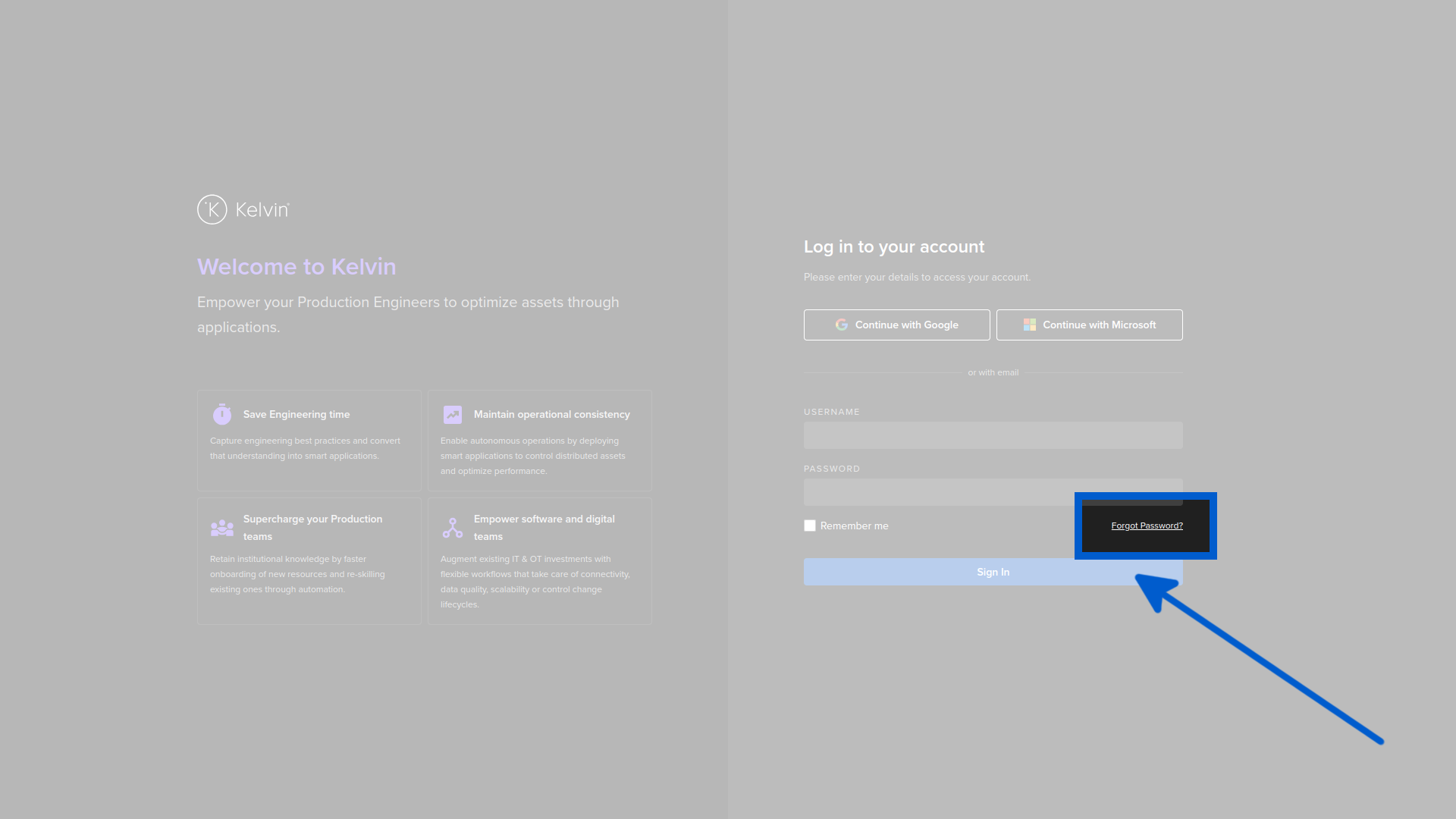
To reset a password the user can go to the login page and click on the Forgot Password link.
You will then be prompted to enter your login email address or username.
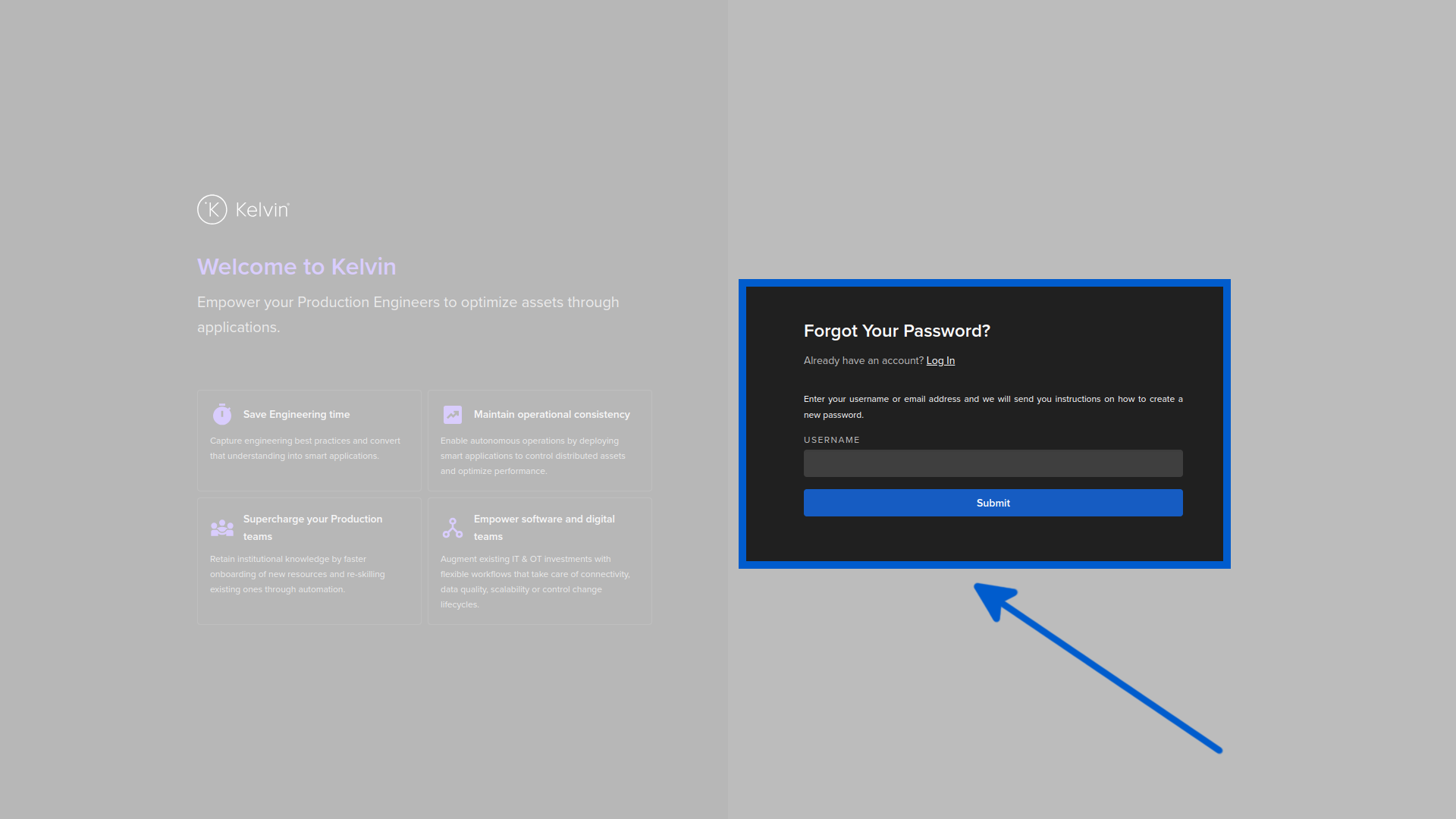
If your email or username is valid and in the system, then you will then be send an email with instructions on how to create a new password.
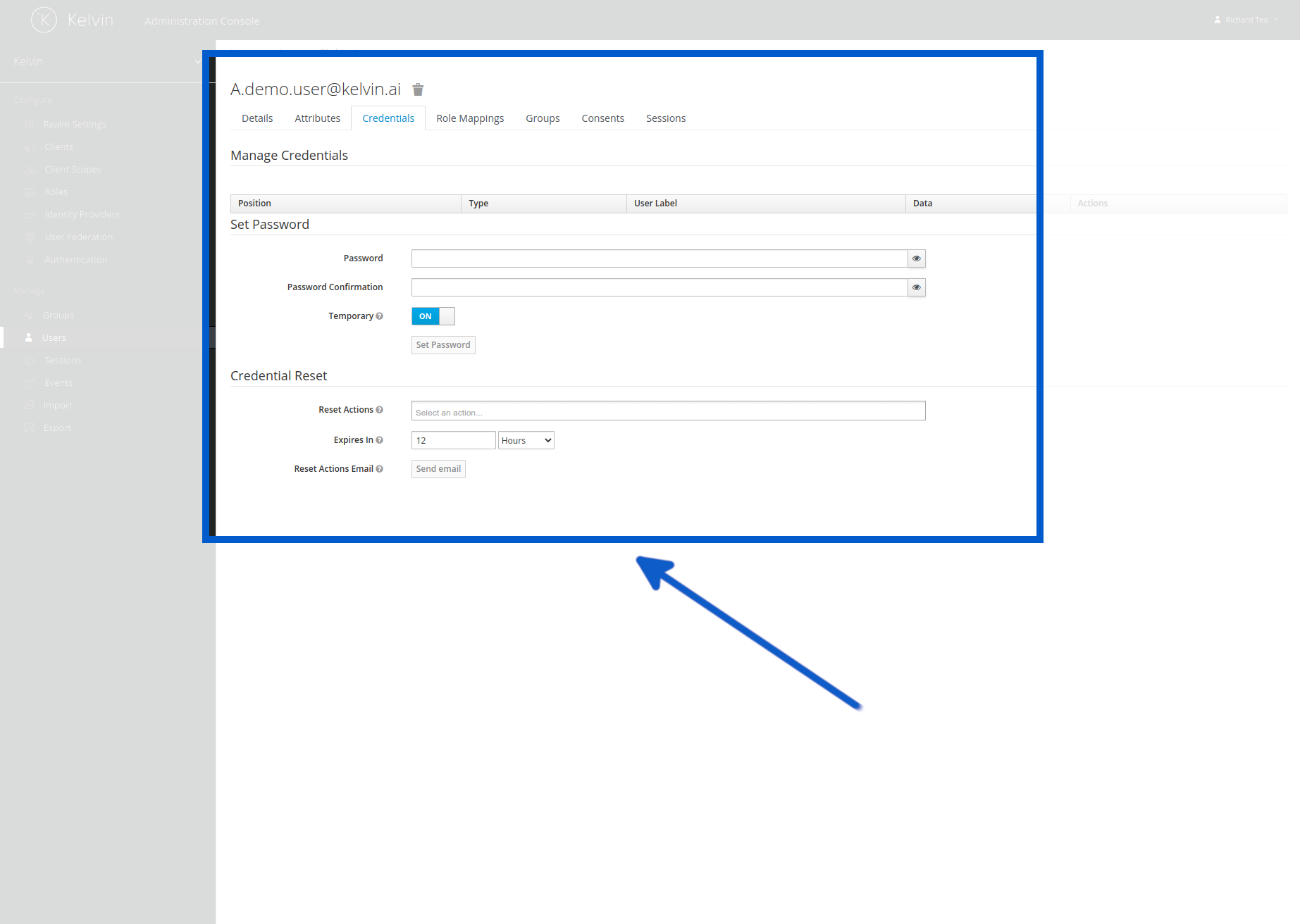
To reset a password the administrator can assign a temporary password in Keycloak and then force the user to create a new password when they first login again.